ShtSell Call Options when assigned, are recorded as Sold instead of CvrShrt - download from ETrade

Misra
Misra Quicken Windows Subscription Member ✭✭
edited September 19 in Investing (Windows)

Call Options which are (ShtSold), sold against covered securities, when assigned, show as Sold instead of CvrShrt. Following downloading from ETrade.

I have to always manually change it from Sold to CvrShrt.

Beginning transaction is reported correct __ ShtSold

Closing transaction after assignment, is incorrect — Show Sold instead of CvrShrt.

Is there any setting to make this right, in Quicken Classic Deluxe for Windows

Thanks

Comments

  • Rocket J Squirrel
    Rocket J Squirrel Quicken Windows Subscription SuperUser ✭✭✭✭✭

    Contact ETrade. They are sending the wrong transaction type. Otherwise, continue to correct the transactions manually in Quicken.

    Quicken user since version 2 for DOS, as of 2025 using QWin Premier (US) on Win10 Pro & Win11 Pro on 2 PCs.

  • Misra
    Misra Quicken Windows Subscription Member ✭✭

    ETrade is sending — "Option Assigned", Quicken is interpreting that as "Option Sold"

  • Chris_QPW
    Chris_QPW Quicken Windows Subscription Member ✭✭✭✭
    edited August 18

    Where are you getting this information? What ETrade puts on their website can be different than what they send to Quicken.

    EDIT: if you are using the Direct Connect connection type, you can select Help → Contact Support → Log Files → OFX Log to see what ETrade sent. You will have to search for that transaction maybe by the amount or security and see what action goes with it. Looking at the OFX specification it seems like it should be in the field <OPTSELLTYPE> and be either SELLTOCLOSE or SELLTOOPEN.

    Signature:
    This is my website (ImportQIF is free to use):

    http://www.quicknperlwiz.com/

  • Misra
    Misra Quicken Windows Subscription Member ✭✭

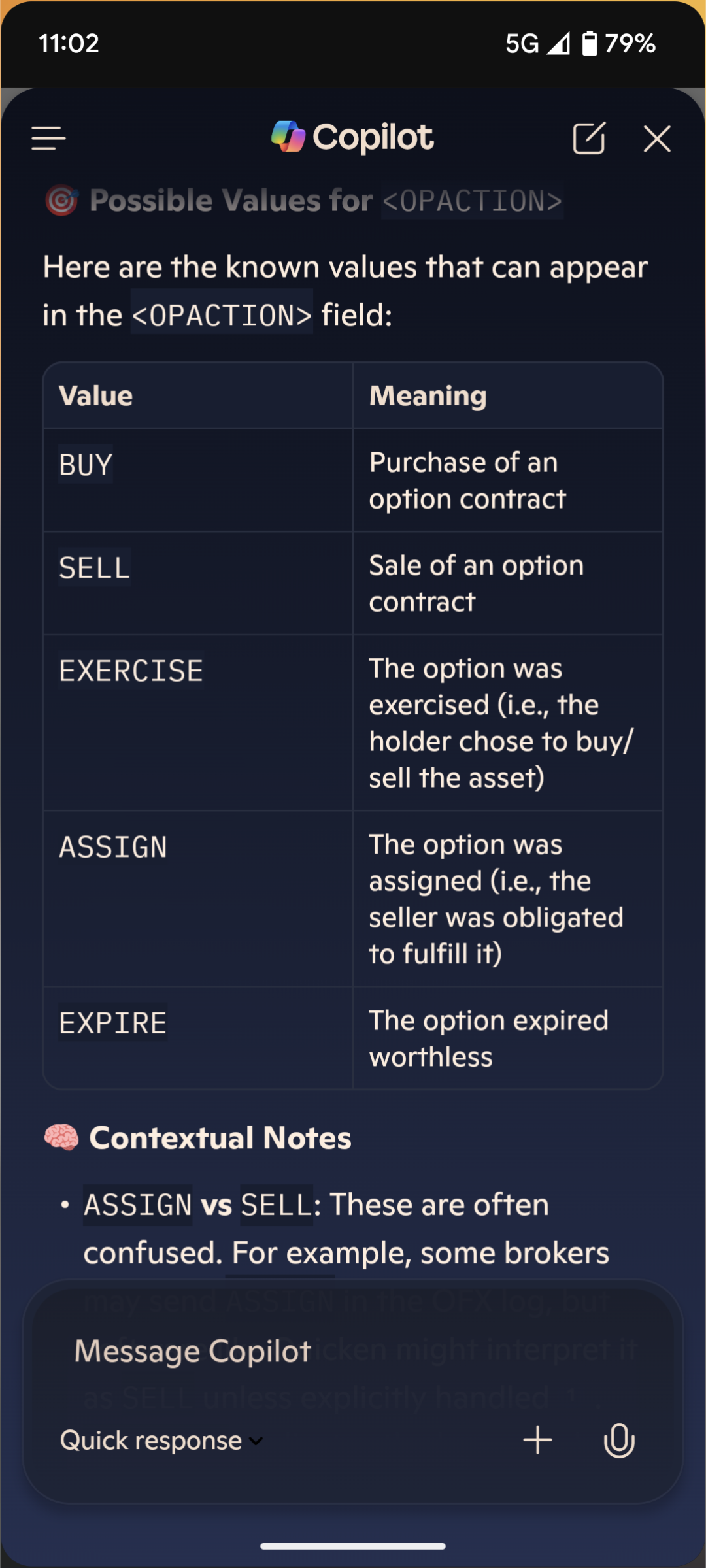
    OFX Log says — OPTACTION . ASSIGN

    Quicken is interpreting it as Option Sold

    FITID>250811_S_1
    <DTTRADE>20250811170000.000
    <MEMO>CALL UAL 08/08/2589.000
    </INVTRAN>
    <SECID>
    <UNIQUEID>250808UALC89E
    <UNIQUEIDTYPE>CUSIP
    </SECID>
    <OPTACTION>ASSIGN
    <UNITS>30
    <SHPERCTRCT>100
    <SUBACCTSEC>MARGIN
    </CLOSUREOPT>
    <SELLSTOCK>
    <INVSELL>
    <INVTRAN>

  • Chris_QPW
    Chris_QPW Quicken Windows Subscription Member ✭✭✭✭
    edited August 19

    Looks like a bug in Quicken to me

    1000001253.png

    Signature:
    This is my website (ImportQIF is free to use):

    http://www.quicknperlwiz.com/

This discussion has been closed.