This error has been daily for over a month. I have been reporting the error on a daily basis.
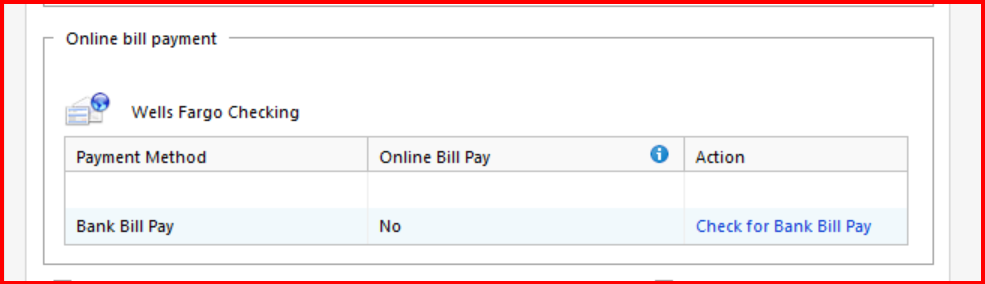
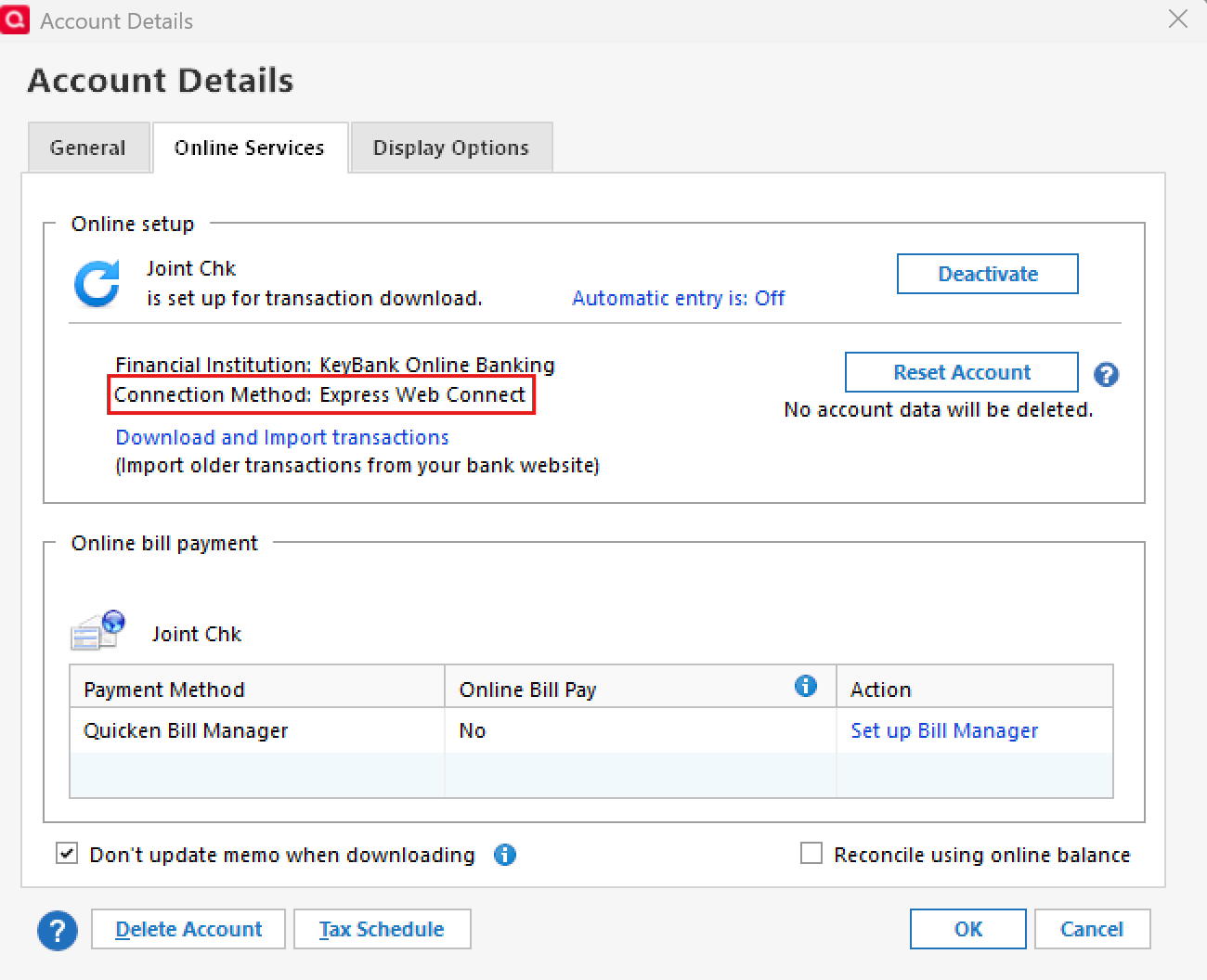
@Mastercraft check all your Pinnacle Bank accounts Bank Bill Pay setup in the Online Services tab of Account Details -
If you use Pinnacle Bank's Bill Pay, make sure only your checking account has it set to "Yes" and all other accounts are set to "No".
If you don't use Pinnacle Bank's Bill Pay, make sure all are set to "No".
If you use Pinnacle Bank's Bill Pay and you still get the error after leaving the checking account to "Yes", try changing it to "No" and see if that fixes the issue. This means that you will not be able to use Pinnacle Bank's Bill Pay through Quicken.
@Mastercraft I have requested that your post be moved to a Quicken Windows category.
I checked my settings and all of my checking accounts were set to "No" for bill pay. This did not help with the error unfortunately. I am also working on a Wellsfargo error/not connecting. So frustrating that these error seem to show up and the connection stability is non-existent
@Mastercraft please see some suggestions in this Quicken Support article.
https://www.quicken.com/support/message-when-using-quicken-online-services-ol-393/
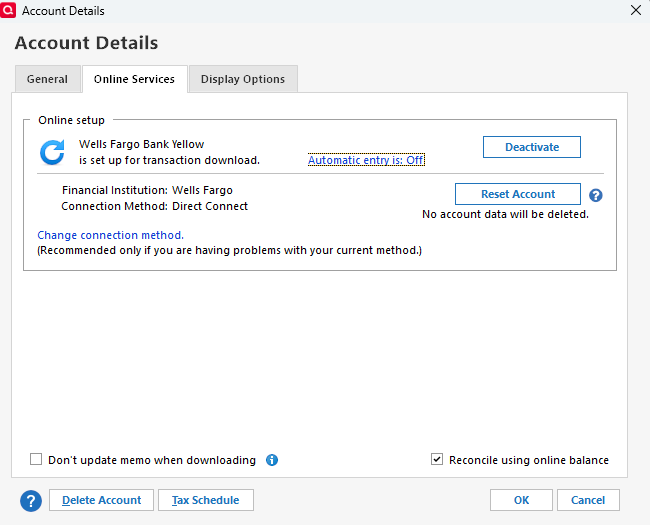
Also, what connection method are you using for Wells Fargo - Direct Connect or Express Web Connect+?
Direct connect, but it does not work. I have to manually download. Been working on this one for over a month as well.
Hello @Mastercraft,
Thank you for the update. I see that @CaliQkn already shared the support article for error OL-393, but I wanted to follow up. If you’ve already tried the steps outlined there and the issue is still persisting, the next step is to reach out directly to Pinnacle Bank.
As noted in the article, Quicken does not have access to the bank’s servers to resolve this type of error. You may need to ask for an online services specialist (such as a supervisor or Tier 2 agent) who handles transaction download issues, and if the first line of support cannot help, it may require escalation within the bank.
For your Wells Fargo issue—which error are you seeing when attempting to connect? Is it different from the Pinnacle Bank error you're seeing?
Thank you!
It is different. Right now Wellsfargo does not download any of the transactions automatically. I have to manually download even though I have set up the connection.
Now Ally is giving me a CC-502 error this morning. Frustrating.
Thanks for following up!
For the Wells Fargo account, please right-click the account name and select Edit/Delete Account. Then go to the Online Services tab and let us know what connection method is currently listed.
As for the Ally Bank account—when looking internally, it shows the last attempt was successful. Are you still seeing the CC-502 error on your end when you try now?
Check back and let us know!
And now Etrade is giving me cc-502. Its everyday…I even went out and purchased a new PC, just for internet and Quicken-nothing else.
I have sent you a direct message, please navigate to the inbox in the top right-hand corner of the Community page and check your inbox.