Somehow when I downloaded transactions from my brokerage account it missed a dividend. Instead of typing everything in I went back to a previous dividend, copied it, pasted it and changed the date. But the Clr status is R (reconciled) I want to change that to “c” (cleared)
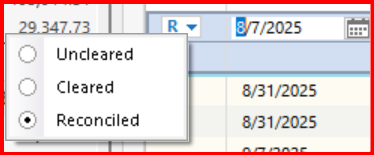
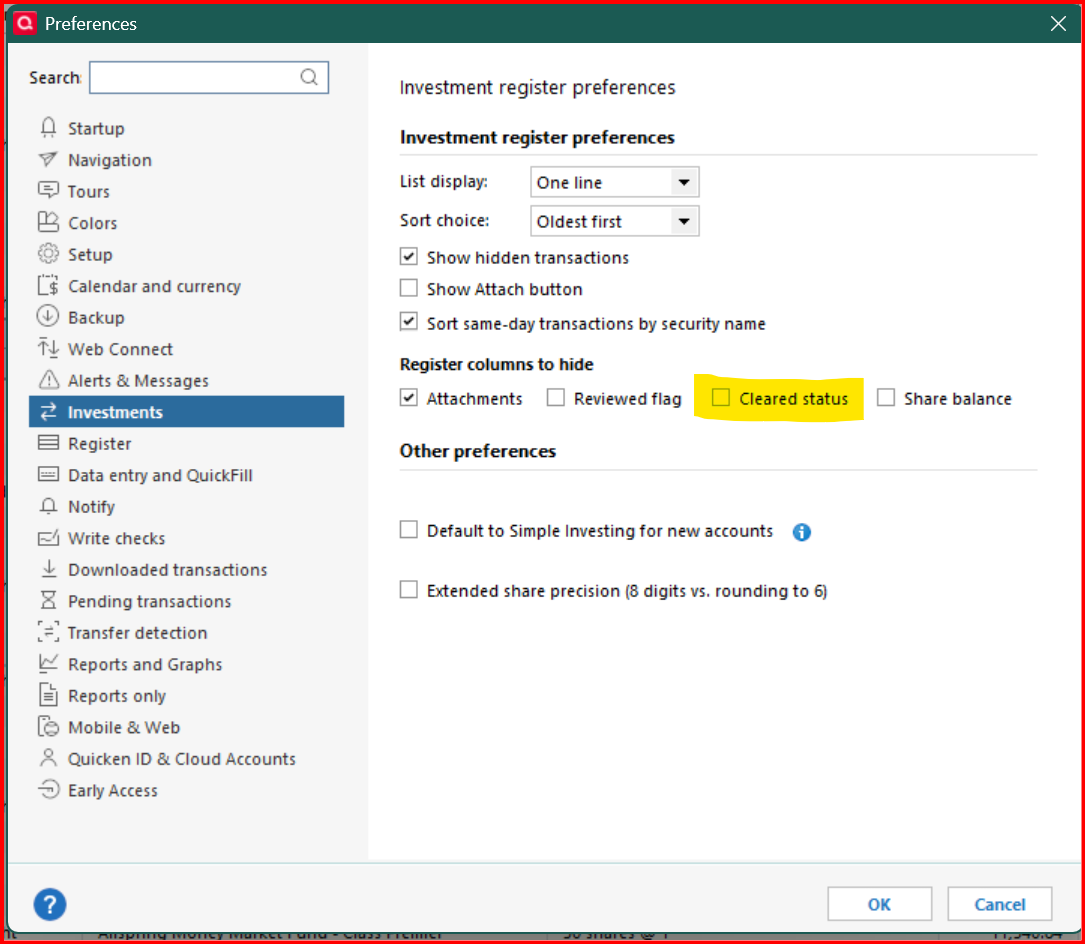
In my checking and credit card registers I can click on the Clr field and pick the status (cleared, uncleared or reconciled) from the menu, But in the investment registers there is no menu.
Quicken Premier R63.21 Windows 11