Have to "reset" my BMO account every day

Rich Burke
Rich Burke Member ✭✭✭

If I do not go through the steps of "resetting" my BMO banking accounts every day, I get no transaction download.

Since the change of vendors, I have had nothing but problems connecting to financial institutions and online billers.

Comments

  • Quicken Anja
    Quicken Anja Moderator mod

    Hello @Rich Burke,

    Thanks for sharing the details about your experience. To better understand what’s happening, could you clarify what you mean by “resetting” your BMO account every day? Specifically:

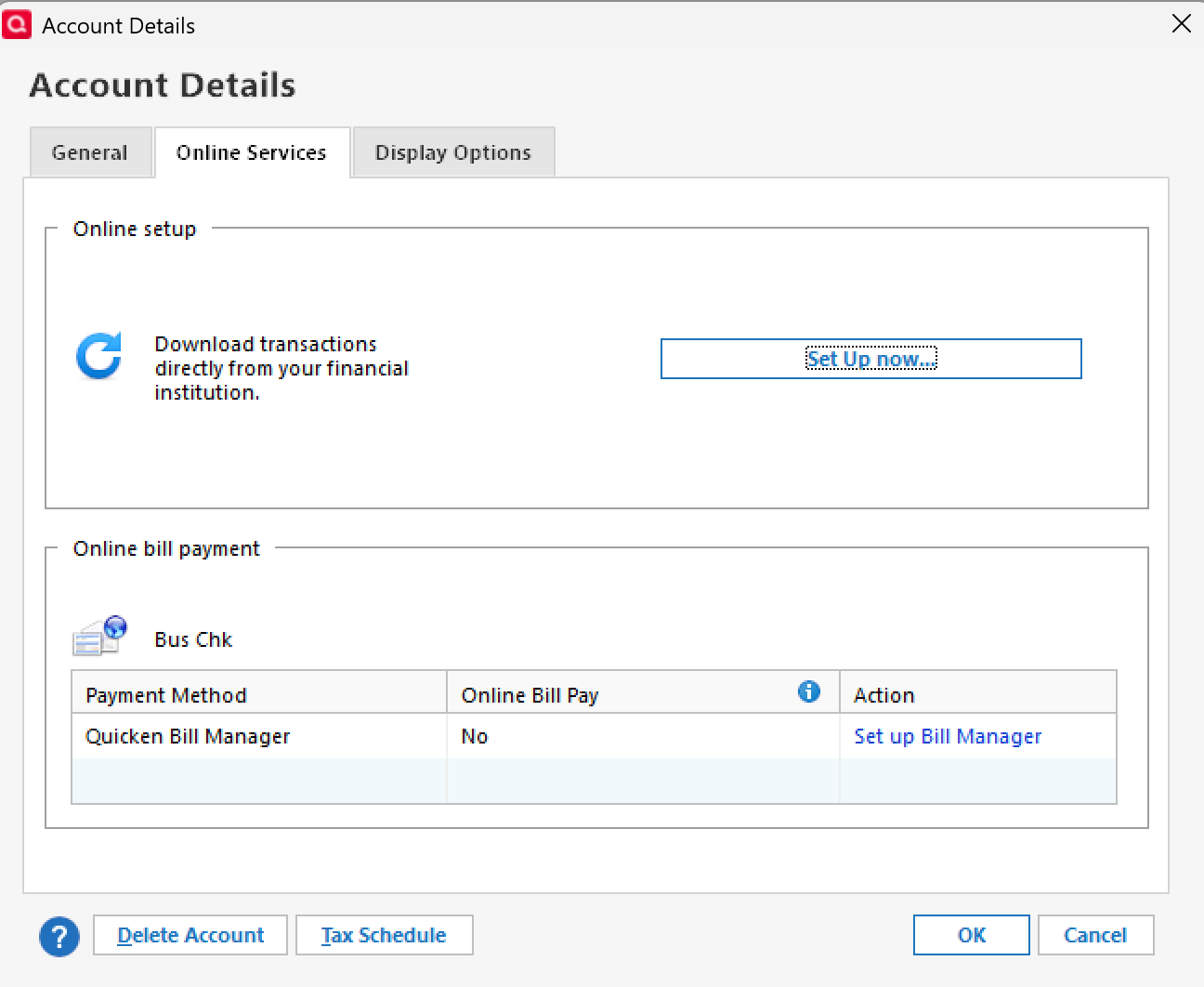
    • Are you choosing the Reset Account option under the Online Services tab, or are you deactivating and reactivating the account?
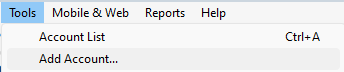
    • If you are deactivating and reactivating, when you reconnect, do you use Set up Now in the Online Services tab, or Tools > Add Account?
      • Set up Now image.png
      • Tools > Add Account image.png

    Check back and let us know! Thank you.

    -Quicken Anja
    Make sure to sign up for the email digest to see a round up of your top posts.

  • Toddrg
    Toddrg Quicken Windows Subscription Member ✭✭

    I am having the same issue. When I do my onestep, Quicken can't connect with BMO and then asks the questions, have you renamed the account have you delleted the account, etc. then it ends up doindg a reset. When it does the reset (and I've done this 6 times) sometinmes it finds one of the 3 accounts I have, or 2 of the three accounts I have but never properly links them, so I go through the same dance the next day.

  • Rich Burke
    Rich Burke Member ✭✭✭

    I am using Reset Accountoption under theOnline Servicestab

  • Rich Burke
    Rich Burke Member ✭✭✭

    I have also de-activated and re-activated several times

  • Quicken Anja
    Quicken Anja Moderator mod
    edited August 28

    Thanks for chiming in, @Toddrg!

    @Rich Burke and @Toddrg, to help address the ongoing BMO connection issues, I recommend the following steps:

    • Save a backup of your Quicken file before attempting any further troubleshooting. This ensures you have a restore point if anything unexpected occurs.
    • Deactivate the affected accounts completely.
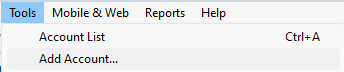
    • Reconnect the accounts using Tools > Add Account rather than the "Reset Account" or “Set up Now” options in the Online Services tab. image.png This method can help establish a cleaner connection because it rebuilds the account link in Quicken from scratch, which often resolves issues that persist even after daily resets or partial reconnections.

    Once you’ve tried this, please check if the accounts sync properly and let us know how it goes!

    -Quicken Anja
    Make sure to sign up for the email digest to see a round up of your top posts.

  • Rich Burke
    Rich Burke Member ✭✭✭

    Ok I have done that, we will see how it behaves over the next week.

    Thank you.

  • Quicken Anja
    Quicken Anja Moderator mod

    @Rich Burke Perfect—thank you for giving that a try. Please keep us posted on how it behaves over the next week, and don’t hesitate to reach back out if the issue comes back up.

    Thank you!

    -Quicken Anja
    Make sure to sign up for the email digest to see a round up of your top posts.

This discussion has been closed.