It seems that with quicken with windows (10,11) the cannon scan gear used when attaching a receipt alternately works then doesn't work. In the past months I've been using it without a problem but today it is broken again. I get a quicken update almost every day so I could not say when it stopped working.
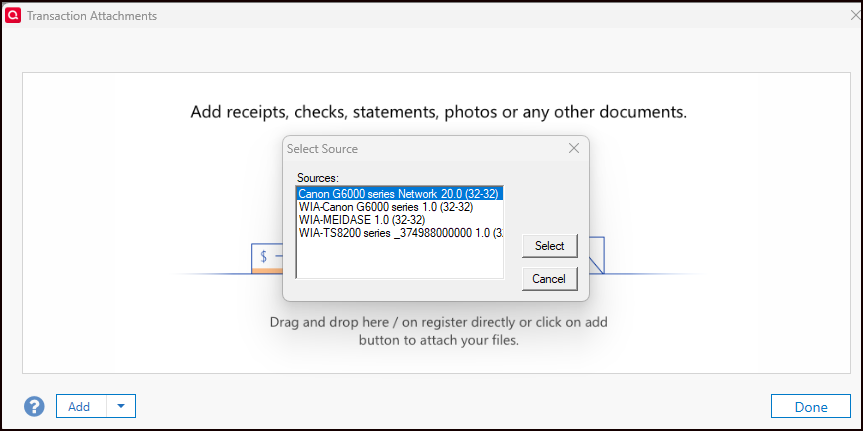
The sequence is this: I click the paper clip; click add; select from scanner; it ask which scanner; I select canon G6000 series Network 20.0 (This is a direct wired connection to the PC). Then the cannon app for their scan gear app pops up and scans the doc. All good so far.
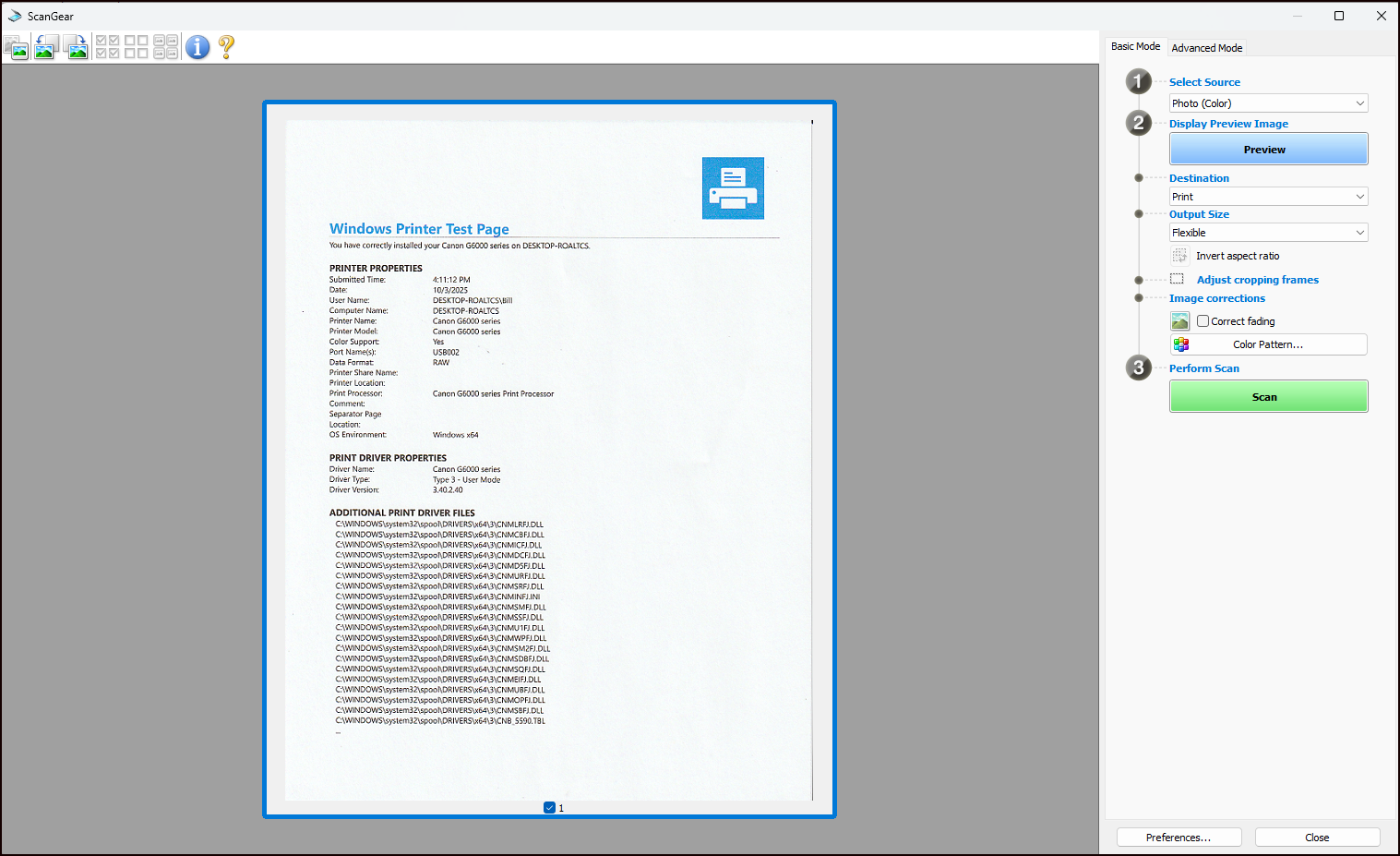
But, cannon's scan gear app has two buttons one "preview" and one "scan" at the bottom. The app automatically scans a preview, then you must click scan to complete the operation. Clicking scan now does nothing. I mean nothing and the app is now locked so that nothing is active. You cannot X out or get any other button to do anything. All I can do now is CTL, ALT, DEL and end the quicken task.
However, the WIA Canon G6000 Series 1.0 (32-32) selection seen in the scanner selection box below will work but this produces a jpg image.
The scan gear app works outside of Quicken without a problem and doesn't freeze.
This has been a problem over the years with different printers and computers. Can anyone say why this works sometimes then other times if freezes? Any fixes?
After writing this I experimented with setting up the WiFi connection to the printer/scanner and was able to select yet a different scanner number , but the same G6000 printer, and it did work without freezing but it was a different cannon app not the same one that comes up when selecting the wired connection; canon G6000 series Network 20.0. This WiFi connect routinely drops out so this connection method is not preferred.
I know little about scanner connections but it seems that you should be able to connect to the scanner side of the printer either from WiFi or wired but that is not how it is working.
Any help appreciated.
Thanks,