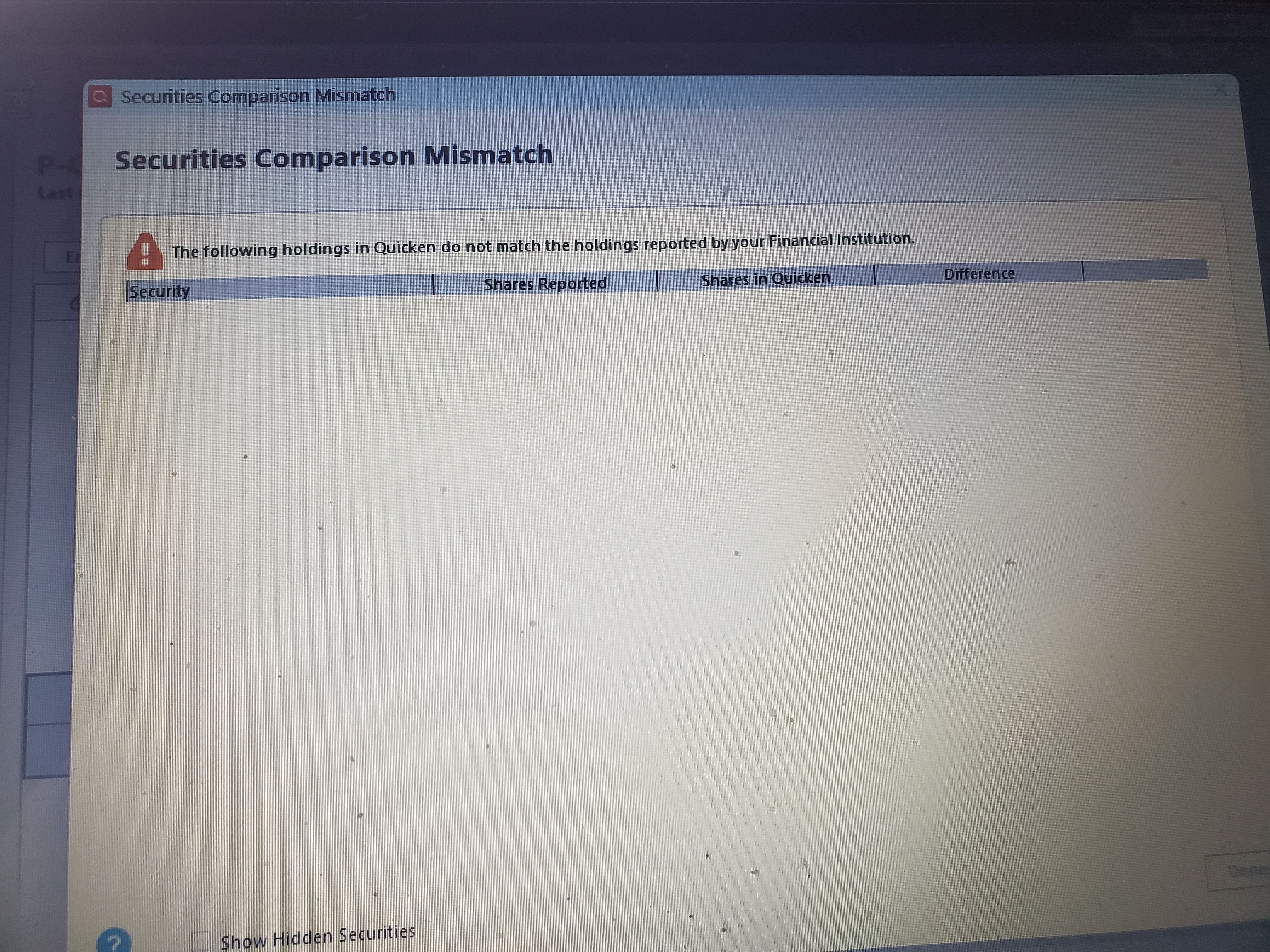
I get this screen after every OSU on only ONE Schwab account. It is always empty and it does not happen on any of the other Schwab account unless I click Reconcile Shares. How do I turn this off?
Windows 11, Q R64.30
Over in Preferences under "Downloaded transactions" you could uncheck this Account for "Comparison" but you might not won't to do that as no mis-matches would be reported, if they existed.
Do you check to see for any actual mis-matches that might exist by logging into Schwab and checking?
Maybe try clicking that "Show Hidden Securities" box to see if some tiny fraction of a share for a security you no longer own is somehow triggering that screen?
Does this Account have the Schwab Prime Advantage MM fund in it? I routinely get prompted with this mis-match screen for that fund, even through there really is no mis-match, and some quirk is bring that screen up but dropping the security it applies to?
Well, this is interesting. I clicked the switch in Preferences/ Download Transactions just for the account. Then I ran an update on that account. The Securities Mismatch screen did not come on. I went back and turned that switch back on and reran Update. That screen did not come back. I then ran OSU and the problem still seems to be gone like a Ghost bug. I will watch it to see if it reoccurs. Thanks, Tom, for pointing me to those Preference switches that I had not seen before.
Back to normal daily OSU. My false Security Comparison Mismatch false error has Returned for that one account.