We already have the Register Preferences option to enable/disable the "pop-up registers" (Edit > Preferences > Register > Use pop-up registers). By default it is disabled and perhaps most users prefer this default. There are times that I would like to pop-up a register for a short time as a side-by-side comparison and then back to default. To do so I enable the corresponding register Preferences to make it happen, and when I am finished, I disable it back again. But to make this even quicker:
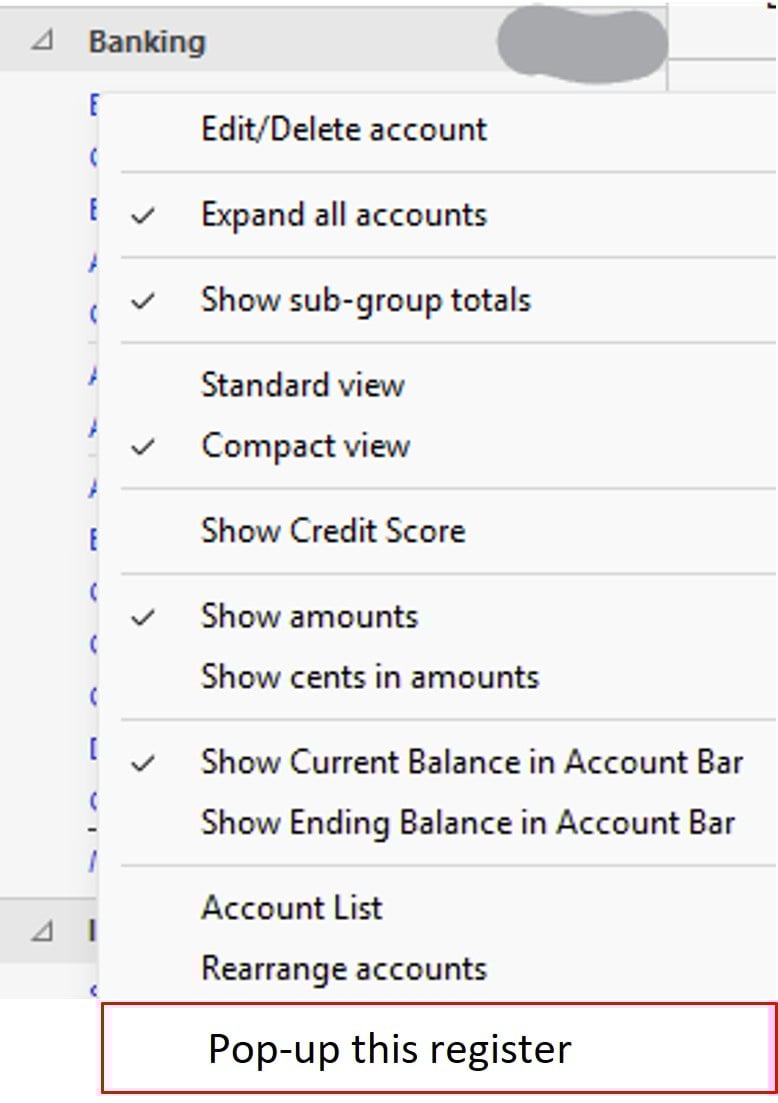
The idea is for Quicken to implement an option where if you right click on the name of the Financial Institution (FI) on the left pane, you will be presented with another option to Pop-up this register (mock up image below) without changing the global register Preferences. This is a nice to have option, if trivial to implement. Thank you.
If you like this idea please click on the square box below to up-vote it - thank you.


