one step update not working for CU

Bill318
Bill318 Quicken Windows Subscription Member ✭✭

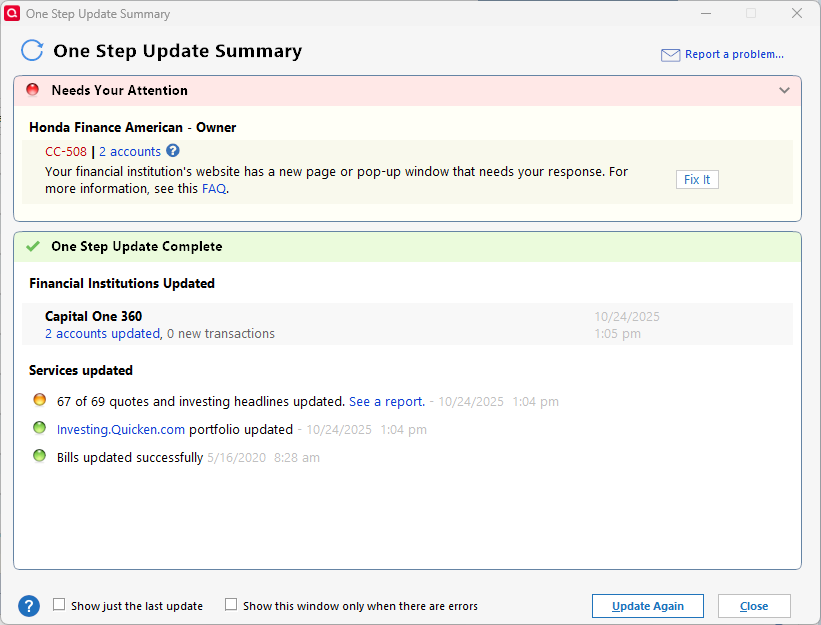
This started last week - my credit union ( First Commonwealth Fed CU) is no longer updating. Also I noticed that in one step update summary very few of my accounts showed - see screenshots below showing the one step update summary and the list of accounts. Disregard the Honda message.

I am using Classic Deluxe version R64.35.

Any help is appreciated.
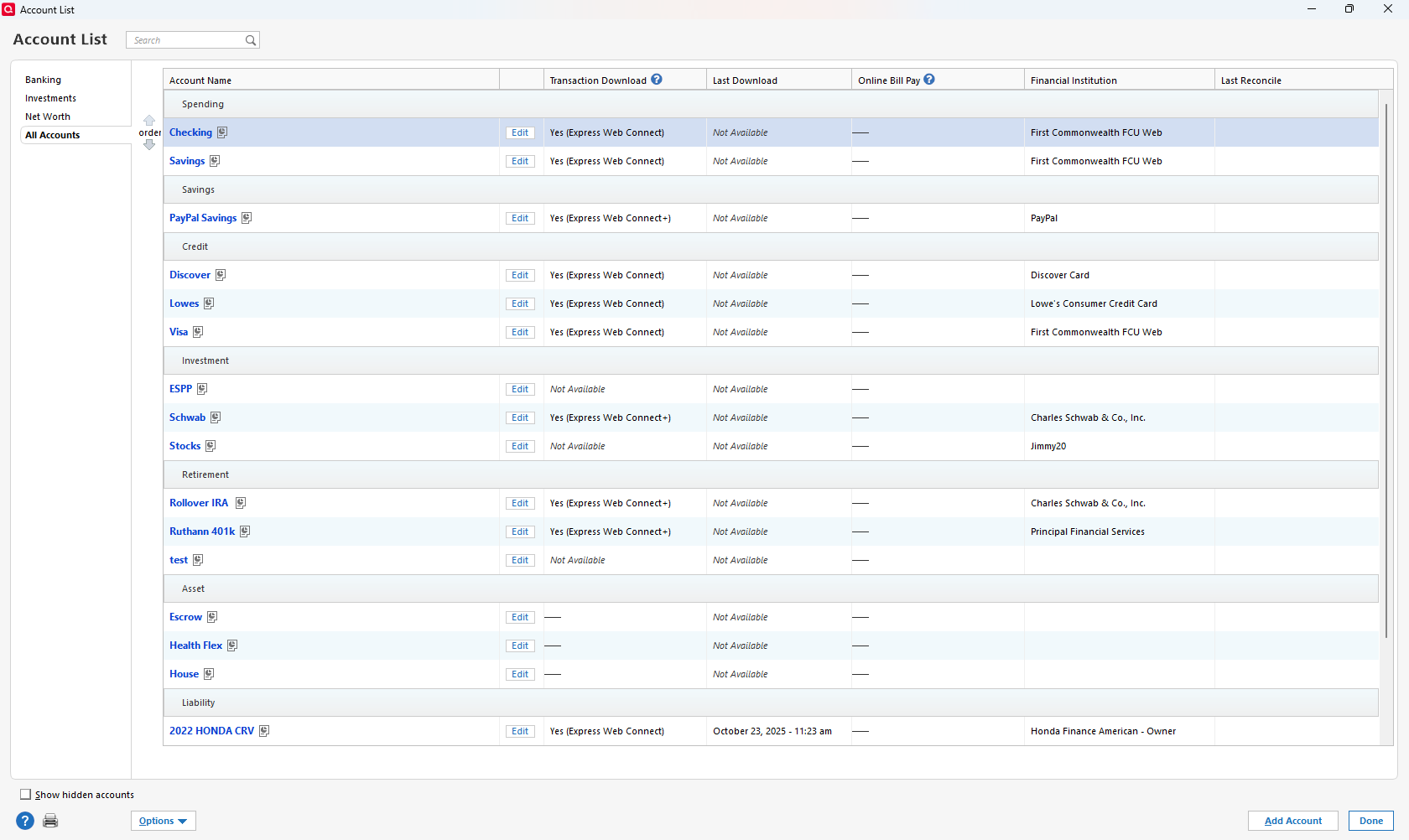
image.png image.png
Tagged:

Answers

  • recursor1
    recursor1 Quicken Windows Subscription Member ✭✭✭

    You don't have your connected accounts all selected. If you click the little down arrow next to the one step update circle thing, you'll see an option to update settings, which is where you check which accounts you want to sync. When you check them off, make sure you hit apply, otherwise your choices won't be saved.

This discussion has been closed.