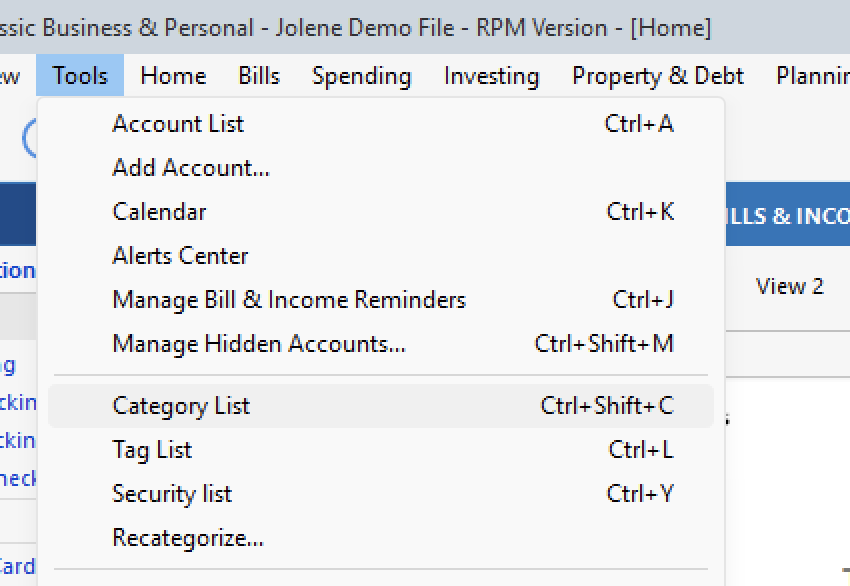
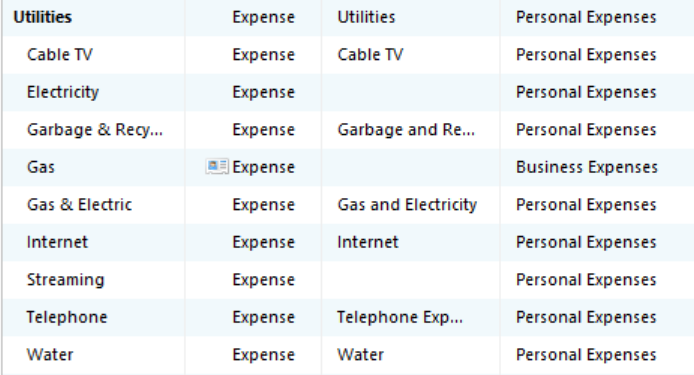
Upon creating a fresh Report from the menu … Reports > Spending > Spending by Category, with the following customizations: Custom (1/1/2010) to Date, Column: Year, Accounts: All, including Hidden and Separate, All Categories-Payees-Tags, Advanced: Transfers - Exclude All, Subcategories - Show All … I observe the following anomalies:
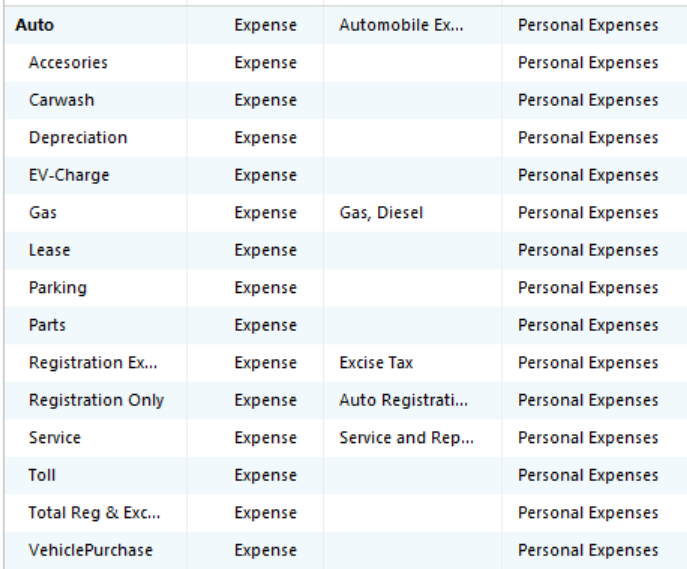
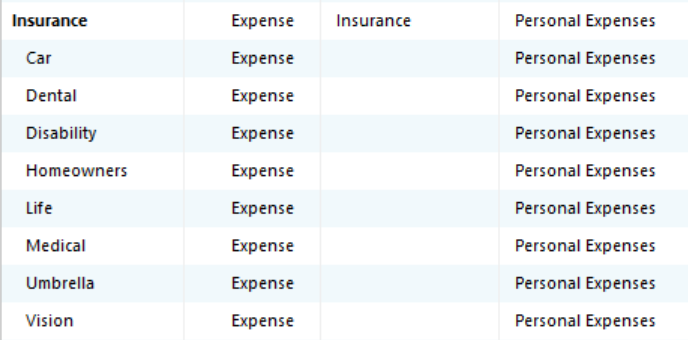
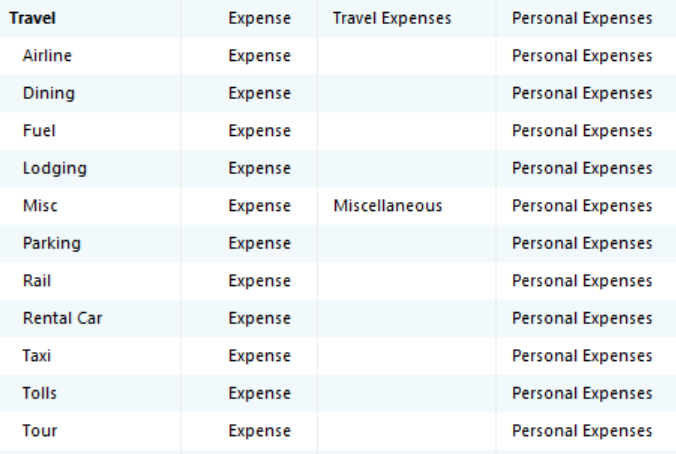
Some Categories with subcategories show up listed with all subcategories appearing as if they are main categories (no indentation, and no "parent" totalization), while others appear normally, as expected, with the Sub-cats indented, and bolded totalization of numbers at the parent level. There does not appear to be any pattern as to which exhibit this anomalous behavior, and which appear normal and as expected.
Example Screenshots
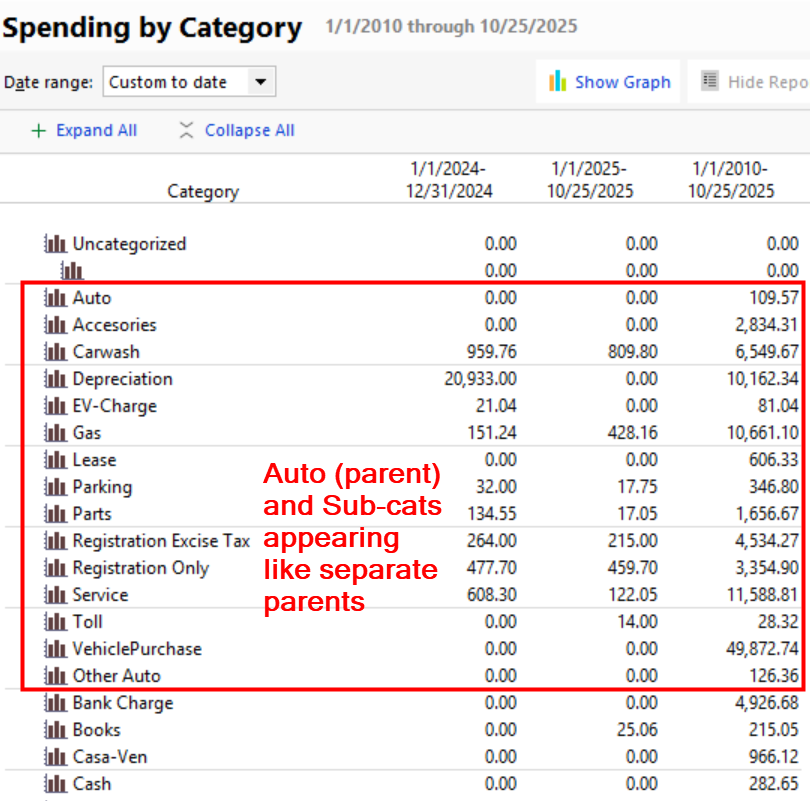
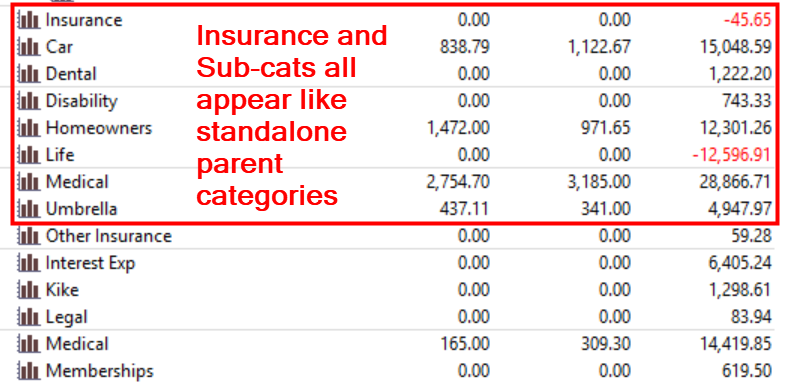
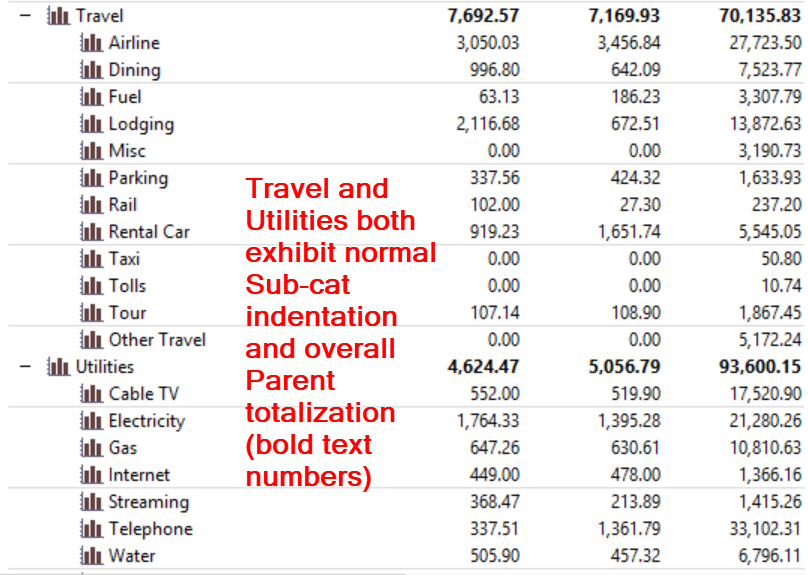
This is not a new issue, just one of several issues I've observed when accessing various report types. Since it shows up in a freshly created Report using the Reports menu, we can't blame a corrupted or outdated Saved report.
@Pablomiller using Quicken Windows Classic - Business & Personal - Version R64.35