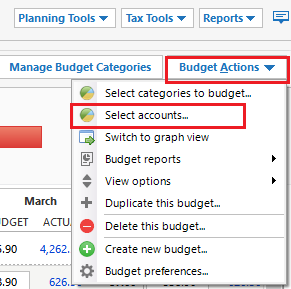
Long time Quicken user but have never really been successful at get the budget planning to work right. My question is: i spend my "budgeted money" across 3 accounts and how do I account for that in the budget without picking up all the other spending and transactions in those accounts that are non-budget related? "non-budget related" you say? How can that be? These are small "saving" categories / buckets I use to essentially to do "average billing" (I put the same amount into one account every paycheck to cover the electric bill and when the electric bill comes around, I take money out of that bucket and pay the bill). I feel like I would have to make "Electricity", "Electricity Transfer" categories.
Note: I've tried using the [transfer] categories but that gets so confusing and transactions get accidentally deleted too easily.
Anyway, any help/tips would be greatly appreciated.