Your Desktop data file isn't alone! :-)
I had wanted to test something, so I turned off some preferences and did a download of transactions (Express Web Connect +).
After this test I copied back my data file before this test and did another One Step Update.
The result?
It put up this message:
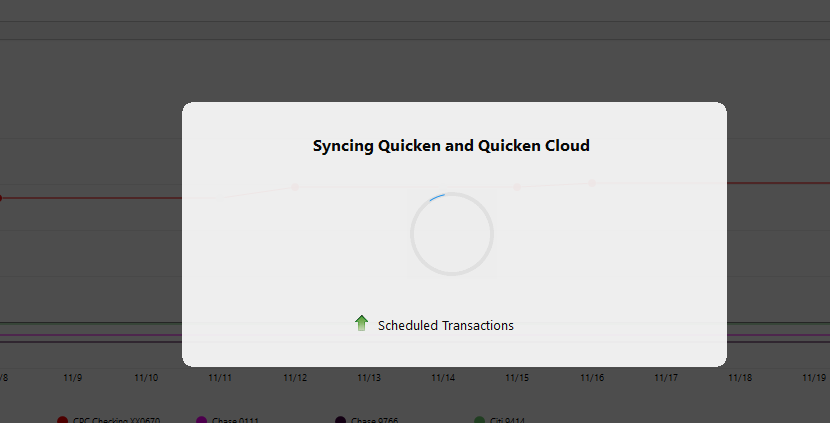
And after that it didn't do the actually One Step Update. That is a bit of a bug right there, but not the point of this discussion.
I ran One Step Update again and this time it did the actual update. Which worked.
The only reason I mention this is because this is just an indication of why backup copies are no longer "safe". This was a change of only three transactions and on the same data Quicken had to sync with the Quicken Cloud dataset.
And if one thinks using "Restore" is better think again, the same kind of syncing is forced on that. The farther back in time you go the more likely something isn't going to sync correctly.
Signature:
This is my website (ImportQIF is free to use):
Comments
-
Even with SYNC off, it definitely talks to the cloud dataset for a bunch of items like Billers etc..
0 -
One of the things I really wonder about (and Quicken Inc is never going to tell us) is exactly what goes on for the transactions for Express Web Connect and Express Web Connect +.
I think originally with Express Web Connect Intuit basically converted whatever format it got into QFX format that Quicken (the program) could understand, and that was basically it.
Then Quicken Inc introduced their servers in between with "QCS" and now it has become much murkier of what goes on at that stage.
Signature:
This is my website (ImportQIF is free to use):1 -
@Chris_QPW When you say "copied back my data file" are you referring to a copy that you made from Quicken's "copy and backup" selection, a Windows file copy, or from your (I think I read about this) version control system?
0 -
To rollback I did use my version control system, but one can just think of it as a Windows copy of the data file.
The equivalent in Quicken would be to do a backup and then just change the type from .QDF-backup to .QDF and then open that .QDF file.
The Copy in Quicken does more than just make a copy, it does a record by record copy of the .QDF file removing things like deleted records, and it also disables the online services and forces the user to reconnect all of them.
Whereas if you use Quicken's restore or open a *.QDF-backup file what it does is sync that data file with the Quicken Cloud dataset.
The more I think about it I'm wondering if there really is much difference these days between just opening an old QDF file or the "restore". Is suspect there are some subtle differences, but the real point is that unless someone is working without any online services enabled, there isn't any way to avoid the "sync" and it is pretty obvious that the farther back in time that goes the more chance that it will mess up in some way.
It used to be that you could get away avoiding the "sync" by using a copy of your data file, but that seems not to be the case anymore.
This tight kind of coupling is one of the reasons I stopped trying to test other people's problems because I was finding that I couldn't just copy (or restore) and be guaranteed to get back to what I had before the test.
Signature:
This is my website (ImportQIF is free to use):1
Categories
- All Categories
- 56 Product Ideas
- 36 Announcements
- 224 Alerts, Online Banking & Known Product Issues
- 22 Product Alerts
- 702 Welcome to the Community!
- 671 Before you Buy
- 1.2K Product Ideas
- 53.7K Quicken Classic for Windows
- 16.3K Quicken Classic for Mac
- 1K Quicken Mobile
- 812 Quicken on the Web
- 111 Quicken LifeHub

