(I came in to edit some typos)
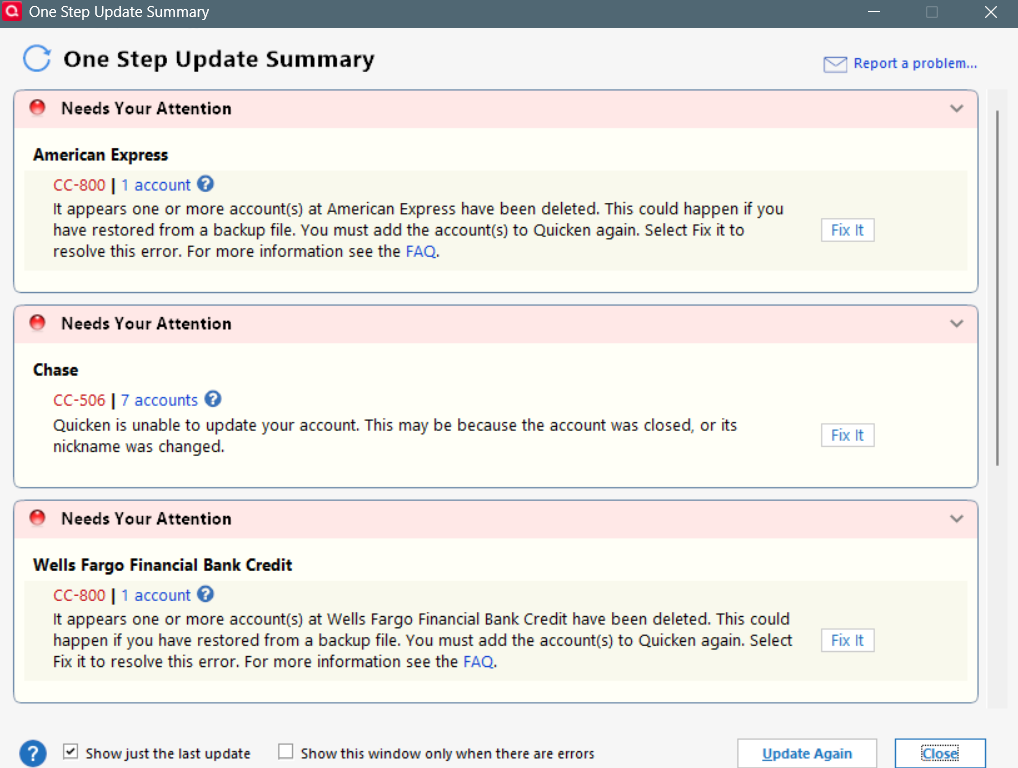
I just posted another thread (https://community.quicken.com/discussion/comment/20518604#Comment_20518604) about random errors popping out in Quicken that I have no explanation for. Here is another and I cannot seem to fix it.
When I made that post 2 days ago, all my account did not sync (Chase, Amex, Wells fargo) for no apparent reason to me when I did the OSU when opening Q for the first time that morning. I ended up resetting every account, which fixed Amex and Wells. But not Chase (I have 7 accounts with Chase).
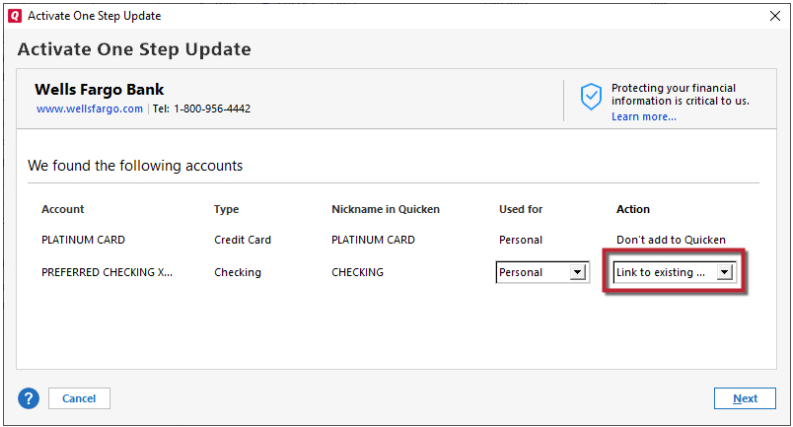
In an attempt to fix Chase, I right clicked on the Chase checking account and selected reset account, thinking that this will fix all my chase accounts because I remember from past experience that once inside the pop-up Chase website it usually let me re-authorize all accounts, which did happen as shown here.
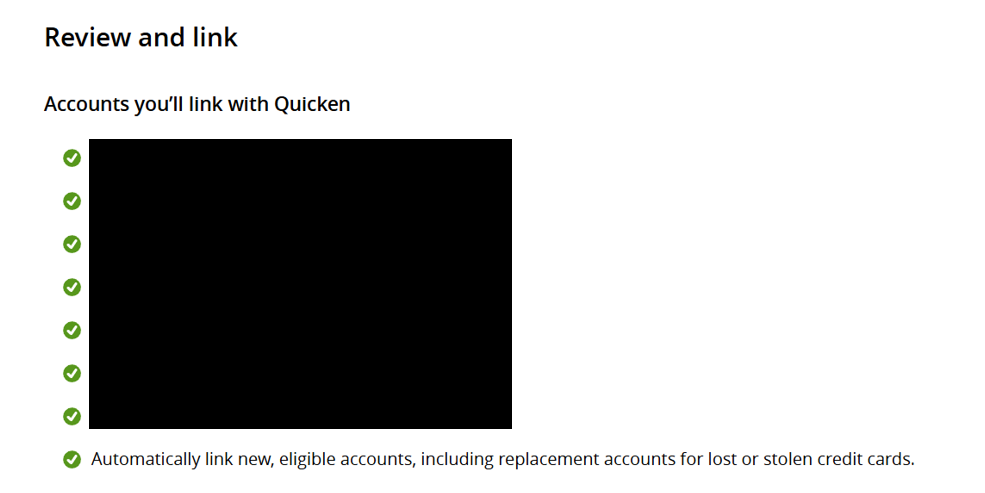
However, once the process went back to Q, it only let me relink the Checking account, the rest of the 6 accounts gives me "Don't Add to Quicken" as the only option.
After that, when I do a all account update, it will show that the checking account is updated, but the rest of the 6 accounts still need to be fixed.
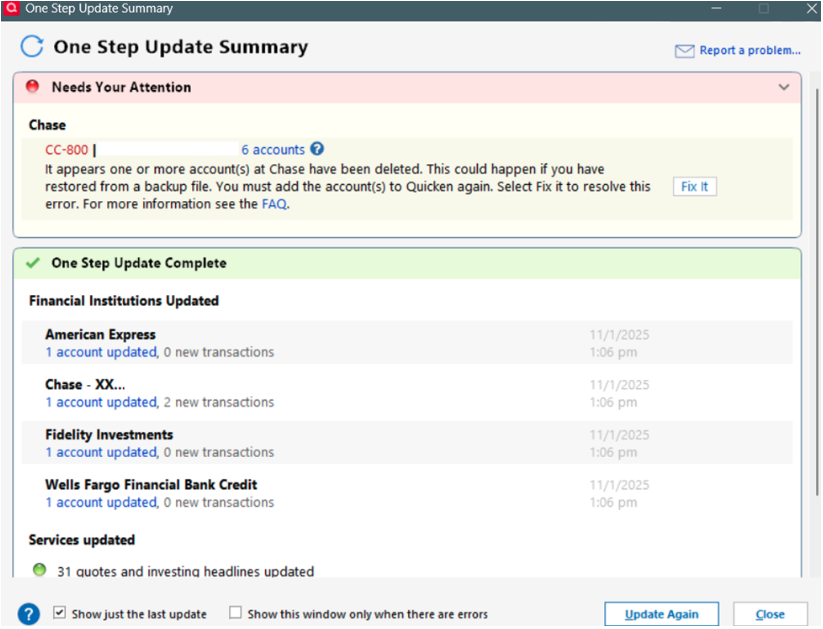
So I thought I would have to do that for EACH of the remaining 6 accounts. Then I tried that for one of my credit cards. and it went the same: chase website showed that I was authorizing all my accounts to be linked, but in Q ONLY that one credit card let me link.
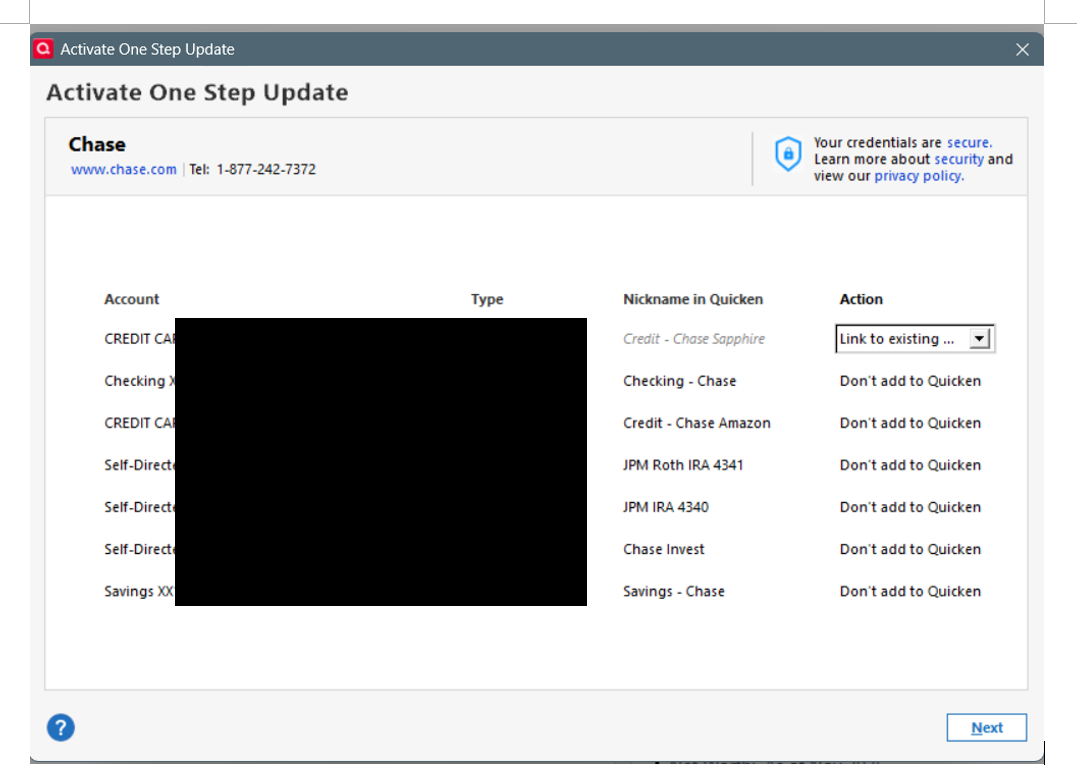
However, after that, when I tried update all accounts again, still only the checking account is updated. the other 6 including the credit card I had supposedly fixed, did not update.
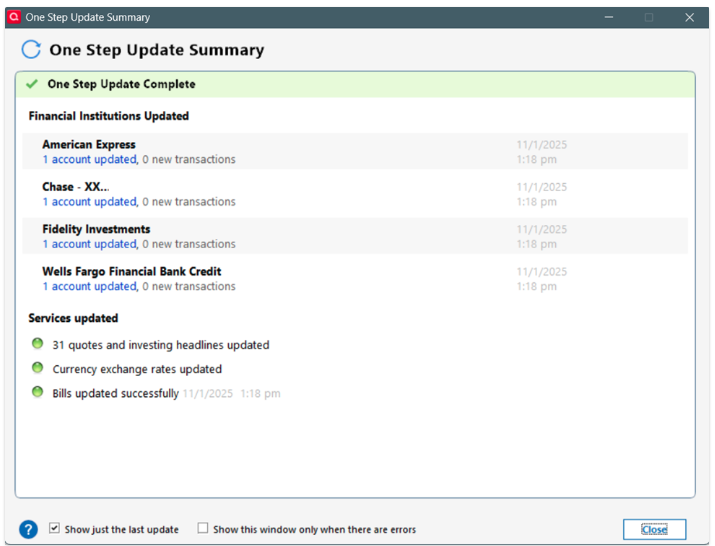
I tried reverting back to a 1 month old back-up, same thing. Do I need to completely remove all my chase accounts and readd them? will that affect my history??
MORE IMPORTANTLY, why are these errors happening? I didn't do anything and everything just breaks???
[Edited - Removed partial account numbers]