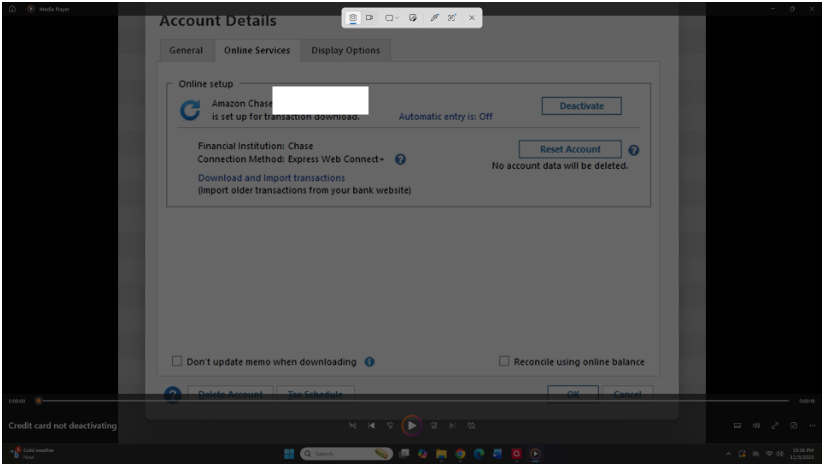
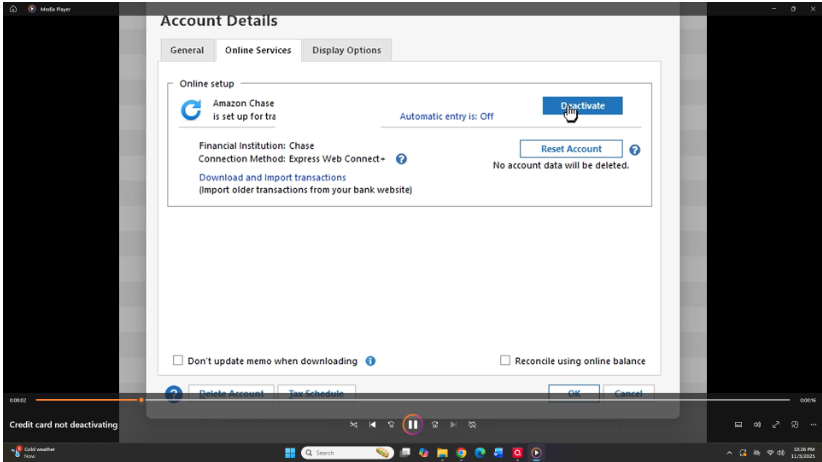
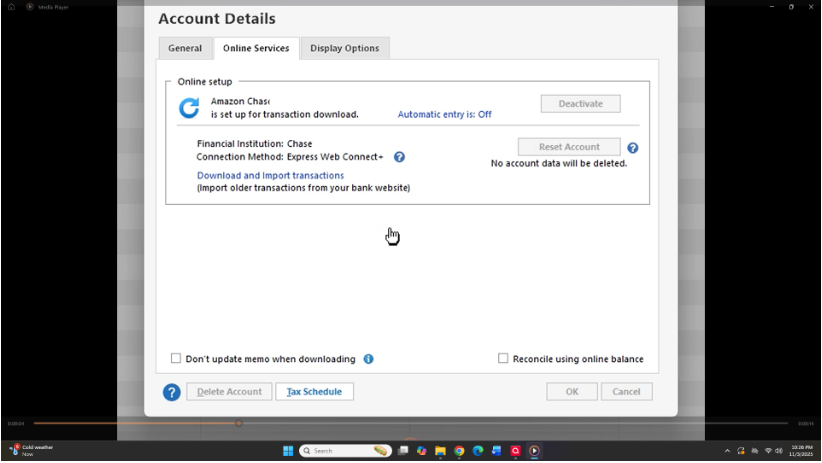
When I press 'deactivate' on my credit card, the screen blinks, but the account won't deactivate.
[Edited - Removed partial account numbers]
Hello @crescere,
Thank you for providing the screenshots. To help us narrow down the cause of this issue, could you please provide a bit more information:
As a simple first step, please try restarting your computer and then attempt to deactivate the account again to see if that resolves the issue.
Thank you!
The data is stored on my computer and backed up to external hard drives. No VPN. Like most people, I have an antivirus. This first occurred a couple of days ago. I use a new computer with Windows 11. I have tried restarting my computer multiple times, and I reloaded Quicken. I don't understand how your above questions will help me resolve this issue.
@crescere Thanks for the additional details! I understand it may have seemed like a lot of questions, so let me clarify why I asked:
The questions are intended to help narrow down possible causes for why the account won’t deactivate. Issues like this can sometimes be influenced by where the data file is stored, interference from antivirus software, or network-related settings (like a VPN), as well as recent system changes. Knowing these details helps us determine whether the problem is related to Quicken itself, your computer environment, or something specific to your setup.
To troubleshoot, I suggest that you please try validating and/or super validating your data file. However, I do recommend that you first save a backup file prior to performing these steps.
Validate:
If the issue persists, proceed to Super Validate. If the issue is resolved after performing validation, then please disregard the instructions to Super Validate. Super Validate:
I hope this helps!
Hello, thanks for the answer. I once validated my accounts at the request of tech support, and it made a mess of all my accounts. Balances were off, and some accounts disappeared. Fortunately, I had a backup to restore. Has Quicken fixed any issues with validation? Thank you.
@crescere Thanks for your follow-up! You’re right to be cautious—validation can sometimes make unexpected changes if there’s an underlying issue, which is exactly why we always recommend saving a backup first. That way, if anything does go wrong, you can restore your data file to its previous state safely.
As for validation itself, there haven’t been any reported widespread issues with it recently, but we suggest proceeding carefully and keeping backups just in case. Validation (and Super Validation) is still the best way to identify and fix potential data inconsistencies that could be preventing the account from deactivating.
If you decide to try it, please follow the backup-first approach and let us know how it goes!