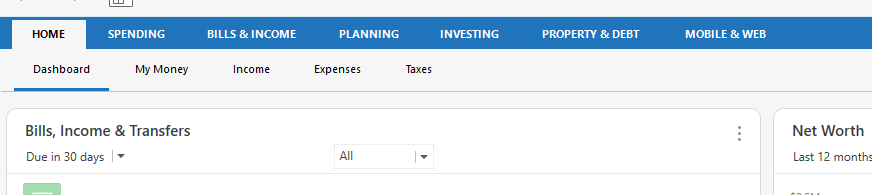
These items show up in Bills and Income with a pencil next to them, yet I can't edit or delete them.
The first two bills have already been paid, but they still show up as pending. Suggestions?
In the register view, the pencil icon clearly shows the reminder as having been recorded in the register but the actual transaction hasn't cleared the bank yet (Clr field still is blank).
Where do you see the transaction as still pending?
Is a downloaded transaction waiting to be accepted in the register view's Downloaded Transactions tab? Or might it have been mis-accepted to last month's transaction?
All the transactions in red have already cleared the bank. I'm confused as to why they still show up as unpaid in the Bills & Income tab. I guess I'll just ignore that tab from now on.
All my accounts are updated on a daily basis and reconciled. So once the bills have cleared the bank shouldn't they show up in black, not red?
To go from a manually entered/reminder entered transactions the transactions have to be downloaded and matched to those transactions. Has that happened?
Wait a minute, the transactions text is red. That isn't a normal manually entered transaction, those are pending transactions. I know you said that, but I was thinking "pending at the financial institution" not in Quicken since I don't use the pending transaction feature.
Why don't I use it? For the fact that it has problems like this. Sometimes it doesn't detect that the transaction has already been downloaded and entered into the register. You end up with "phantom pending" transactions.
Chris, thanks for your response. I like to use the projected balances tab to keep an eye on my checking account balance just in case. Miraculously, when I checked that tab this morning, the red transactions have disappeared!
Maybe Quicken fixed something?
I'm not sure. I don't remember ever seeing something like this. But I seldom go to the Spending → Projected Balances. What I use for the same purpose is just the Projected Balances Next XX Days graph (it doesn't list the individual transactions) on the Classic Home tab.
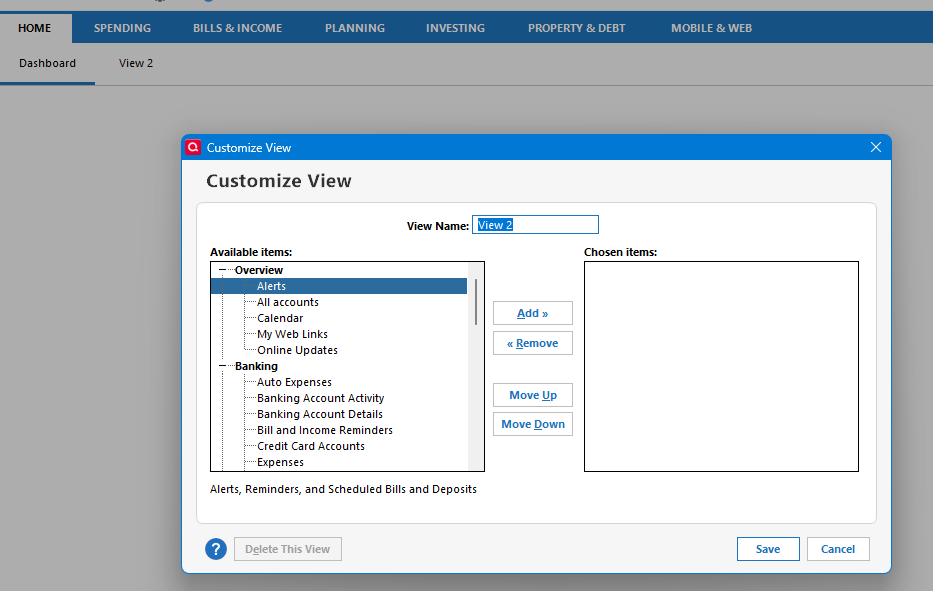
Chris, apparently my Classic view has been replaced as I no longer see the Projected Balances graph on the home page. And I don't see any way to add that back in. I now see a pending payment in red on the Bills and Income tab, Projected Balances screen. I'll just watch to see if that goes away once the payment has cleared the bank. Thanks for your help.
Classic is still there you just have to turn it on. Select it on the gear icon menu on the Home tab.
I tried that, Chris, the Classic screen is no longer an option for some reason. I'll just live with things as they are. Thanks for your help.
You don't get this menu (I turned mine off just to show the settting)?
With it on and the new Dashboard on:
I just tried turning it on in a brand-new file and it is there:
Thank you!!