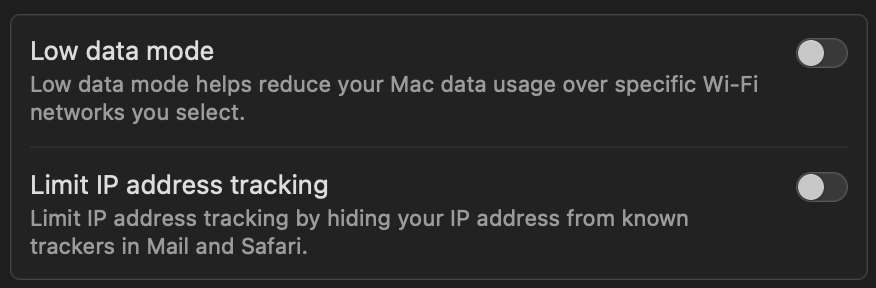
Go to Apple Menu → System Settings → Network → WiFi or Ethernet (the one your using for internet connection) → Click "Details Button" → Switch OFF "Limit IP address tracking".
Retry Quicken.com Sign In using the last password you've reset. 👍🏽
Hello @Kwiknip,
Great tip! That setting can definitely interfere with some sign-ins on a new Mac or after an upgrade. Thanks for sharing this workaround—it’ll likely help others experiencing the same issue.
Thank you!