Unable to connect to Bank of America [Edited]
For the last couple of months I am unable to connect to my Bank of America accounts. I try to connect through one-step update. But the wheel keeps going round and round. Never connects. I have to shut down Quicken to stop.
I think the new way is to use Express Connect to connect to Bank of America. But it is not obvious how to that.
My fear is that I will have to start doing bank reconciliation the old-fashioned way. Manually!
My other banks Chase and so on don't have issue. I can download their transactions vis QFX (or is it QXF?) downloads.
Any help. Trying a variety of chats on Quicken. But they give rote answers which cannot be used.
[Removed - Disruptive]
Comments
-
Hello @nisarun,
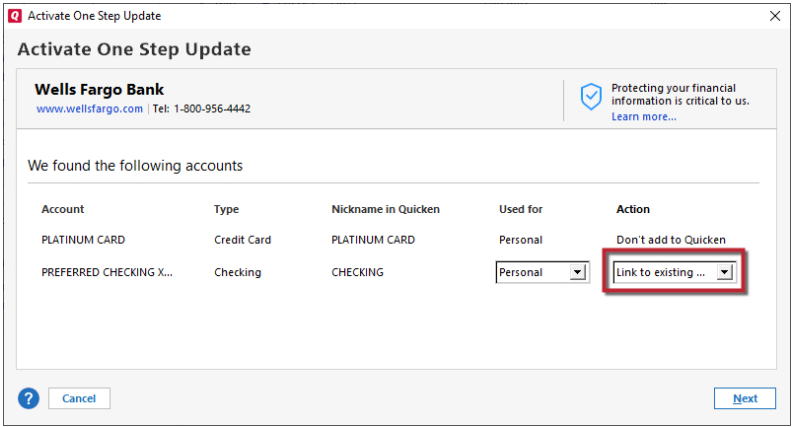
Thank you for reaching out. To connect your Bank of America accounts, please backup your Quicken file, deactivate the accounts (if Quicken sees them as connected using Web Connect/QFX), then reconnect them by navigating to Tools>Add Account and following the prompts. When you get to the Add/Link screen in Quicken, make sure to carefully link the accounts to the correct nickname in Quicken.
Since you are connecting by a different connection type, there is a risk of duplicate transactions downloading. Please backup your file, then review the accounts for duplicate transactions and delete the duplicates as appropriate.
Please let me know how it goes!
Quicken Kristina
Make sure to sign up for the email digest to see a round up of your top posts.
0 -
Kristina,
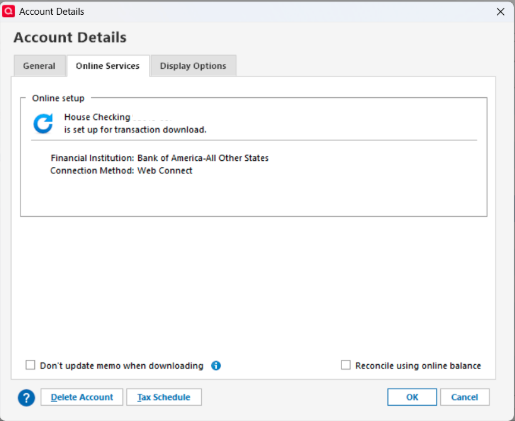
I don't see a "deactivate" button. Just a "delete account" on the left. See below.
Hesitate to delete an account. Is that what I should do?
When I try to set-up online stuff, Quicken cannot seem to connect to the bank. I have a separate query/post on this today (11/30/2025). Actually I cannot connect to other institution either. But for some reason I am able to do a QFX file import from those, non-Bank 0f America, institution.
[Removed - Partial account number]
0 -
Thank you for your reply,
No, do not delete the account. If there is no option to deactivate the account, then Quicken should already see it as not connected.
Backup your Quicken file, then try connecting the account by navigating to Tools>Add Account and following the prompts. When you get to the Add/Link screen in Quicken, make sure to carefully link the accounts to the correct nickname in Quicken.
Since you are connecting by a different connection type, there is a risk of duplicate transactions downloading. Please backup your file, then review the accounts for duplicate transactions and delete the duplicates as appropriate.
Thank you!
Quicken Kristina
Make sure to sign up for the email digest to see a round up of your top posts.
0 -
Thanks for trying, Kristina.
But it gets stuck on the connect issue. Quicken seems to try to connect but never does. Not sure why.
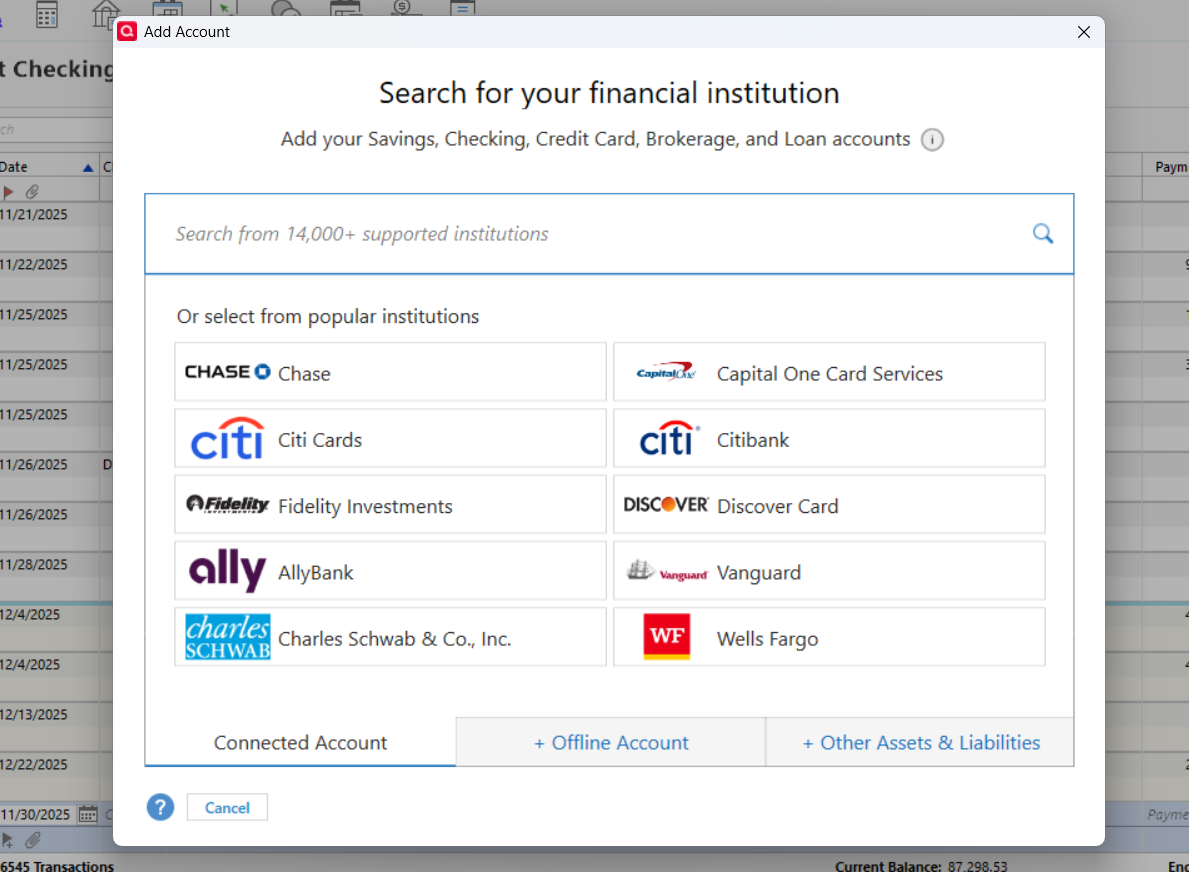
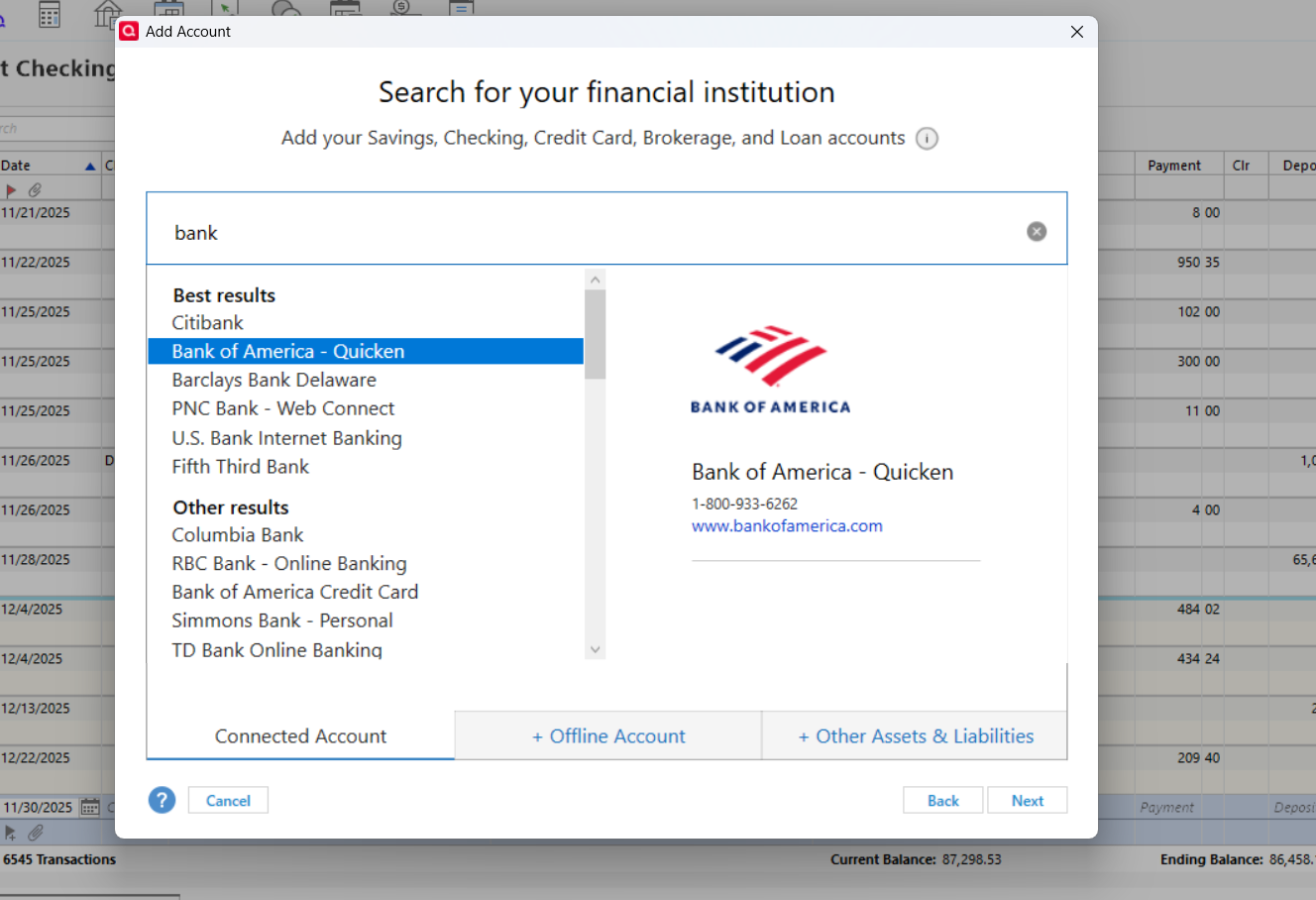
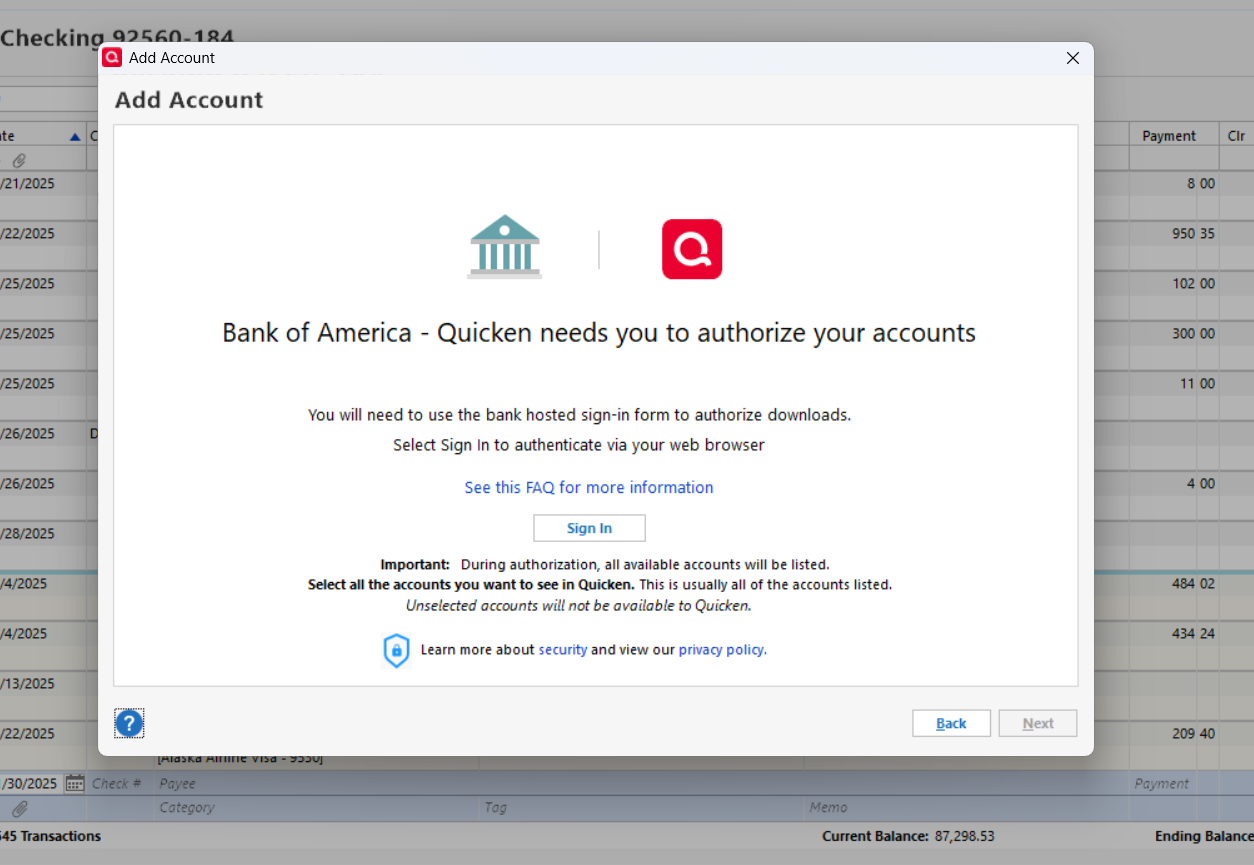
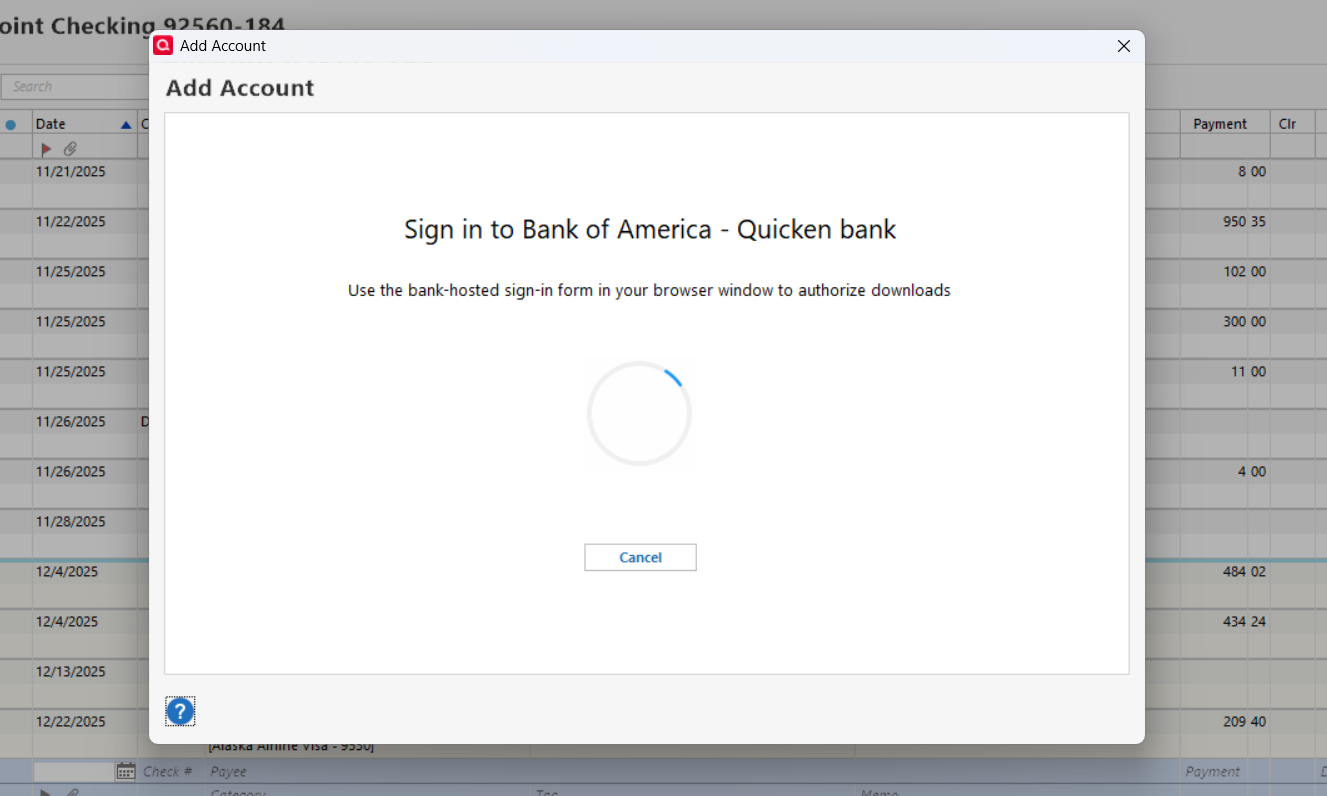
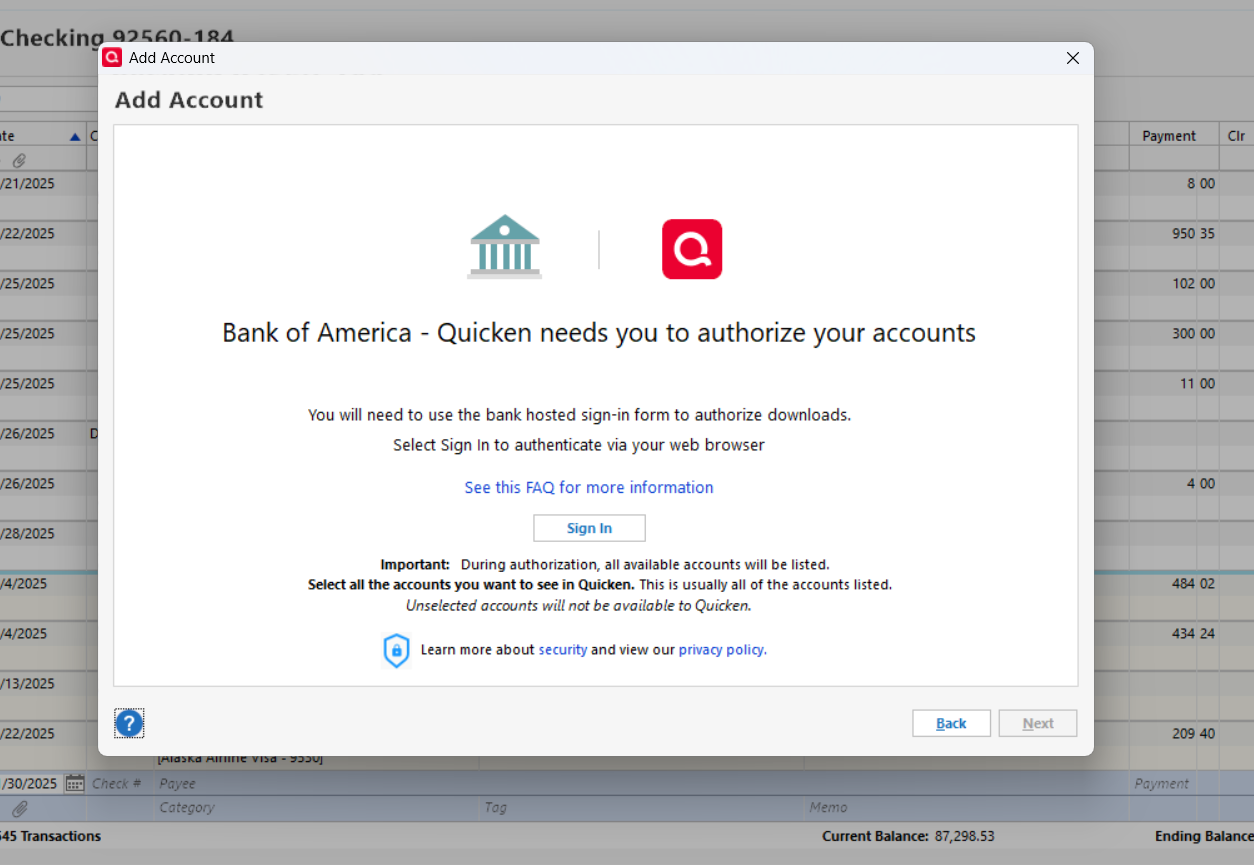
See the screens below to see how I tried to "Add Accounts".
Keeps going round and round. Never connects. I cannot cancel to stop. So I do a cntrl+alt+del to stop.
0 -
Here is more for you to chew on, Kristina.
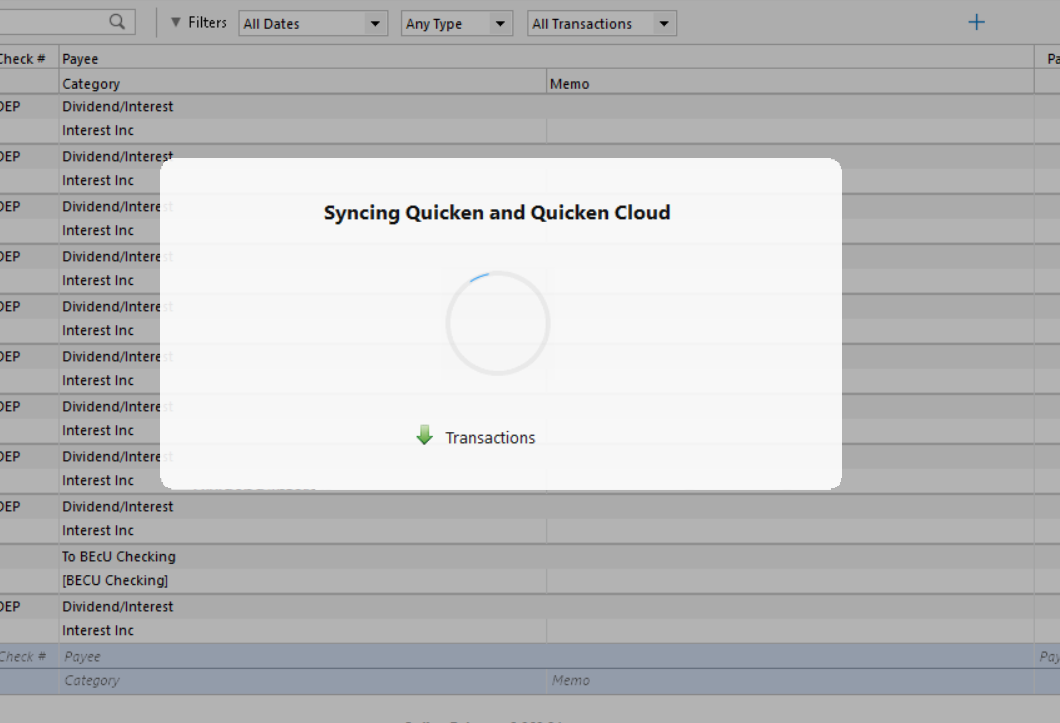
After doing the log out and log in for Quicken as you suggested, the Quicken seems to be unable to sync. Looks like a connectivity issue just like while doing the set-up above. See below.
0
Categories
- All Categories
- 56 Product Ideas
- 36 Announcements
- 223 Alerts, Online Banking & Known Product Issues
- 22 Product Alerts
- 701 Welcome to the Community!
- 671 Before you Buy
- 1.2K Product Ideas
- 53.7K Quicken Classic for Windows
- 16.3K Quicken Classic for Mac
- 1K Quicken Mobile
- 813 Quicken on the Web
- 111 Quicken LifeHub