Where do I go to enter info into LifeHub?
[Edited - Readability]
Hello @rstns,
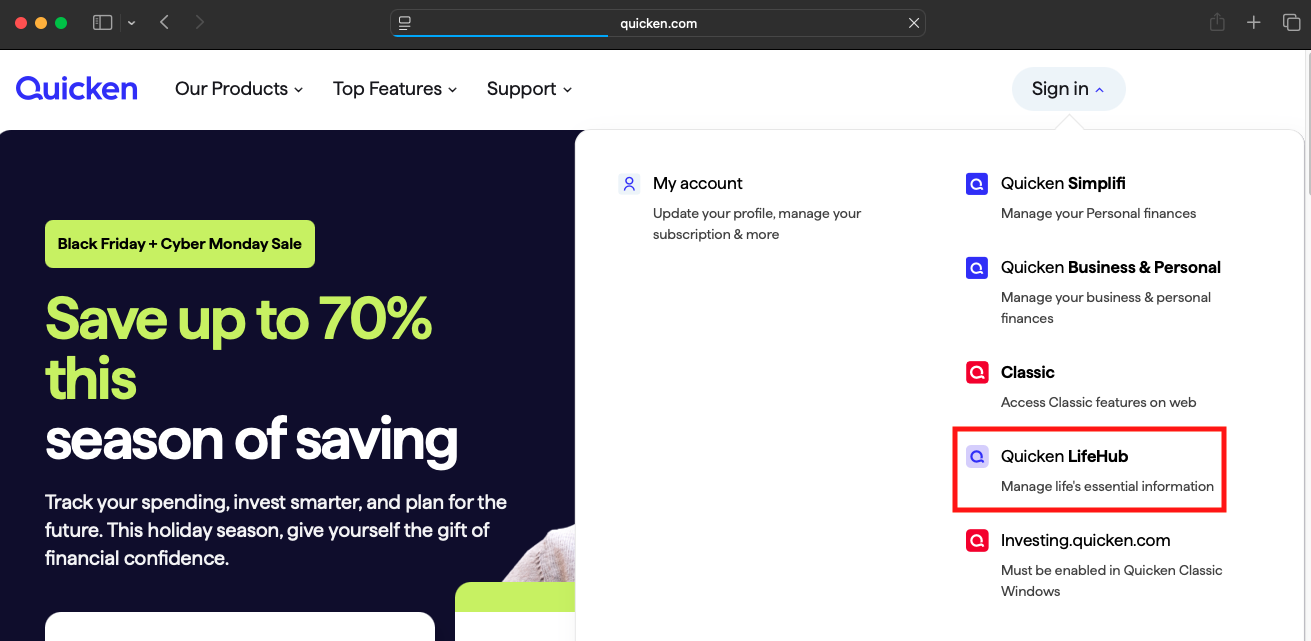
Thank you for reaching out! To get to Quicken LifeHub, navigate to www.quicken.com. Once there, hover your mouse over the Sign In at the upper right. In the dropdown menu that displays, click on Quicken LifeHub.
That will bring you to the login screen. Login with your Quicken ID and password.
For information about using Quicken LifeHub, here is where you can find our help articles: https://support.lifehub.quicken.com/en/
I hope this helps!
I haven't seen a response from you in a while. Do you still require assistance?
Thank you!