Is there a way to keep Tax Return's "State Payment" under the Income section of reports w/o removing the Tax Line Item?
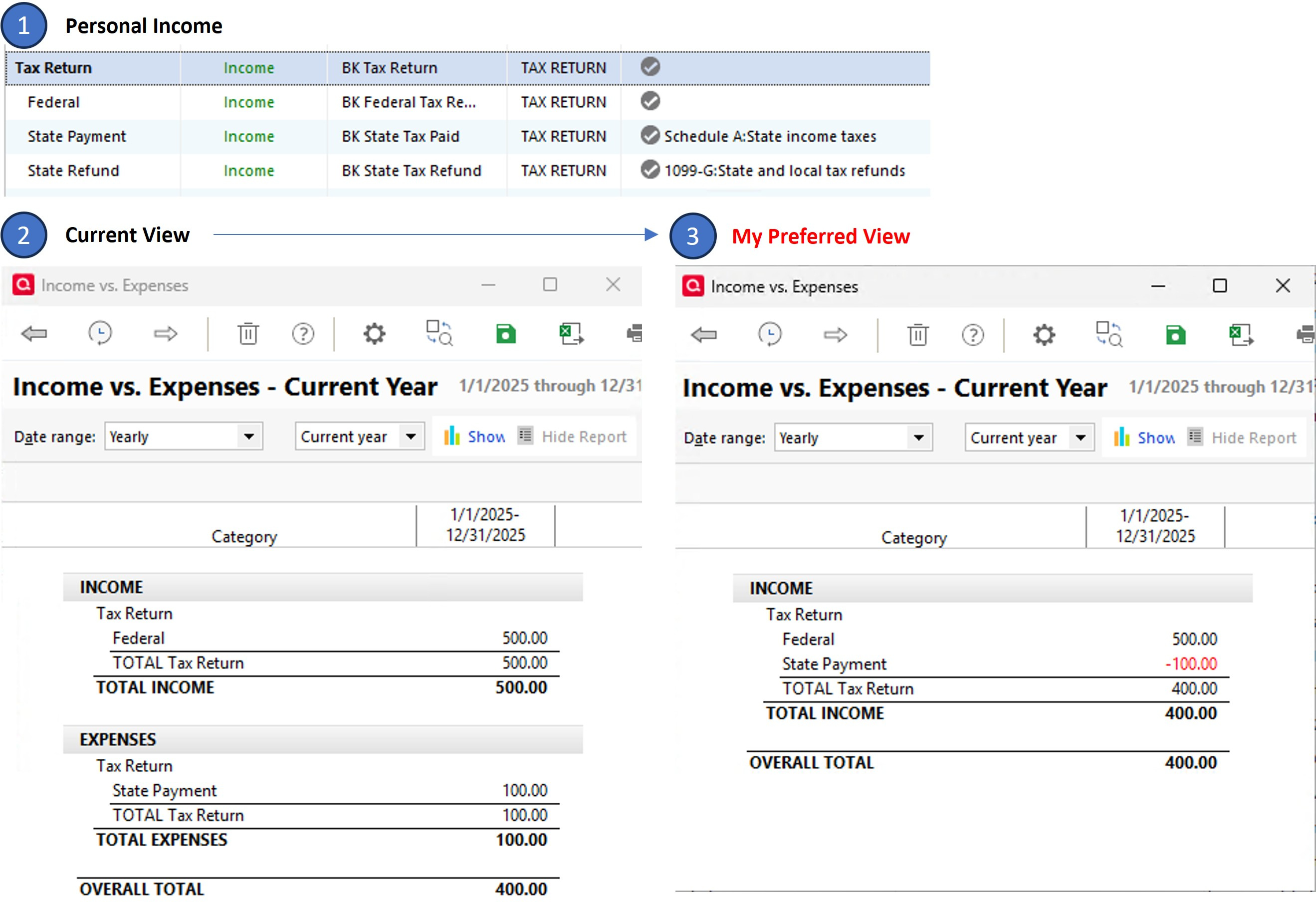
I have added my Tax Return category and sub-categories under the Personal Income section of the Category List (image-1). When I assign the Tax Line Item of Schedule A:State income taxes to the "State Payment" sub-category and run a report, the transaction shows up under the Expense section of Reports (image-2). I realize that it is an expense. But I prefer a unified view where it remains under the Income section of the report with a negative value (image-3), such that it is consistent with its category.
The only way I can accomplish my preferred view is by removing the assigned TLI, which unfortunately removes it from the tax planner as well (I am still considering this since I can manually enter it into the Tax planner). Long shot but I am curious if there is a hack to keep it under the Income section of reports without removing the TLI. Thank you.