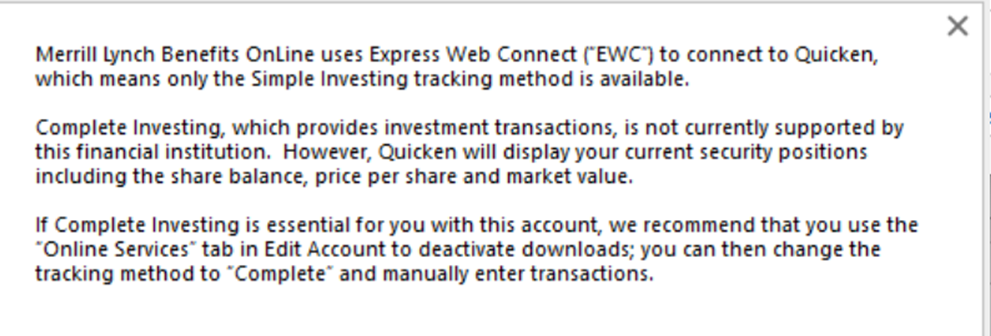
I tried downloading transactions from the Merrill Benefits online site and could only find a CSV file export. I searched online and found a discussion that Bank of America (Merrill) will no longer support direct downloads into Quicken. (October 2025)
"Bank of America is not leaving Quicken; they’re migrating to Express Web Connect+ (EWC+). Web Connect (QFX downloads) and Direct Connect are being discontinued, but Express Web Connect+ is still supported."
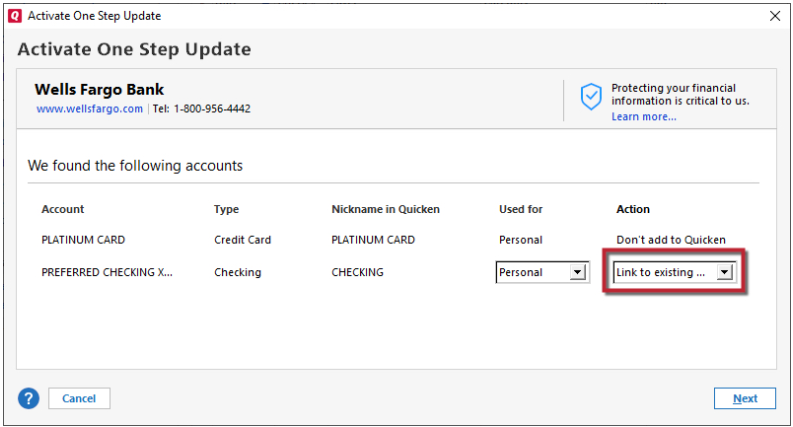
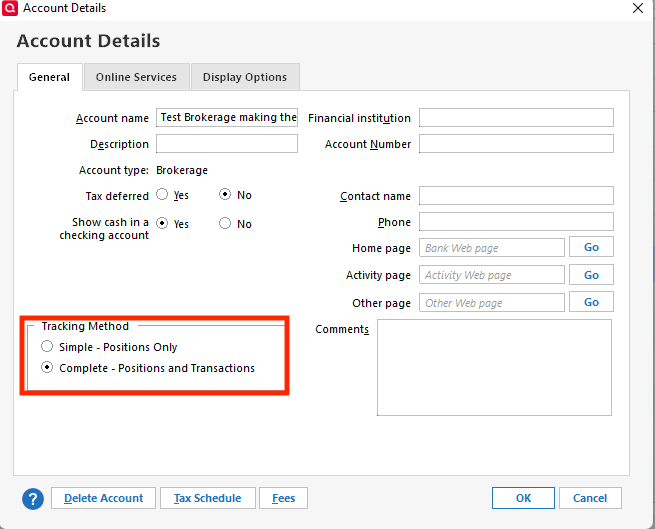
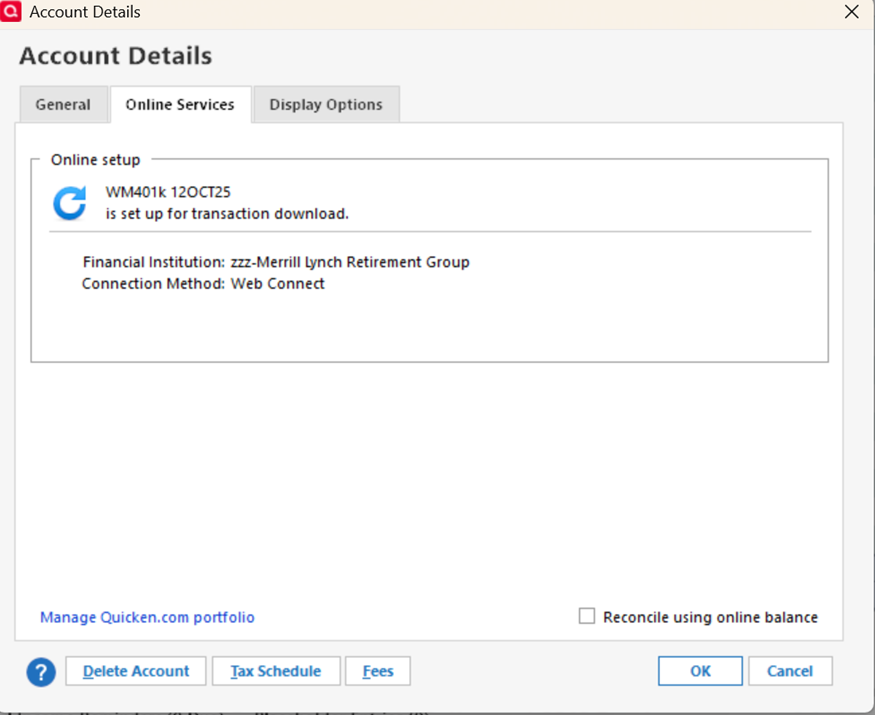
I can not figure out how to redo the account so that it connects with Express Web Connect+. When I follow all of the online instructions to get to the online services tab for the specific account, I am not seeing buttons that others are suggeting I click. I'm assuming that this same process can also be used for switching from any type of connection to another.
"Deactivate your account for Express Web Connect
- Select the Tools menu and select Account List. The Account List window opens. (You can also access this from the Setup tab > Accounts.)
- Select the account for which you want to deactivate online services, and then click Edit Details at the top of the window. The Account Details window opens.
- Click the Online Services tab.
- Click Remove from One Step Update next to the service you want to disable.
- Click Yes to the message asking if you want to disable this service.
- Click OK to the confirmation message. The Account Details window is refreshed, and the service is listed as Available."
I don't seem to have the "Remove from One Step Update" button for this account.
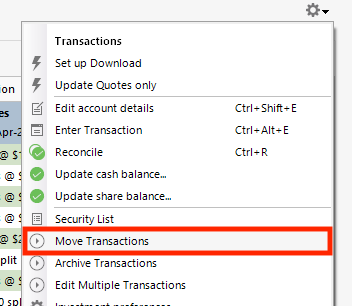
I am using Quicken Classic for Windows and have version R64.35. When I try to refresh the transactions (gear in corner of account screen>update transactions), the screen just blinks and no new transactions have been added.
Any ideas?