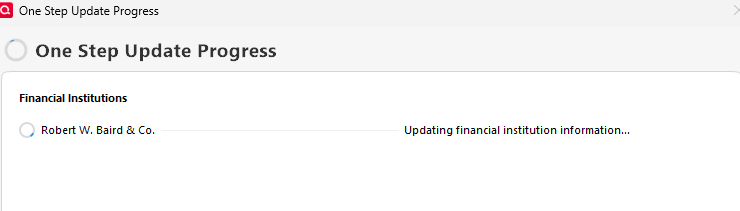
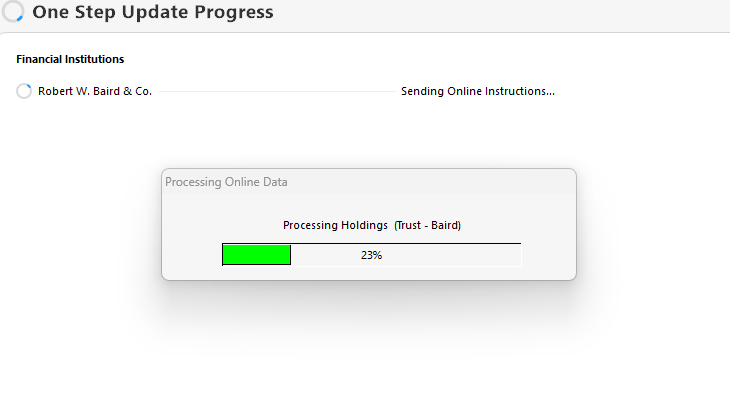
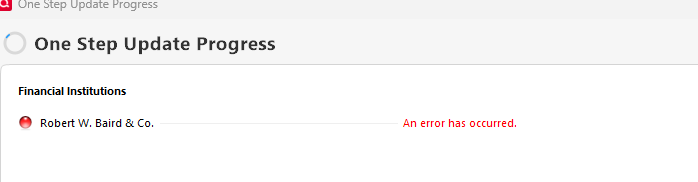
I have 6 separate accounts with RW Baird. Starting last week I started receiving "An Error Has Occurred" in the One Step Update dialog when downloading transactions. Interestingly, two of the accounts will update while the remaining 4 will not. I've confirmed with Baird there are transactions to download. Unfortunately, Quicken isn't give me any error codes - it just says "An Error Has Occurred." Any ideas on where I should start looking? I've attached screenshots.
Hello @JAF,
Thank you for letting us know you're encountering this issue. Are you getting any popups in Quicken, prompting you to do certain actions to try to correct the issue? If you are, what actions is it recommending?
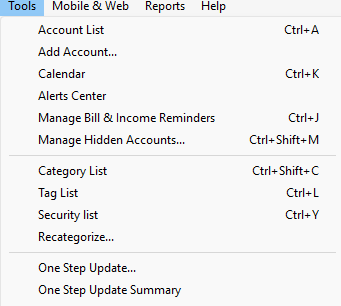
You may be able to see the error code by navigating to Tools>One Step Update Summary.
I look forward to your response!
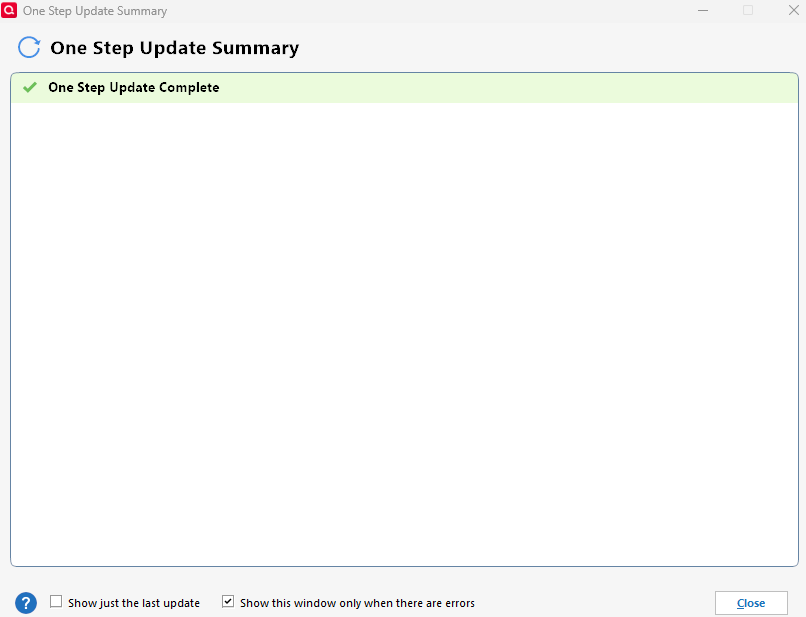
Hi, thanks for the reply. I get no popups in Quicken (which I find surprising) and when I go to Tools>One Step Update Summary I see the screenshot below. With that said, there are two accounts that are updating while 4 accounts are not updating. Could it be some sort of data issue and, if so, how could I get around that? The challenge is there are hundreds of transactions queuing up and there's no way I can enter them manually.
More info: out of the 6 Baird accounts, it appears only one is not updating. There are a number of bonds that are buy/sell so I'm wondering if there's a problem there? Any way to see what the downloaded data is?
I checked into the logs and it looks like I'm getting a ofx.validationException. I'm not sure what that is nor do I know what's causing it. Any suggestions?
<INVSTMTTRNRS> <TRNUID>17E35C52-7F1F-1000-A365-A77537B10026 <STATUS> <CODE>2000 <SEVERITY>ERROR <MESSAGE>[ofx.validationException] null </STATUS>
Thank you for your reply,
An OFX 2000 error is a general error. When I review the logs, the only additional hints it gives are "invalid account ID" and the ofx.validationException in the snippet of the logs you included in your response. Was there anything with any of your accounts that changed, such as a change in account number or login credentials?
For the blank one step update summary, please backup your Quicken file, then follow these steps:
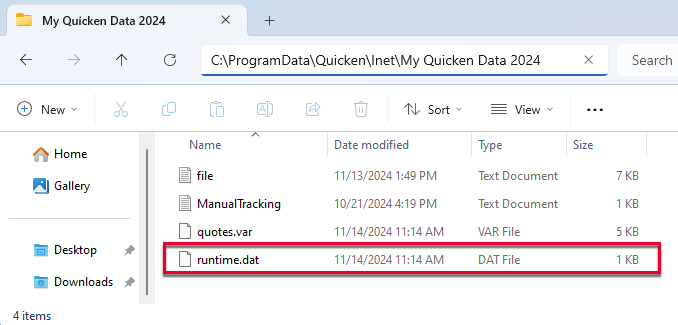
Navigate to this directory in your Windows system: C:\ProgramData\Quicken\Inet[folder with your data file name].
1. Rename the runtime.dat file found at C:\ProgramData\Quicken\Inet\FILENAME\.
2. Run a One Step Update (OSU) again to confirm the issue is resolved.
3. If the issue persists, sign out and back in from Quicken and reset the affected accounts.
Note - The Program Data folder is hidden by default. If you need instructions on unhiding the folder, you can find instructions on Microsoft's support site.
Please let me know how it goes!
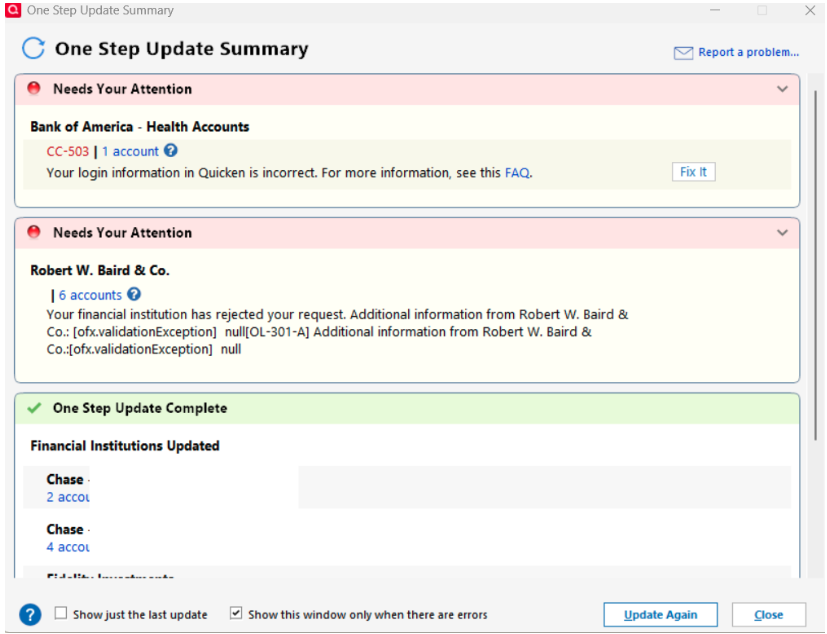
Followed the steps above and received the message below, OL-301-A. Is this something I need to take up with Baird as it's starting to seem like this isn't a Quicken issue? As an aside, I fixed the BofA login issue, the password had been updated.
[Edit - Removed partial account numbers]
According to our article on OL-301 errors, this is an issue you would want to contact the financial institution about. If you haven't already reached out to Baird, I'd recommend doing so.
Thank you!
I've reached out to Baird, thanks for the help.