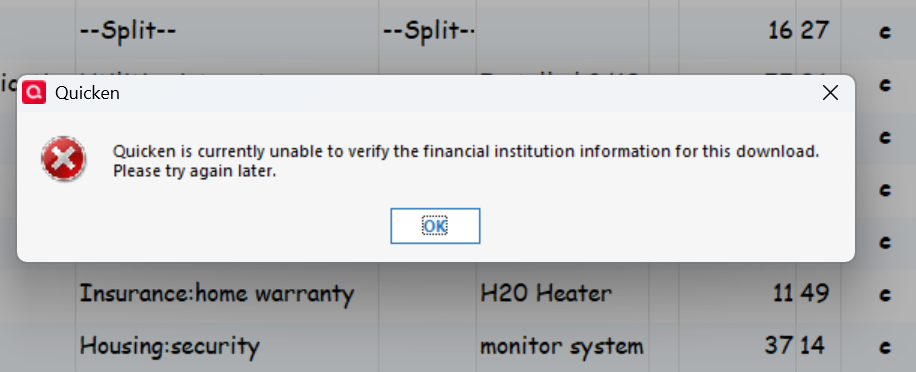
I have the correct sign in information. I am unaware of any institution changes. HELP.
BofA has discontinued support of Web Connect (manually downloading/importing of QFX files). So Quicken can no longer import QFX files from BofA.:
If you want to be able to be able to download your data into Quicken you can set up an Express Web Connect+ connection for downloading via One Step Update.
See this announcement:
9/30/25 Bank of America - Web Connect Discontinued — Quicken
The only way to download from BofA is Express Web Connect+
You need to set that up inside Quicken
From other threads:
You need to you use Ctrl+A in Quicken to start the process of adding/connecting to you BofA account(s). It will get to a point where it brings up BofA’s website where you login and authorize the connection. After that Quicken will go on and you should link you online accounts to your Quicken account(s). From there on you get you transactions by using One Step Update.
Two other options for manual downloading that I can think of: