What is going on with the qfx from APPLE gving me an installation error?
Never had an issue with Apple until now. When I open a QFX file from APPLE it is giving me an installation error (see attached)! Is this a new glitch after a recent update or is this a known issue that is being worked handled currently or does this have to do with what APPLE is doing on their end?
Answers
-
Hello @Baller,
Thank you for sharing your experience.
Definitely puzzling as to why you would be getting installation errors when trying to import a QFX file. Please try uninstalling and reinstalling Quicken. If needed, check out this Support Article for steps to uninstall.
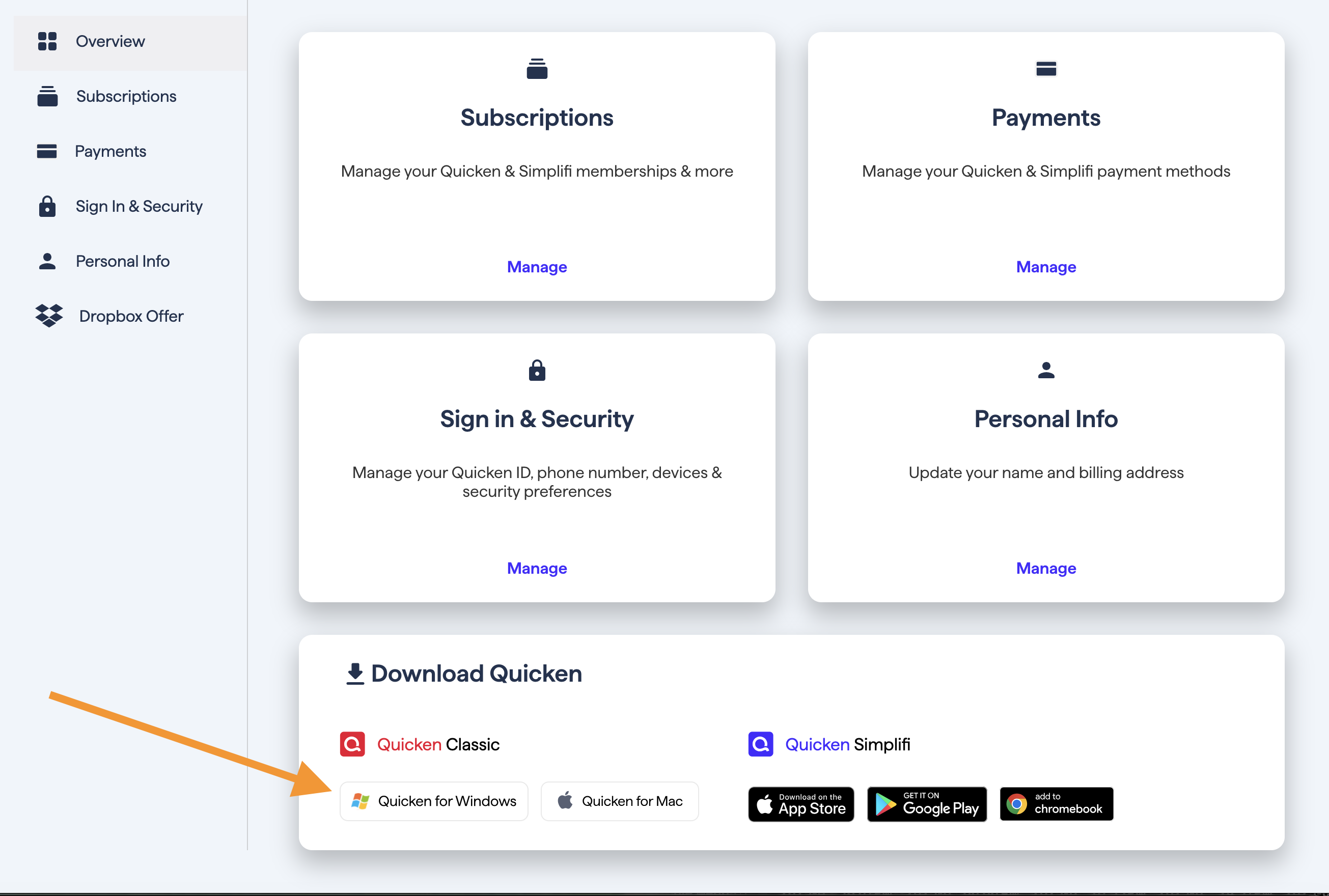
To reinstall your software, you can go to Quicken.com and sign in to the My Account section.
Once signed in, you can select the Quicken for Windows download.
Go through the installation prompts, and once you are back in your file, try importing the file again.
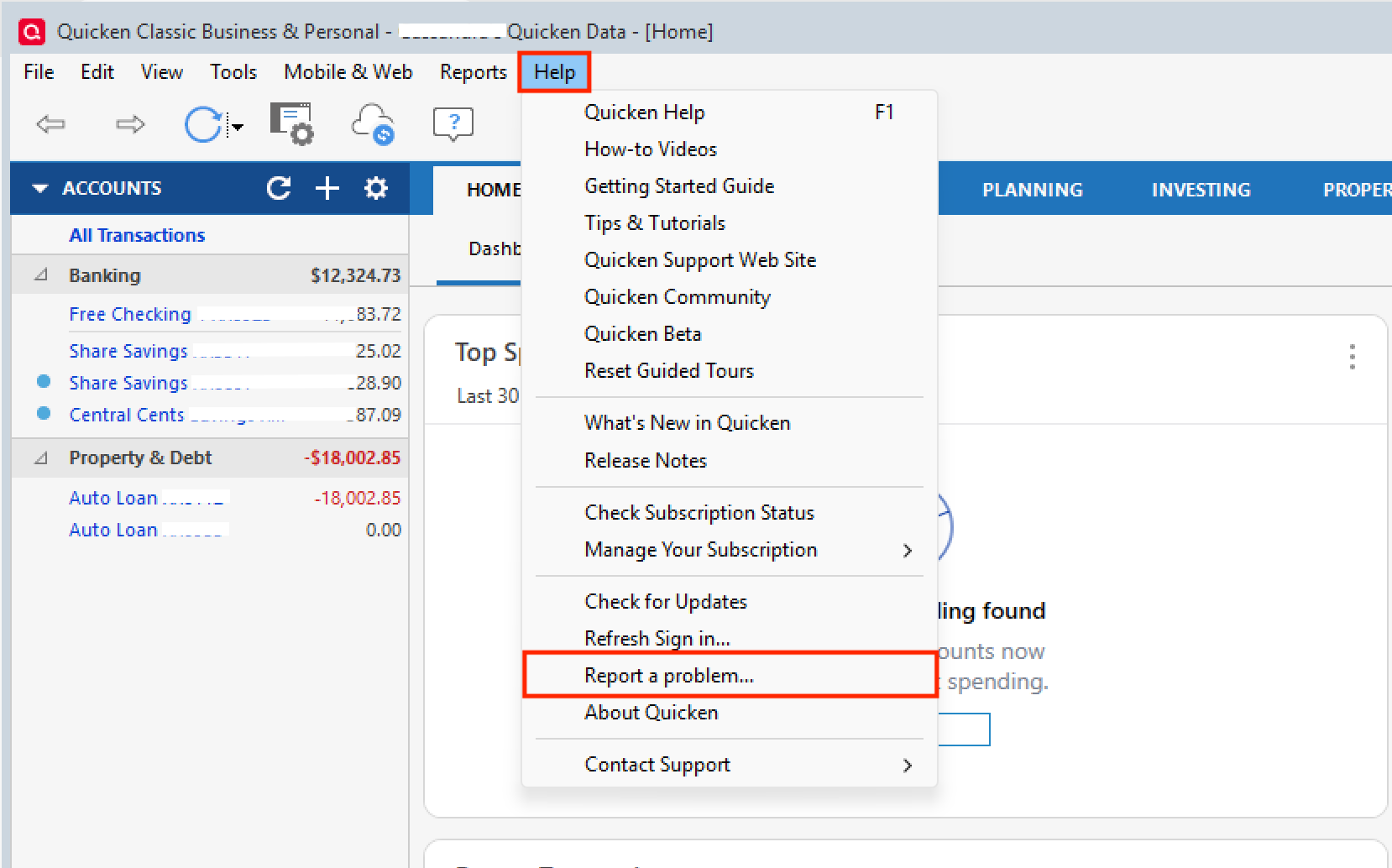
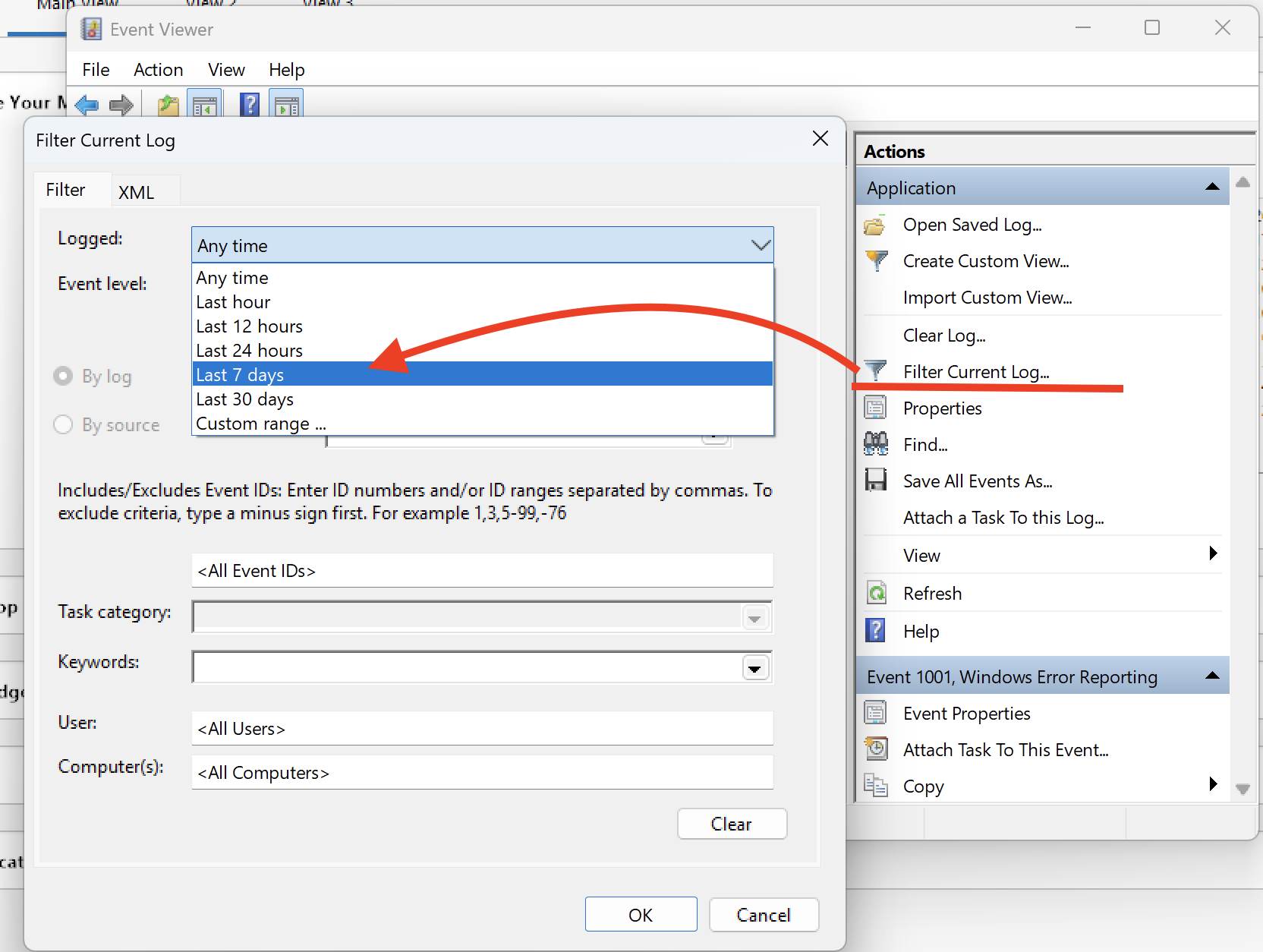
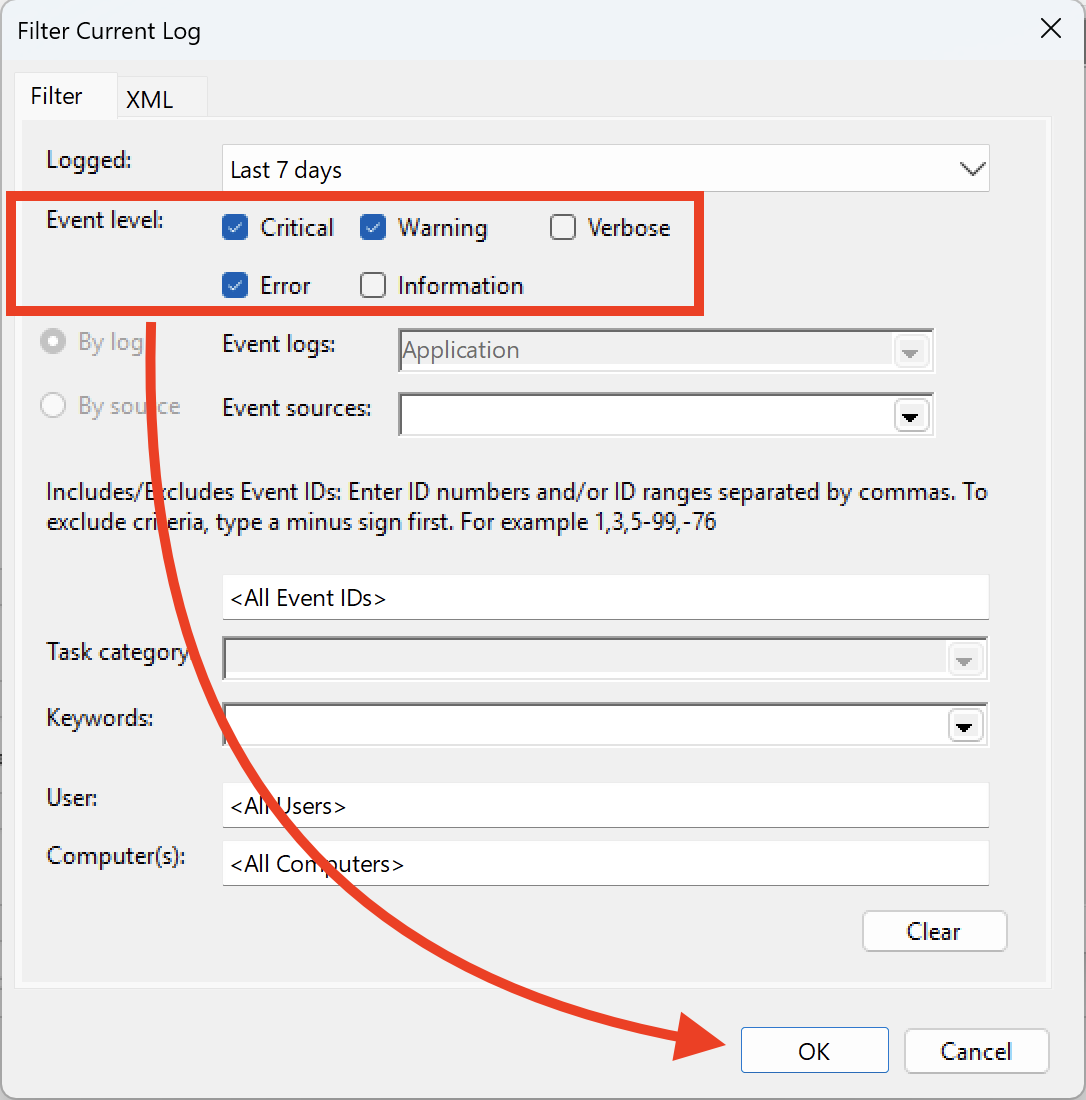
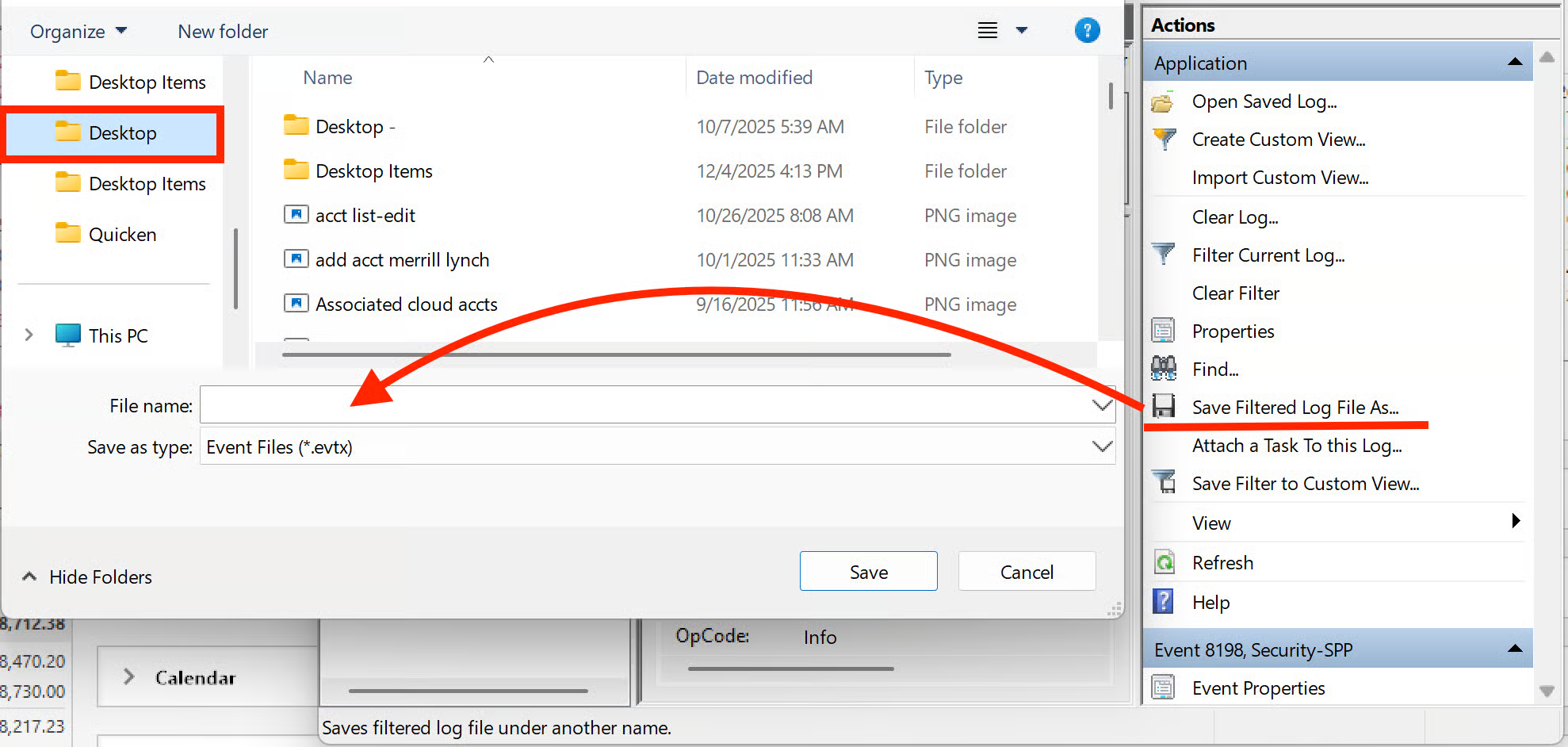
This issue has been reported. If you would like to aid in the investigation, you can go to Help>Report a problem>Send to Quicken, from within your Quicken software, and send over your log files.
Please let me know once you have sent it so I can add it to the ticket.
Thank you.
[CBT-944]
Quicken Alyssa
Make sure to sign up for the email digest to see a round up of your top posts.
0
Categories
- All Categories
- 56 Product Ideas
- 36 Announcements
- 223 Alerts, Online Banking & Known Product Issues
- 22 Product Alerts
- 701 Welcome to the Community!
- 671 Before you Buy
- 1.2K Product Ideas
- 53.7K Quicken Classic for Windows
- 16.3K Quicken Classic for Mac
- 1K Quicken Mobile
- 813 Quicken on the Web
- 111 Quicken LifeHub