This discussion was created from comments split from:
Merrill Lynch changed connection types? How can I fix account?
.
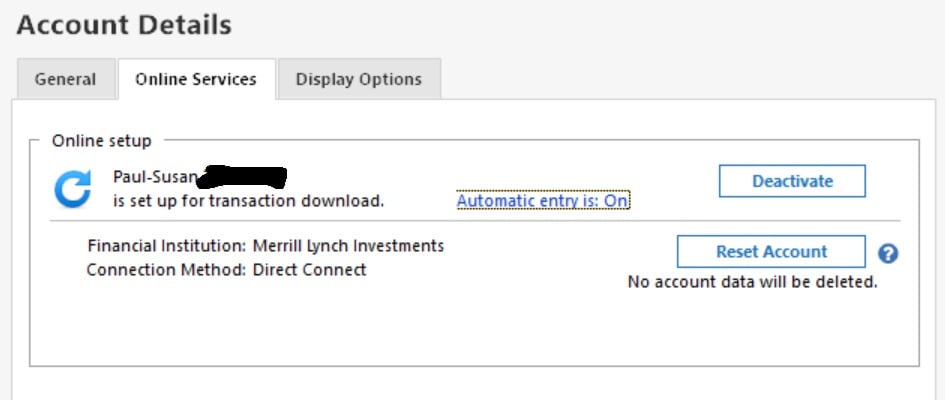
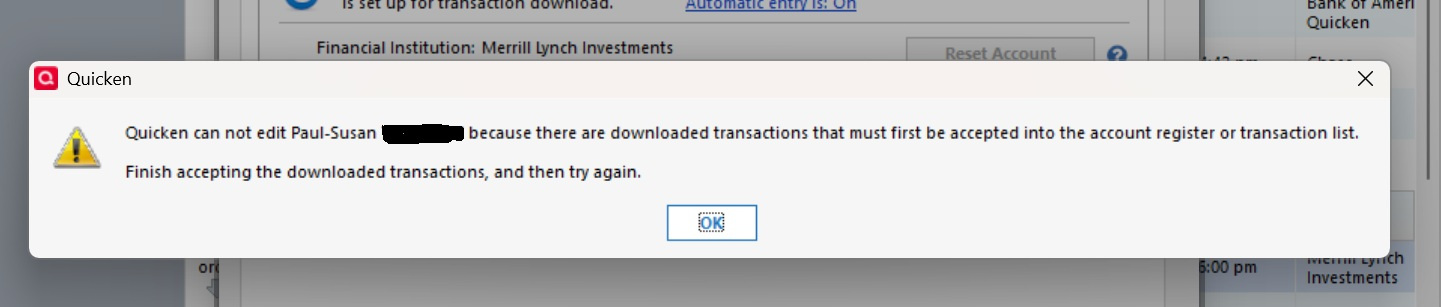
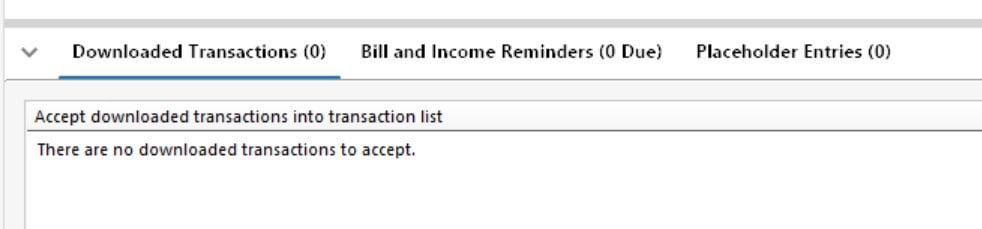
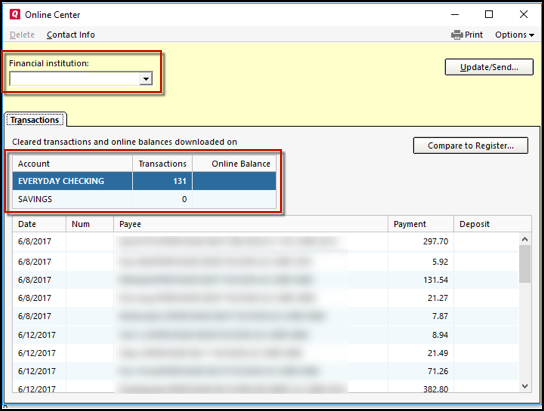
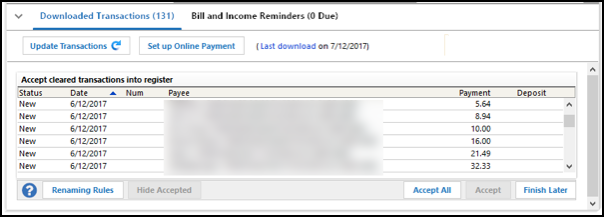
This change is a royal PIA. I've been downloading transactions from Merrill Lynch into Quicken for ages without an issue. So now they "improve things and nothing works. I tried to follow the directions in this post and deactivate the direct connect but Quicken says I can't as I have downloaded transactions that need to be accepted. But I don't have any downloaded transactions. See sequence of screen shots. HELP!!
Hello @pcmendy,
Thank you for reaching out! To troubleshoot the issue with Quicken saying there are transactions to accept, while none are visible, please backup your Quicken file and follow these steps from our article on that issue:
1. Press Ctrl+A on the keyboard to bring up the Account List, then click the Edit button next to the affected account in the list.
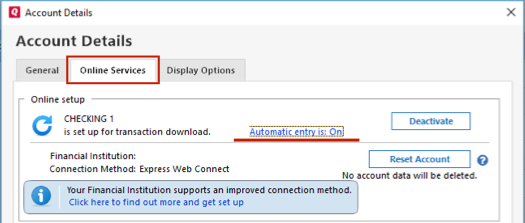
2. In the Account Details window, click on the Online Services tab then click Automatic entry is.
3. Select Yes on the next dialog box and click OK. Automatic entry should show as "On" now.
4. Click OK to close the Account Details window, then click Done on the Account List.
5. Close Quicken, wait a few seconds, then re-open it. The transactions should appear upon re-opening Quicken.
Note: If you have multiple accounts affected by this issue, you can make the change outlined above to all the accounts at once by going to Edit > Preferences, then going to Downloaded transactions and checking the box next to Automatically add to investment transaction lists.
Quicken will show you downloaded transactions in multiple locations. The following information shows you how to check for downloaded transactions in the account register and Online Center.
4. Select Transactions.
Please let me know how it goes!
I haven't seen a response from you. Do you still require assistance?
Thank you!