Bill Calendar not reliable since 11/2025 updates

ALambrecht
ALambrecht Quicken Windows Subscription Member

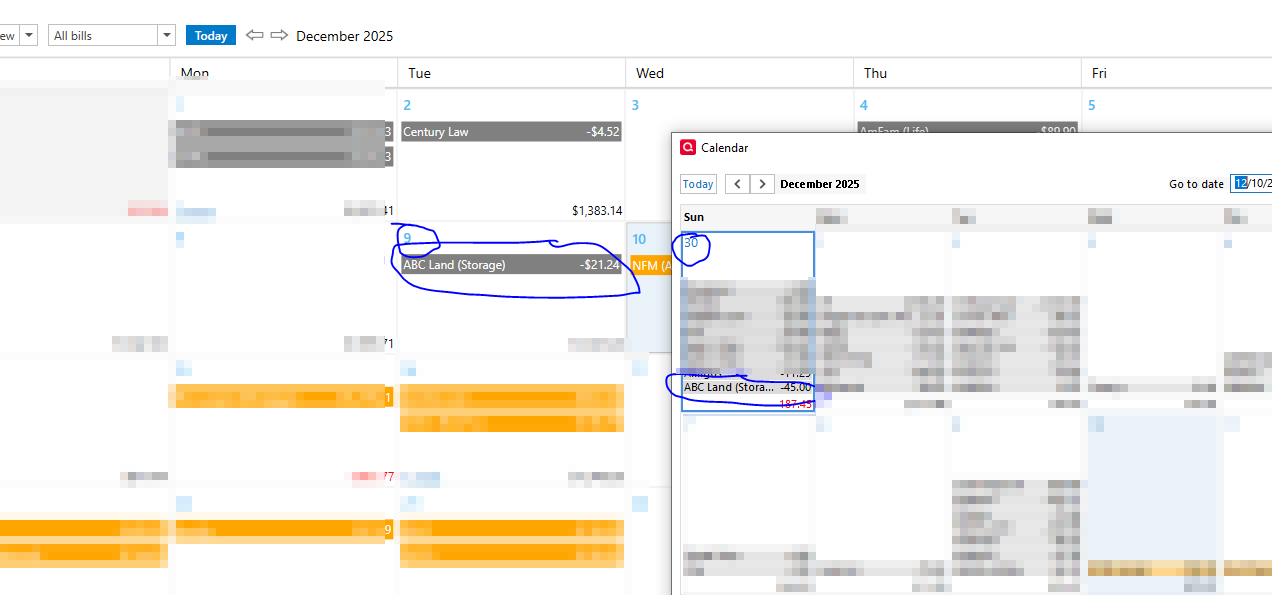
After the November updates, the bill calendar is no longer accurate, the full calendar is accurate.

In this example, you see how the amount of the full calendar is correct but in the bill calendar it is wrong:
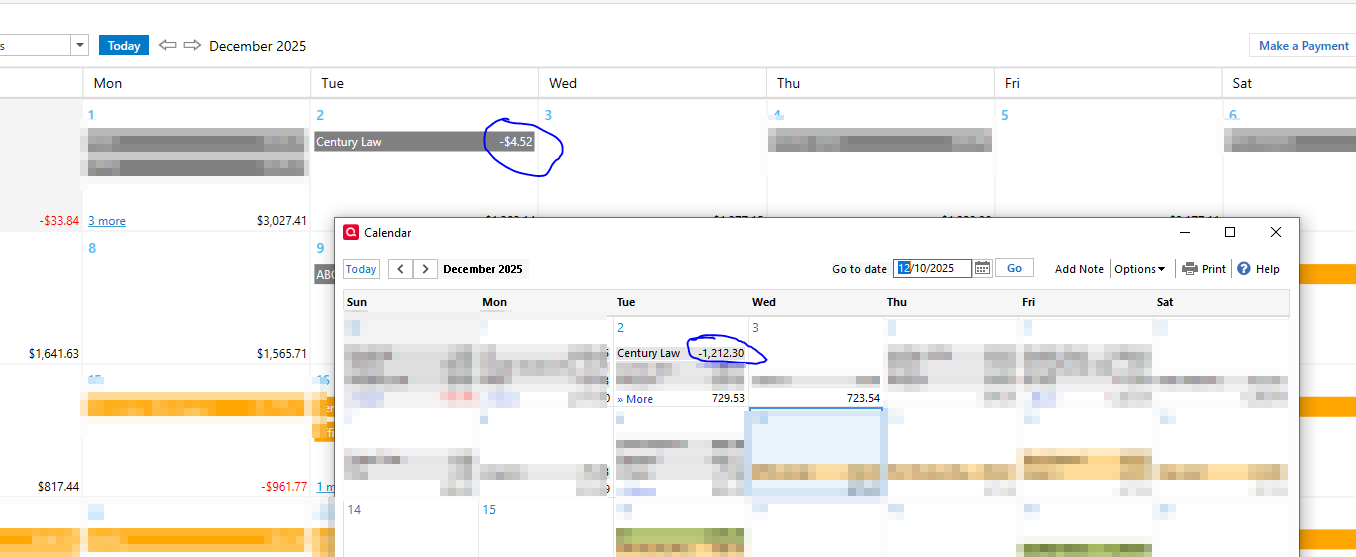
Capture2.PNG

Here is the register showing the right amount and how the bill calendar matched it to some random transaction. In the bill calendar if I go to register, it takes me to the wrong transaction:

Capture.PNG

Here is another example but the bill shows paid on the wrong date for the wrong amount:
Capture3.PNG

I have tried to repair, and do a deep repair no luck. This started happening immediately after the last update. Right now I use the full calendar because the bill calendar is completely unreliable.


Comments

  • Quicken Anja
    Quicken Anja Moderator mod

    Hello @ALambrecht,

    Thank you for the detailed examples—the screenshots are very helpful, and I’m sorry for the trouble the Bill Calendar has been giving you since the last update.

    To help narrow down what’s causing the behavior, could you please provide a bit more information:

    • Where is your Quicken data file stored?
      Is it on your local hard drive (C: drive), or on a cloud-synced/external location such as OneDrive, Dropbox, Google Drive, a NAS, or a USB drive?
    • What troubleshooting steps have you already tried?
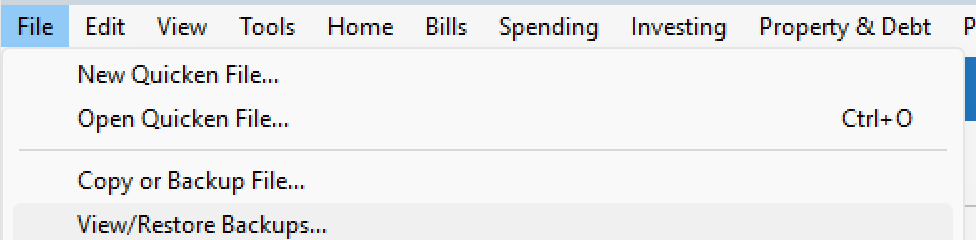
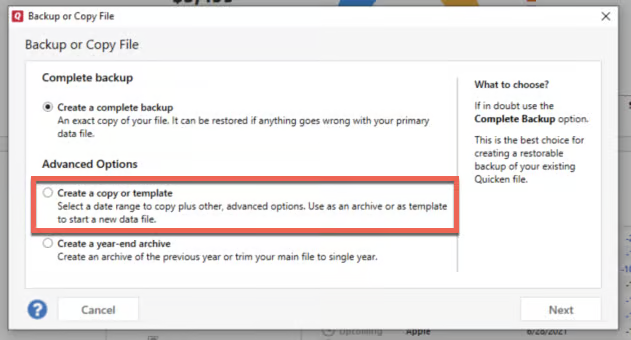
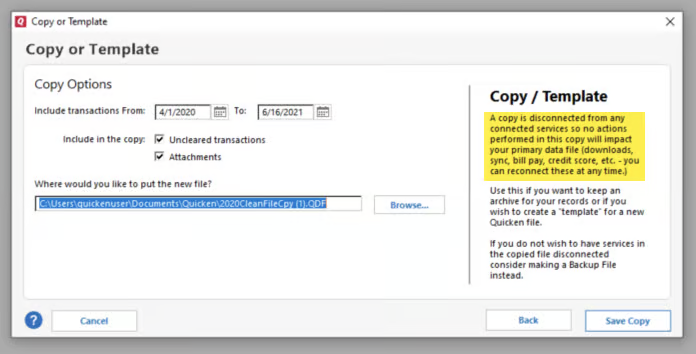
      You mentioned running both a standard and a deep file repair—are you referring to Validating and Super Validating? Have you also tried restoring a pre-update backup to see whether the Bill Calendar displays correctly there?
      • File > View/Restore Backups... image.png

    Additionally, a few more questions that will help determine whether this is file-specific or a broader issue:

    • Does this behavior occur with all bills, or only specific ones?
    • Are the affected bills manual, online bills, or a mix?
    • Are the incorrect links happening only for past/paid transactions, or also for upcoming scheduled ones?

    Once we have a bit more detail, we can better determine next steps.

    Thank you!

    -Quicken Anja
    Make sure to sign up for the email digest to see a round up of your top posts.