Unable to verify the financial institution for SantanderBank CC download

sserge
sserge Quicken Windows Subscription Member ✭✭

Trying to import into Quicken credit card transactions downloaded from SantanderBank started resulting in the following error during the last few weeks:

Quicken is currently unable to verify the financial institution information for this download.
Please try again later.
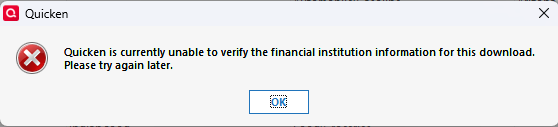
Screenshot 2025-12-10 230057.png

It was working fine in the summer, and the current downloaded .qfx has the same FID (<FID>13159) as back then.

Separately, online update for the Santander credit card account does not download any new transactions anymore. Trying to reset that account in the online services sometimes prompts for a code from a text that I never receive.

Interestingly, online update for my Santander bank accounts keeps working and downloading transactions.

I am currently on the latest Quicken version R65.17 (Build 27.1.65.17).

Does anyone know if something happened with the downloads and online updates for Santander credit card accounts (Mastercard) and when it can be resolved?

Answers

  • Quicken Alyssa
    Quicken Alyssa Quicken Windows Subscription Moderator mod
    edited December 11

    Hello @sserge,

    Thank you for sharing your experience and reporting the issues you are having.

    The issue with One-Time Passcodes for Santander Bank has been reported. If you would like to contribute to the investigation of that issue, please go to Help>Report a problem>Send to Quicken, and send over your log files.

    Let me know once you have, so I can add them to the ticket.

    For the issue in your screenshot, we do have a Support Article that covers this. This message occurs for one of the following reasons:

    • The system date is incorrect. This happens when daylight savings time kicks in, but your computer doesn't.
    • The release of Quicken is not supported by the financial institution.
    • The financial institution information is incorrect or missing.
    • The financial institution may not support that account type.

    First, you will want to refresh your account information with the bank:

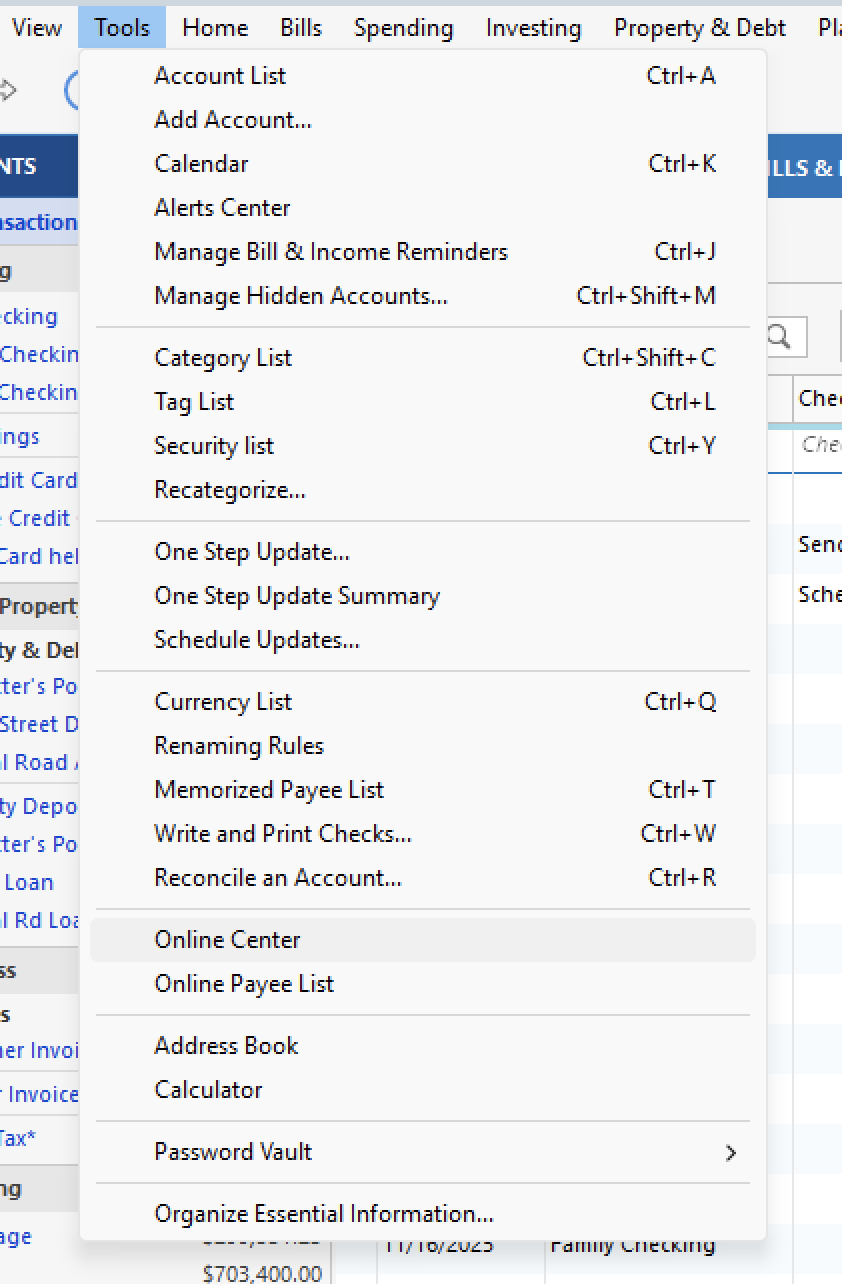
    1. Select the Tools menu, then choose Online Center. Screenshot 2025-12-11 at 1.27.12 PM.png
    2. Click the Financial Institution drop-down arrow and select the financial institution.
    3. Press CTRL+Shift while selecting Contact Info.
    4. Select one of the accounts associated with the bank from the dropdown list.
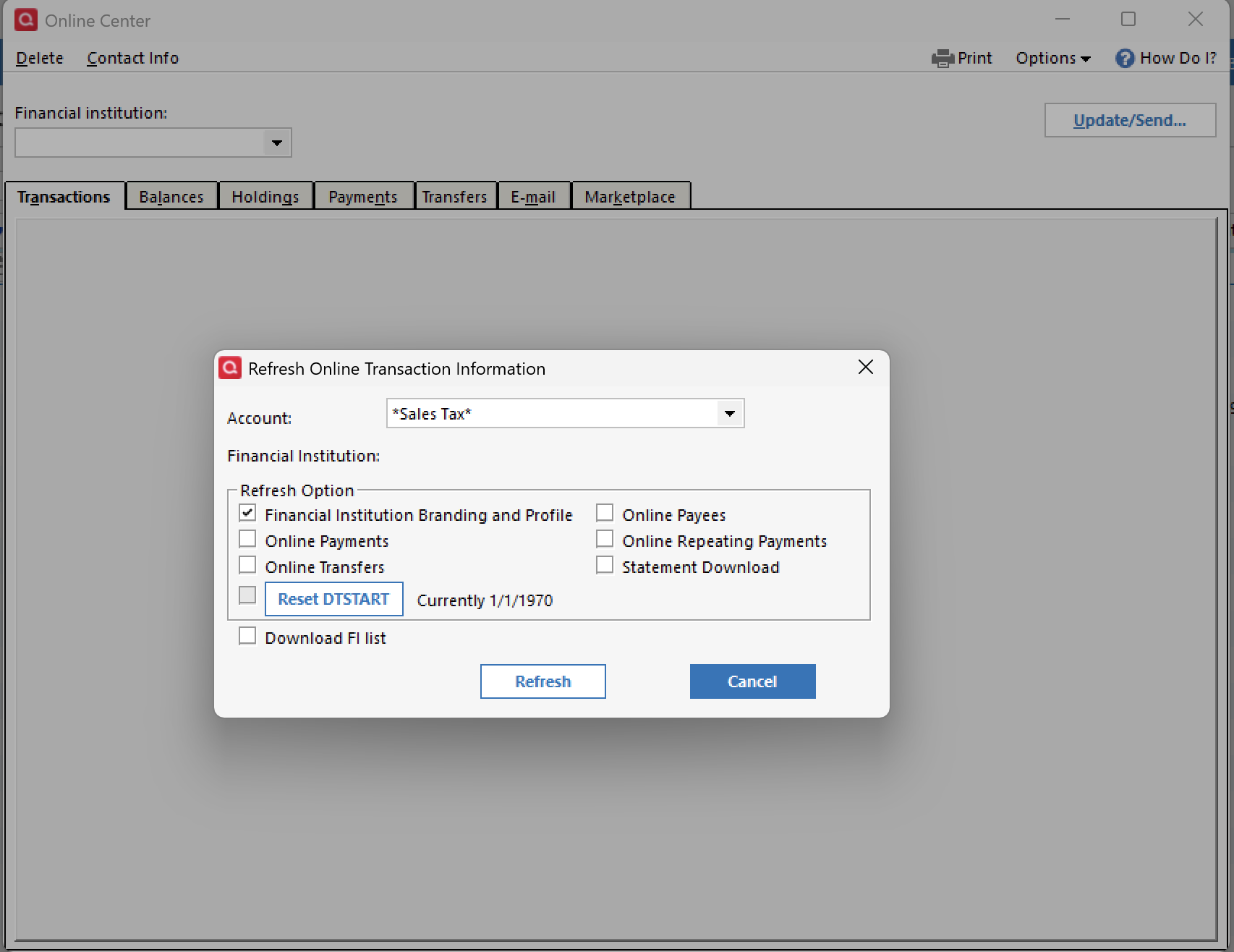
    5. Select Financial Institution Branding and Profile from the list and click Refresh. Screenshot 2025-12-11 at 1.28.25 PM.png
    6. Click OK and go online by clicking the Update/Send button.
    7. Attempt your online session again.

    If the issue persists, try deactivating the account:

    1. Select the Tools menu and select Account List
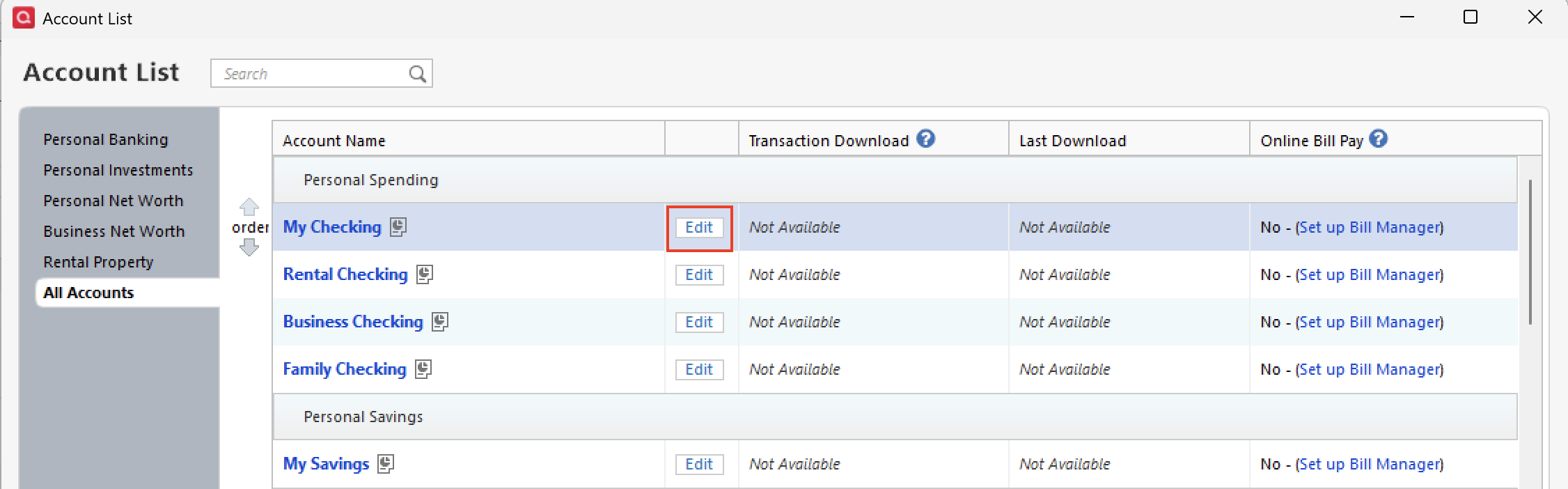
    2. In the Account List, select the account you want to deactivate, and then click Edit acct list-edit.png
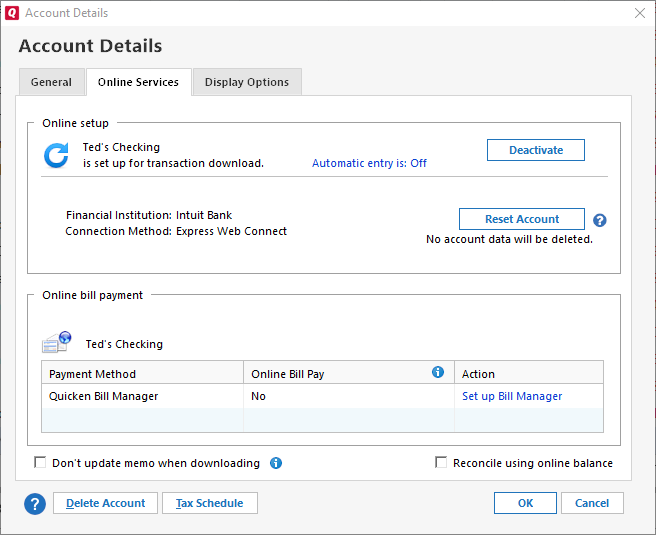
    3. In the Account Details window, click the Online Services tab. image.png
    4. Click Deactivate next to the service you want to disable.
    5. Click Yes to the message asking if you want to disable this service. 
    6. Click OK.
    7. Attempt your online session again. If this doesn't resolve the issue, continue with the steps below.

    Confirm that the system time and date are correct on your computer. You mentioned that you are already on the latest version, so we can skip that step.

    Hope this helps!

    Quicken Alyssa

    Make sure to sign up for the email digest to see a round up of your top posts.

  • sserge
    sserge Quicken Windows Subscription Member ✭✭

    Hi @Quicken Alyssa, I did report the issue through Quicken and sent log files last week, but I didn't get any email or notification confirming that it was received.

    I also saw the article you posted and tried the steps there, but it didn't help either. I tried it again now, still with no luck. Deactivating and resetting the account doesn't help either.

    My system time and date look fine. When importing the .qfx, I tried the hack with changing the FID described here and imported my Santander credit card transactions into a new account, but they were inversed, i.e. debit instead of credit and vice versa.

    Do you have any other ideas on how to resolve this?