Bank of America - Quicken (newest way to download)

hh311
hh311 Quicken Windows Subscription Member

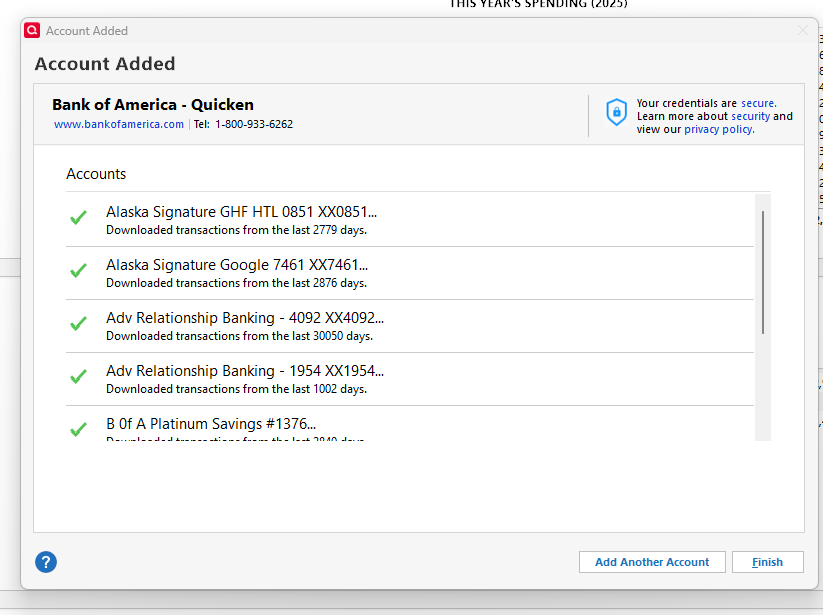
I have a Quicken subscription, working on Windows. Have used the product for decades. I've deactivated all my BofA accounts and reactivated with the new Bank of America - Quicken link(s).

My issue is that my transactions are not downloading. My balances seem to be adjusting (online balance at the bottom of the page).

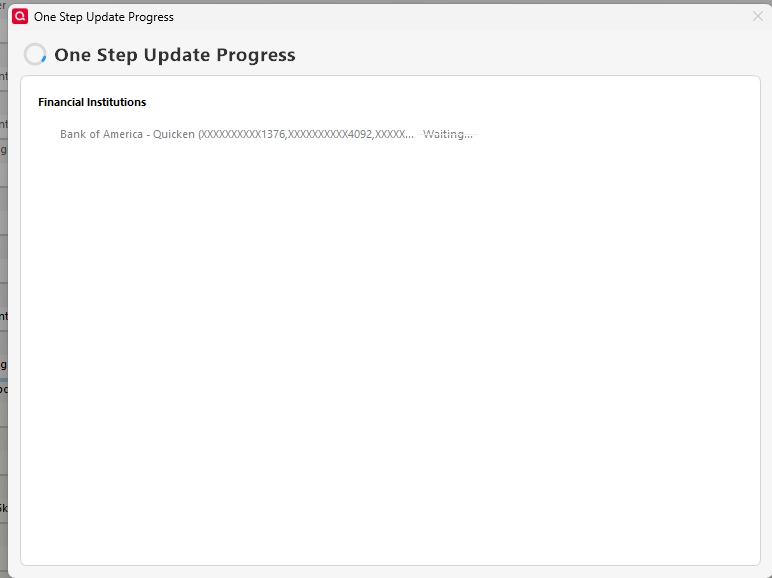
Additionally, it takes about a hour, sometimes longer, to get the download to complete. I've had to do the dreaded ctrl+alt+delete several times, as it'll just hang.

Extremely frustrated! Anyone have better success? What should I try next?

Comments

  • hh311
    hh311 Quicken Windows Subscription Member

    Additional note - my husband has accounts too - so I have two separate lines for Bank of America - Quicken. I have tried to update both at the same time and also one at a time. Neither is working properly.

  • hh311
    hh311 Quicken Windows Subscription Member
    image.png

    Here's a screenshot

  • Quicken Anja
    Quicken Anja Moderator mod

    Hello @hh311,

    Thanks for taking the time to let us know what’s happening.

    Freezing or hanging during One Step Update is usually caused by either a specific account failing during update or something interfering with Quicken’s connection process. Please review this support article that walks through all the recommended troubleshooting steps for this exact issue:

    Some of the key steps included are:

    • Updating each connected account individually to identify which one may be causing the freeze
    • Deactivating/reactivating the affected account once identified
    • Disabling Mobile & Web Sync if it’s turned on
    • Resetting your Cloud Sync data
    • Turning off Pending Transactions
    • Refreshing your Online Connected Services token by signing out/in
    • Installing the latest Manual Patch even if you’re already on the current version
    • Temporarily disabling VPN/antivirus/firewall software
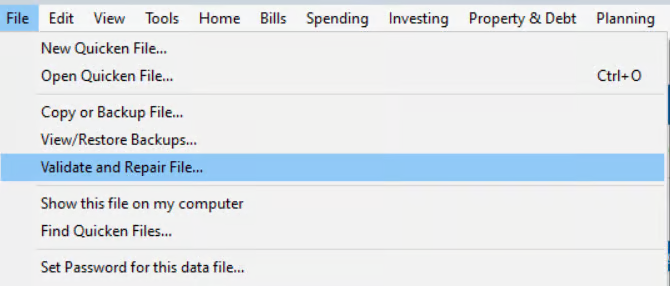
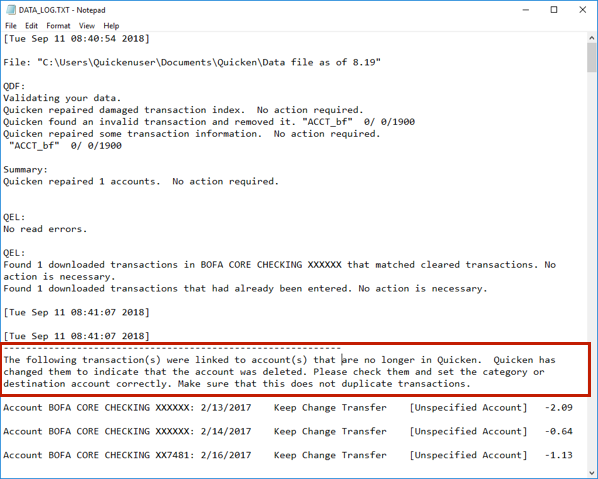
    • Running Validate & Repair on your file
    • Uninstalling and reinstalling Quicken

    Hope this helps!

    -Quicken Anja
    Make sure to sign up for the email digest to see a round up of your top posts.