I have a new Chevron Texaco credit card.
It is a Branded Synchrony card.
I cannot find any financial institution that works to link this to Quicken.
Hello @newcastlelinda,
Thanks for reaching out!
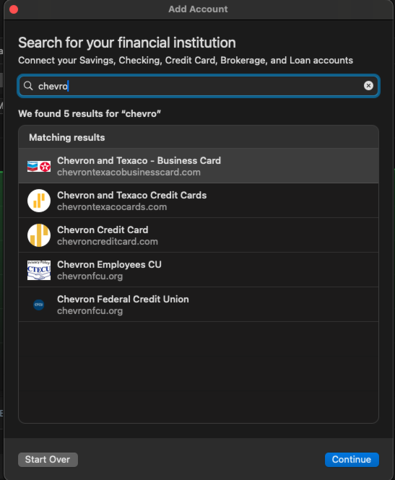
After checking our financial institution list, the following options appear when searching:
Have you tried adding the account using Chevron Texaco Credit Cards or Chevron Credit Card? If so, could you share what happened when you tried those options?
Also, could you clarify whether you’re trying to add a new account with this financial institution while already having another account with them in Quicken, or if you’re attempting to connect an account that was previously set up?
The reason I ask is that when checking your account internally, it looks like you may be receiving an FDP-103 error with Chevron and Texaco Credit Cards for an already established account. This error typically occurs when your financial institution tells Quicken that your login credentials are incorrect or there are outdated login credentials stored in Quicken for Mac and/or the Keychain app.
If that’s the case, please follow the steps below and refer to this support article for full guidance:
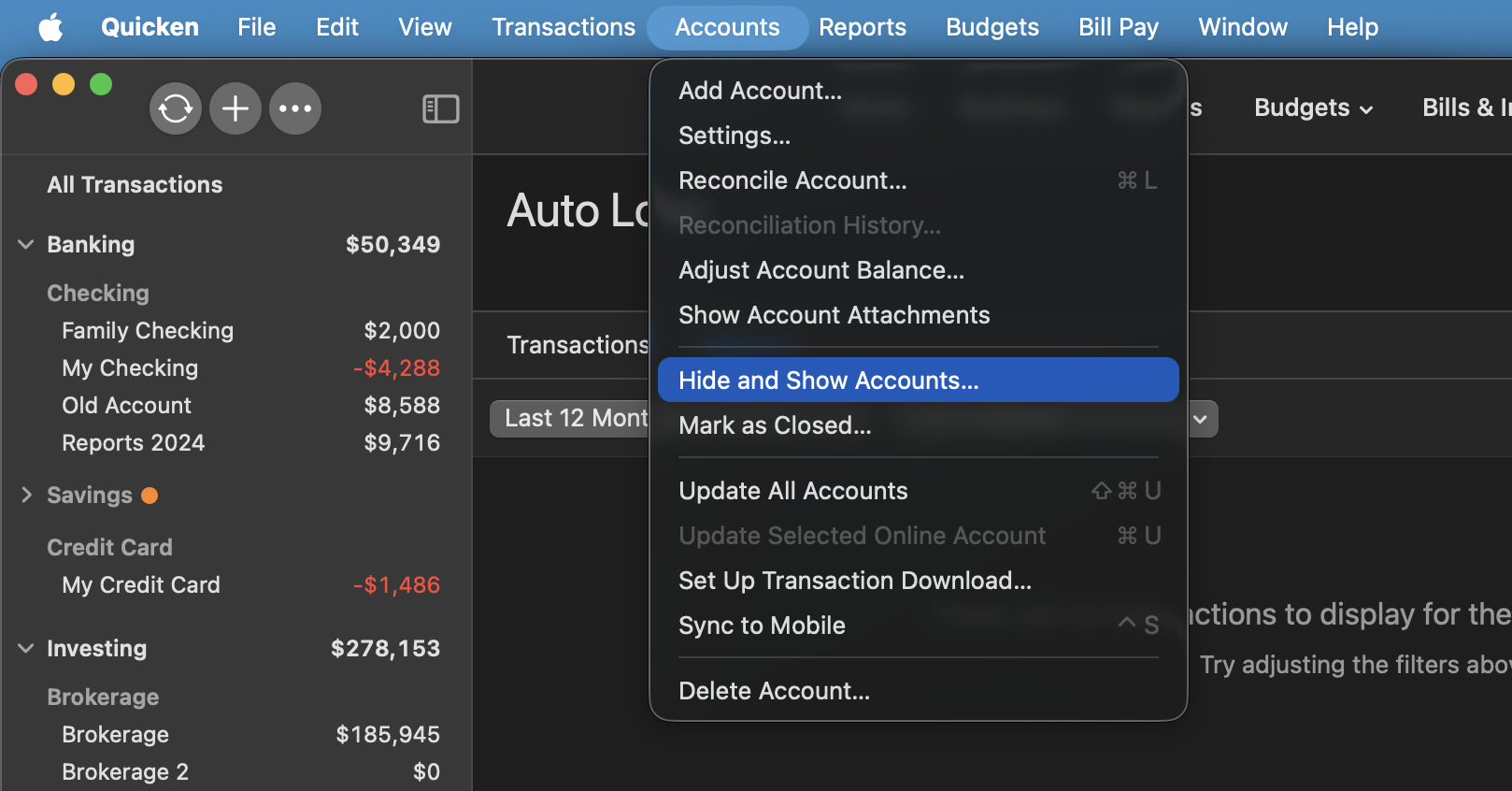
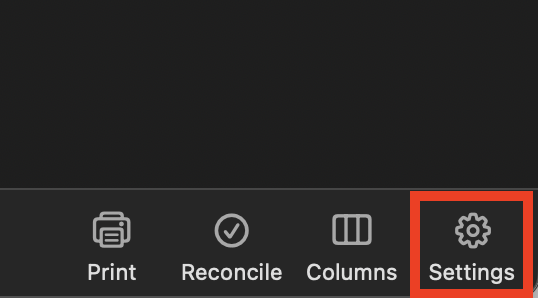
First, you will need to deactivate all the accounts with the affected financial institution:
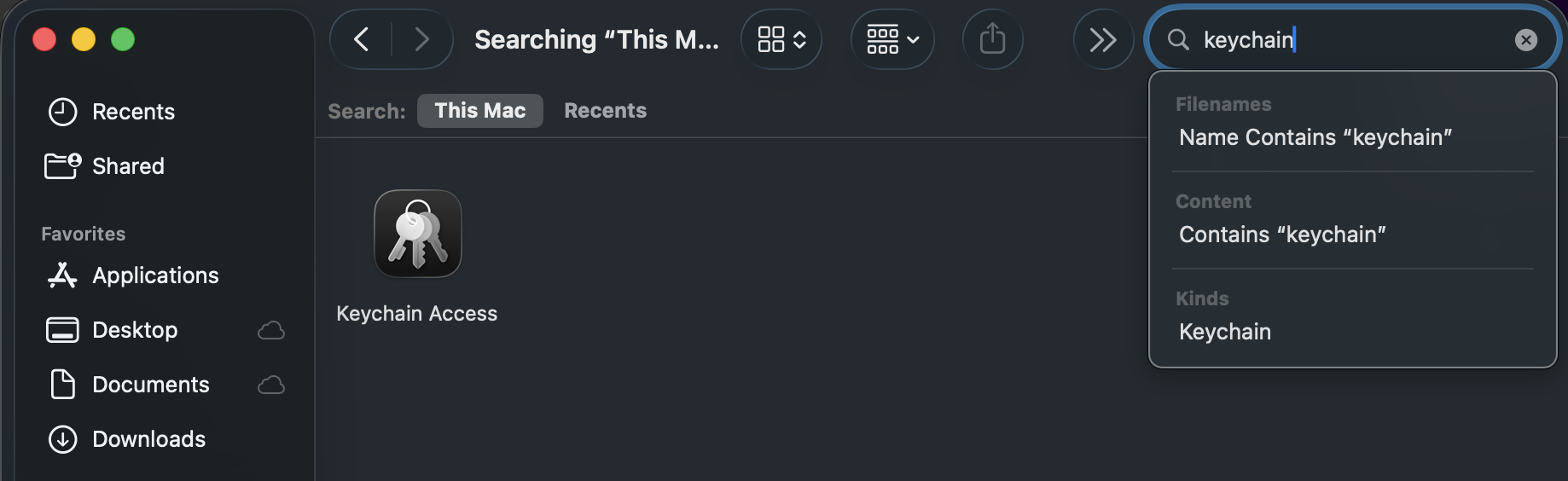
Second, delete Quicken passwords from the Keychain:
Third, re-add the accounts:
If the steps above do not resolve the issue, please contact Quicken Support directly for further assistance.
Thank you!
Hi Anja,
Chevron Texaco Credit Cards
Chevron Credit Card?
Yes, I tried both of those. In both cases when I tried to log into the financial institution, it did not recognize my username/password. I confirmed repeatedly that I had the correct username/password. I also tried several of the Synchrony choices.
Also, could you clarify whether you’re trying to add a new accountwith this financial institution while already having another account with them in Quicken, or if you’re attempting to connect an account that was previously set up?
add a new account
connect an account that was previously set up
I have a brand new credit card titled Chevron Texaco Techron Advantage which is hosted by Synchrony. Prior to this I have never had any Synchrony accounts. There are no other Chevron or Synchrony accounts currently in Quicken. When I log onto my Chevron account from a web browser, I go to url: https://www.chevrontexacocards.com/Chevron I click on ‘My Account’ and it takes me to url: https://www.synchrony.com/marketplace/partner?market=automotive&store=chevron I then SignIn to my account (successfully) and find myself at url: https://www.synchrony.com/accounts/
The title of my account says: “Techron Advantage VISA Credit Card”.
So, I’m not sure why I cannot find something to connect to within Quicken, or why all possible attempts reject my username/password.
Linda John