An investment transaction appears on the Web app that is not (nor has ever been) on Desktop

JeffPend
JeffPend Quicken Windows Subscription Member

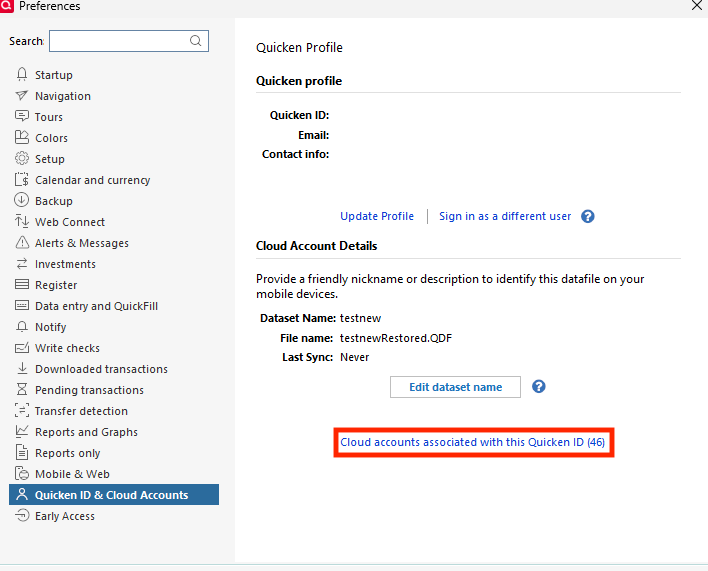
When I sync my Desktop (Windows Classic) to the cloud, the web app shows a stock that I don't own and in a large quantity. The stock does not appear anywhere on the desktop. For example, when I access Quicken on my browser, it shows I own 85000 shares of some stock: NEE. On my desktop, Quicken Classic Deluxe for Windows, there is not such stock in my holdings and no transaction for NEE anywhere in the account. How do I override the Web browser and mobile app to match what I have on the desktop? BTW, I have tried resetting the cloud data.


Answers

  • Quicken Kristina
    Quicken Kristina Quicken Windows Subscription Moderator mod

    Hello @JeffPend,

    Thank you for sharing your experience. To help troubleshoot, please provide more information. When did you first notice this issue? Which financial institution is this happening with, or is the impacted account one that you update manually?

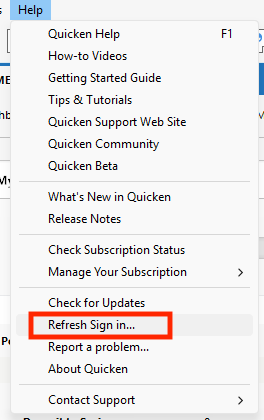
    Since resetting the cloud didn't correct the issue, in your desktop app, please navigate to Help>Refresh Sign in….

    Refresh sign in copy.png

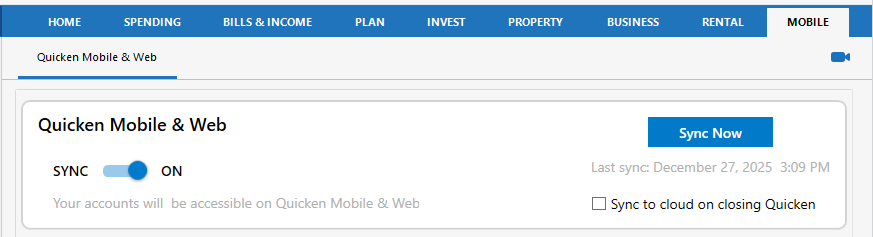
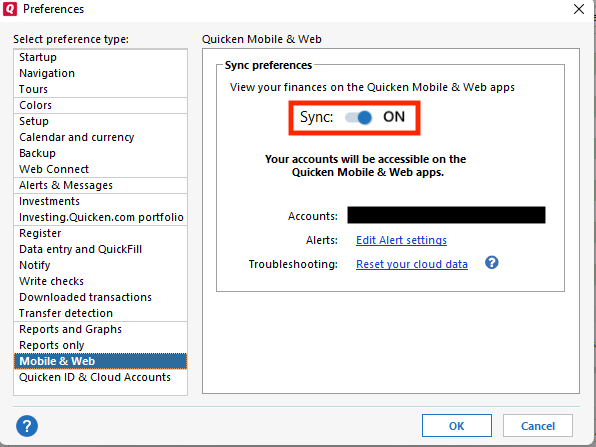
    After the refresh completes, please close the Quicken program, re-open it, and sync with the cloud. You can initiate the cloud sync from the Mobile tab or select it in One Step Update Settings, then run One Step Update.

    Screenshot 2025-12-28 at 5.43.47 PM.png

    Once the sync completes, login to Quicken on the Web and check to see if the issue is resolved.

    I look forward to your reply!

    Quicken Kristina

    Make sure to sign up for the email digest to see a round up of your top posts.