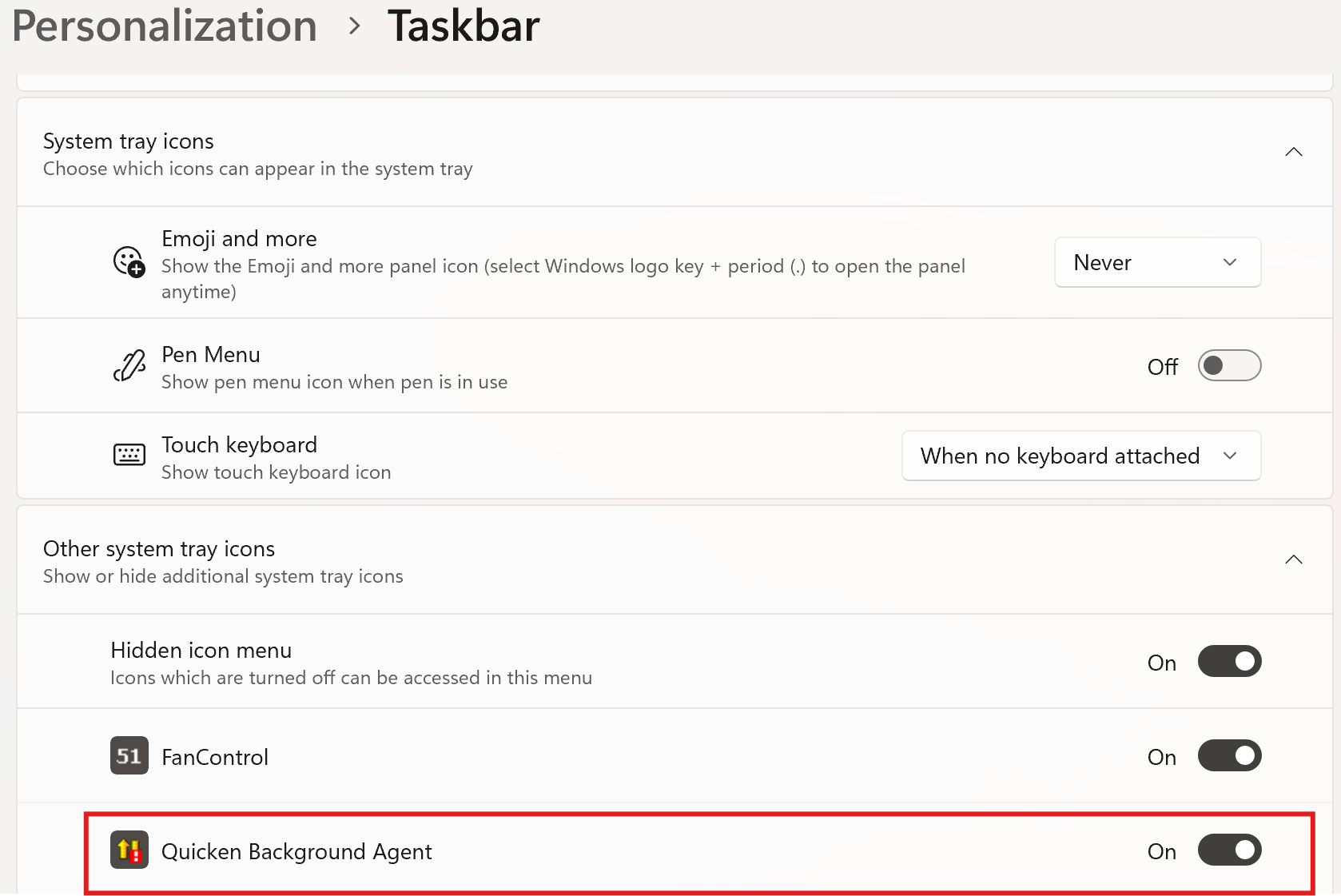
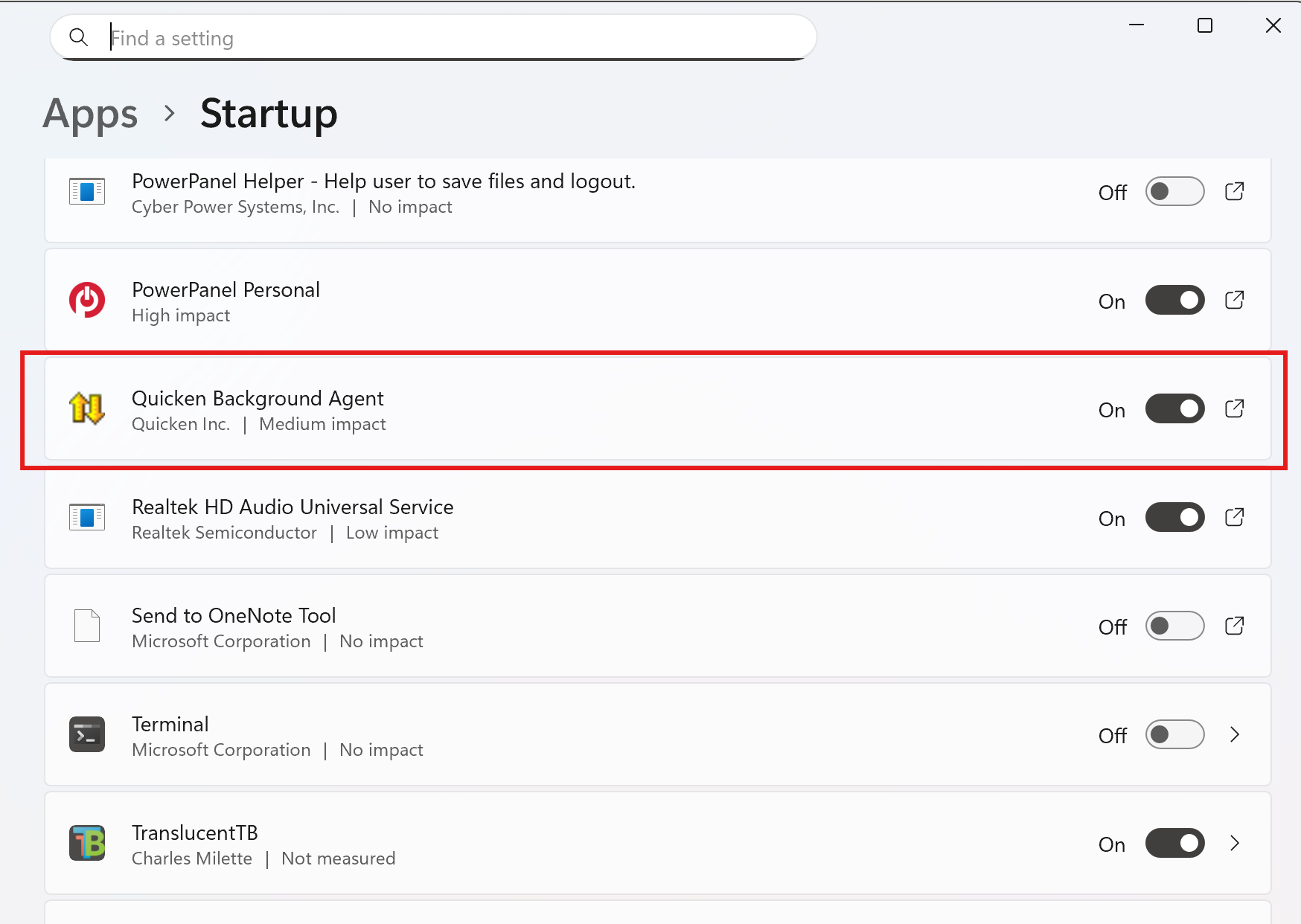
I'm a long-time user of Quicken Classic for Windows. Windows 11, latest Q version. I have always had my scheduled updates scheduled to download data at 4PM weekdays. Has always worked until recently, it's just not running as scheduled. I've checked and all the accounts are still checked off to run, I enter the vault password when rebooting, but still does not run on schedule. Manual works fine. I've rebooted the computer many times, no change. The computer sleeps but Q has always woken it up in the past to run this. I've made no changes to the system. Seems to have started happening after a recent Q update?