This is a bit hard to explain, but here goes… I have been syncing Quicken classic with the cloud successfully to a cloud account called QDATA2025. I have shared that account with my wife who accessed it using the mobile app (only).
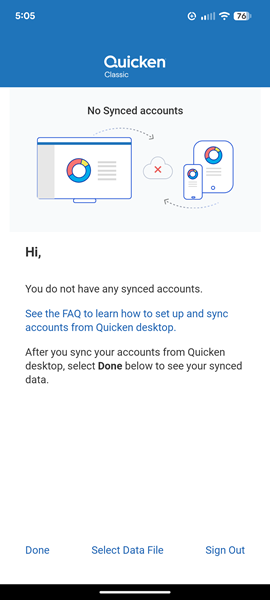
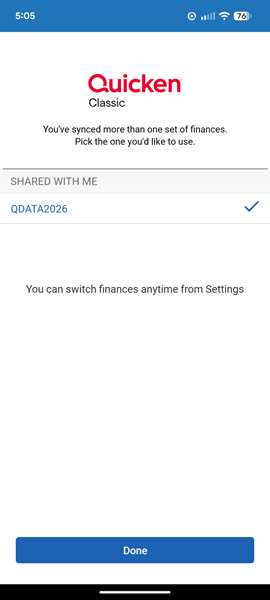
That was working until I messed something up trying to create a new data file for the new year. I created a new file, had some difficulty with my account connections, got them working, and ultimately renamed the cloud account to QDATA2026. In the process I unintentionally removed my wife from access to the cloud account. I sent her a new access invitation which she accepted - but when she logs in to the mobile app it fails to load QDATA2026, saying "You do not have any synced accounts". If she selects a data file to load, QDATA2026 is there but it will not load, and the same error is produced.
I am able to access QDATA2026 from my mobile app with no problem. I am at a loss as to how to restore her access to the data. I have tried to reset the cloud data from the desktop and that does not help.
Does anyone know how to fix this?