After Quicken is updated, it doesn't show my data until I quit Quicken and restart it. I assume it is using the default location instead of where my file is stored.
Hello @AJS1,
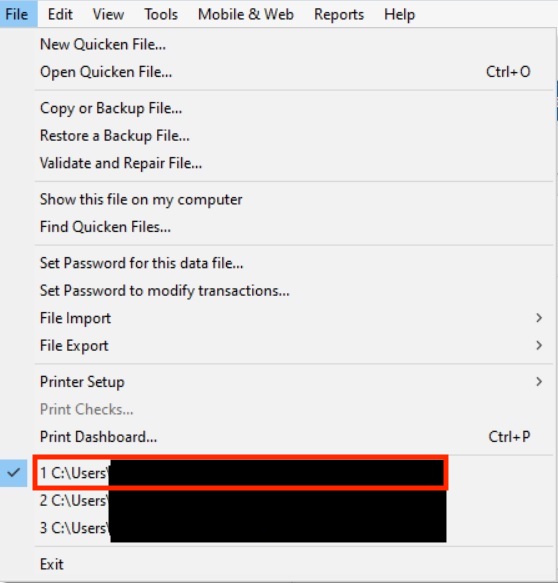
Thank you for reaching out! To help troubleshoot, please provide more information. Do you keep your Quicken file on your local hard drive? What is the exact file location you keep your Quicken file at? You can check this in your Quicken by navigating to the File menu option and finding your file in the list of the most recently opened Quicken files, just above the Exit option. The file you're currently in should be in the top spot.
When you're in the blank file after updating, are you able to use the File menu to switch to your main file, or does it not show as an option at all?
I look forward to your response!