This issue is currently in Windows Quicken Classic Premier R65.29.
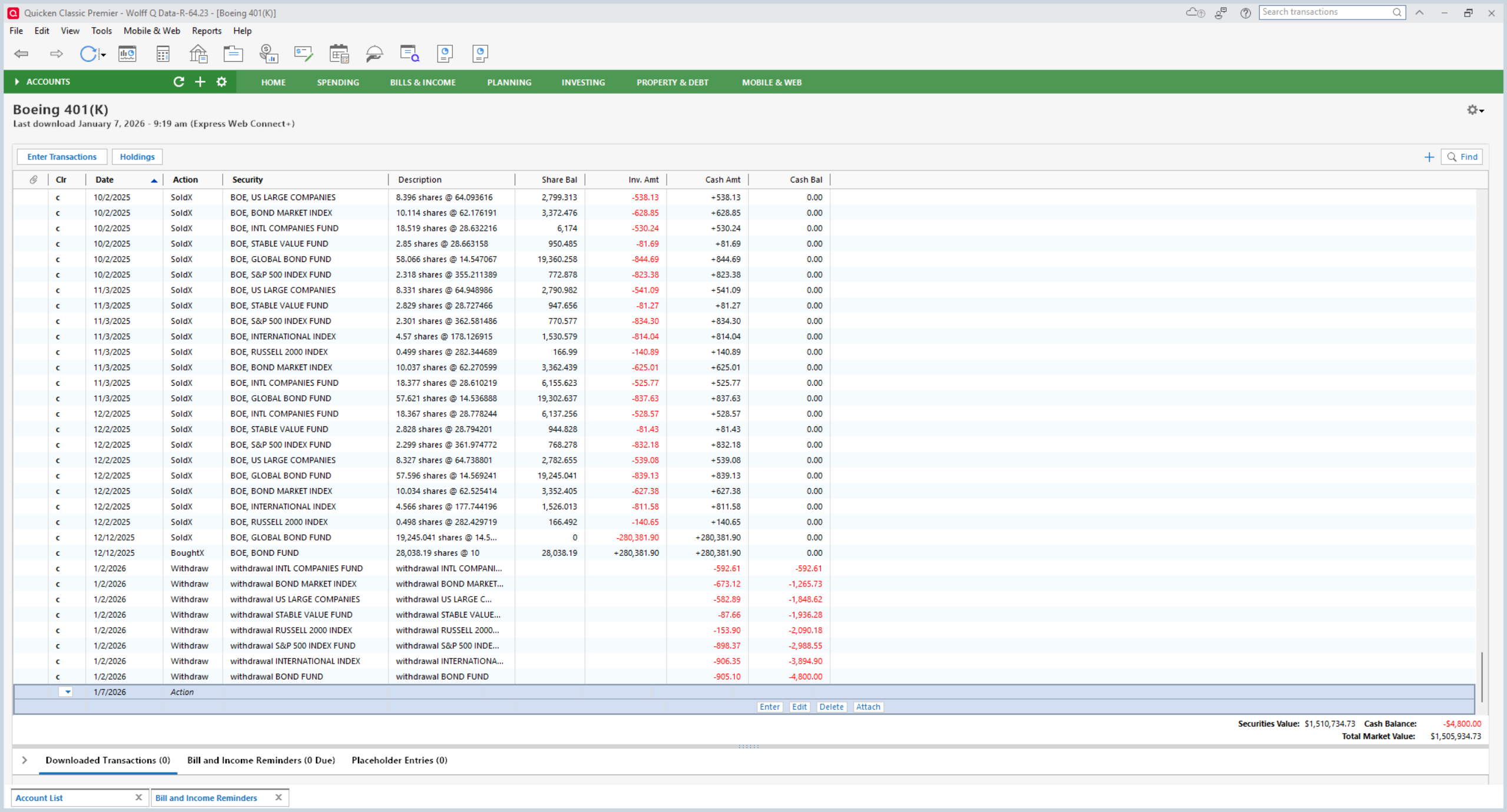
Prior to this fall, withdrawal requests from my 401k held by Fidelity Net Benefits used to be recorded in the 401k register as "SoldX" transactions that reduced the total share counts of the affected securities, as one would expect. But since Fidelity changed to the new EWC+ connection method sometime this fall, new withdrawals are recorded as simple "Withdrawal" transactions in the investment register which leave the share quantities unaffected.
Note that transaction downloads from the retail side of Fidelity Investments for my brokerage account and IRAs all work (granted, after going through much turmoil while converting to EWC+). This issue is only occurring on the Fidelity Net Benefits site.
This has been occurring since at least early October. Since then, I have been manually correcting these transactions in Quicken. Its time consuming and frustrating. I haven't been able to get a straight answer as to whether this is due to a Fidelity issue or Quicken incorrectly converting the transactions.
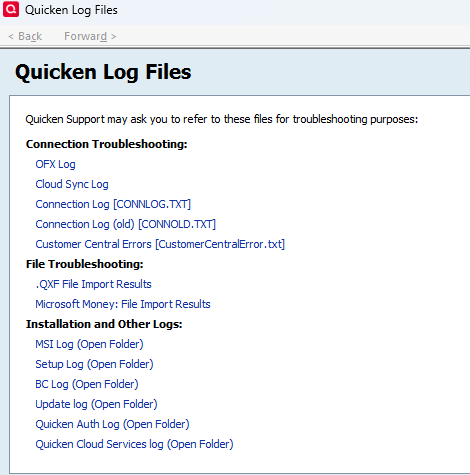
Is there any way to see the actual raw data downloaded?
See the attached screen shot of my latest transaction download.