cc-800 errors

Jim
Jim Member ✭✭✭

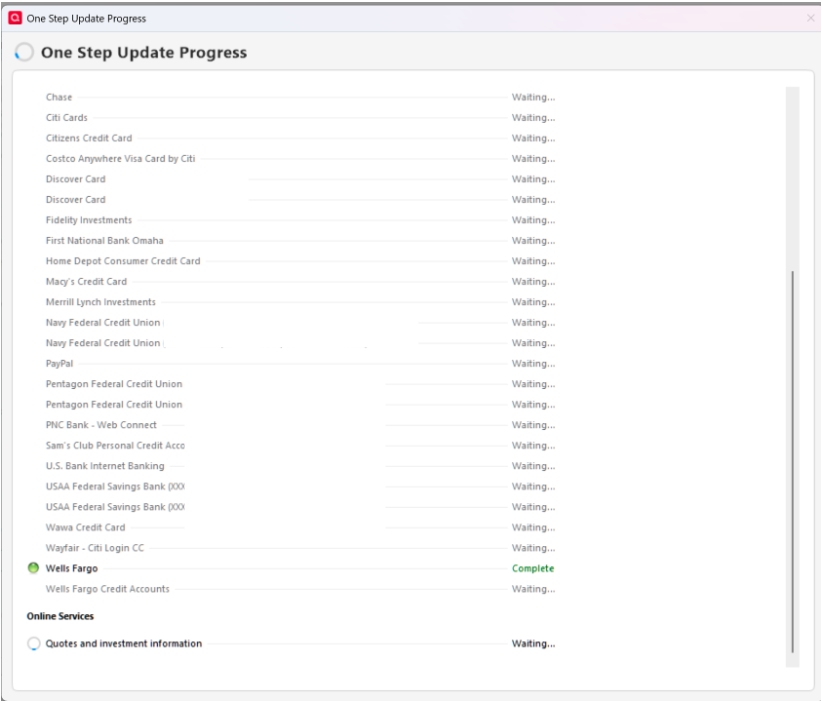
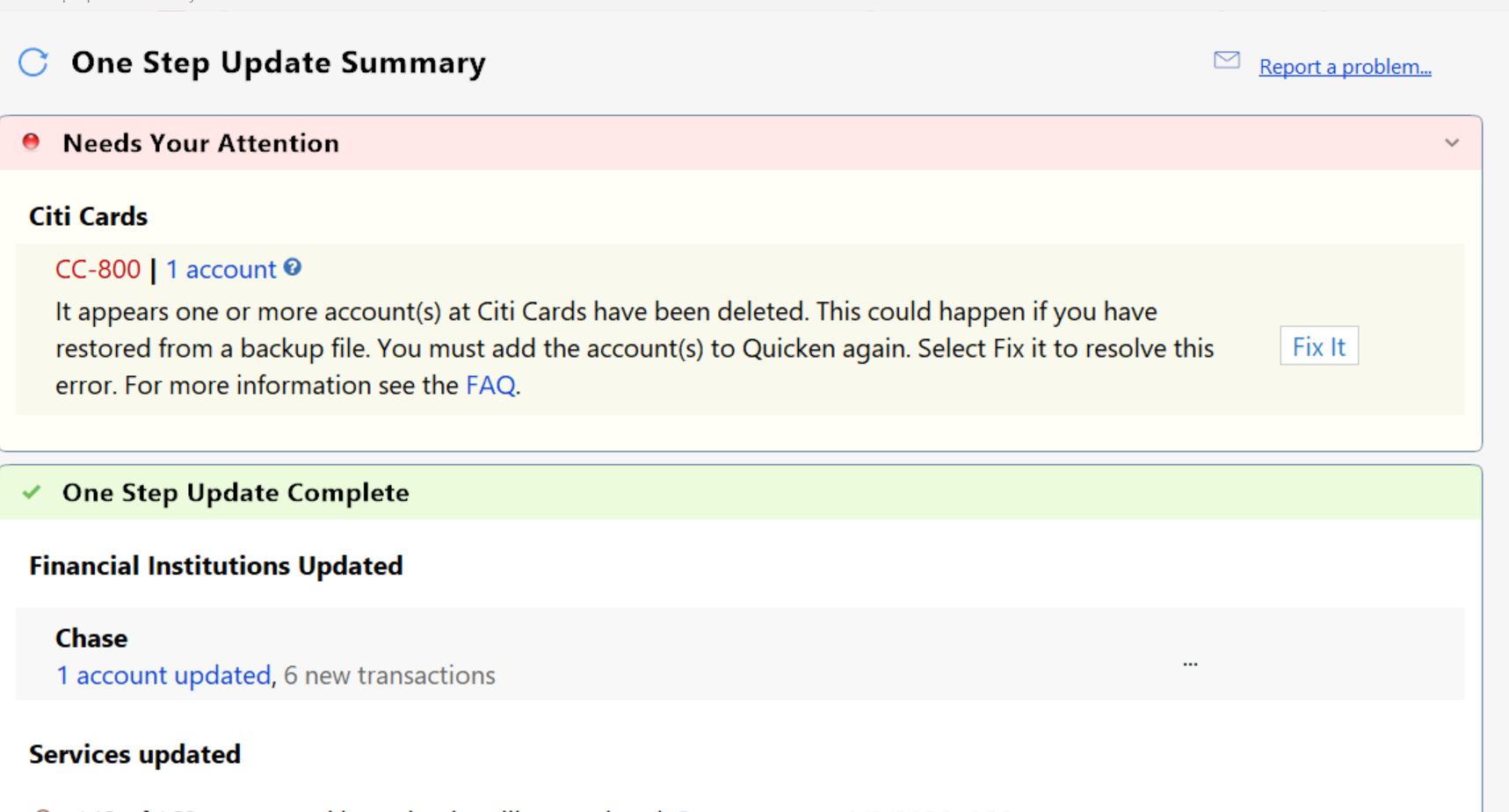
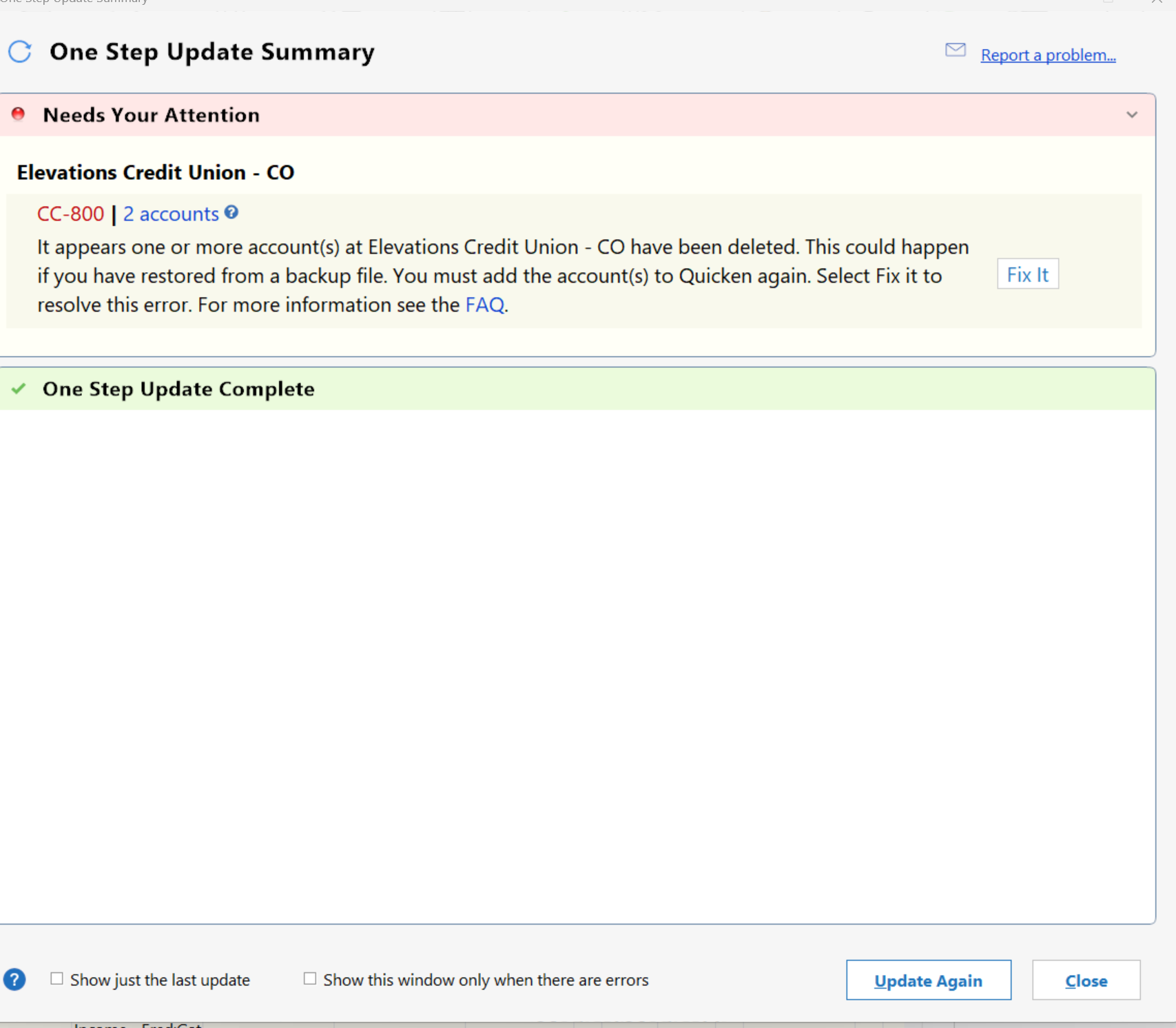
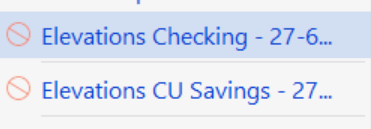
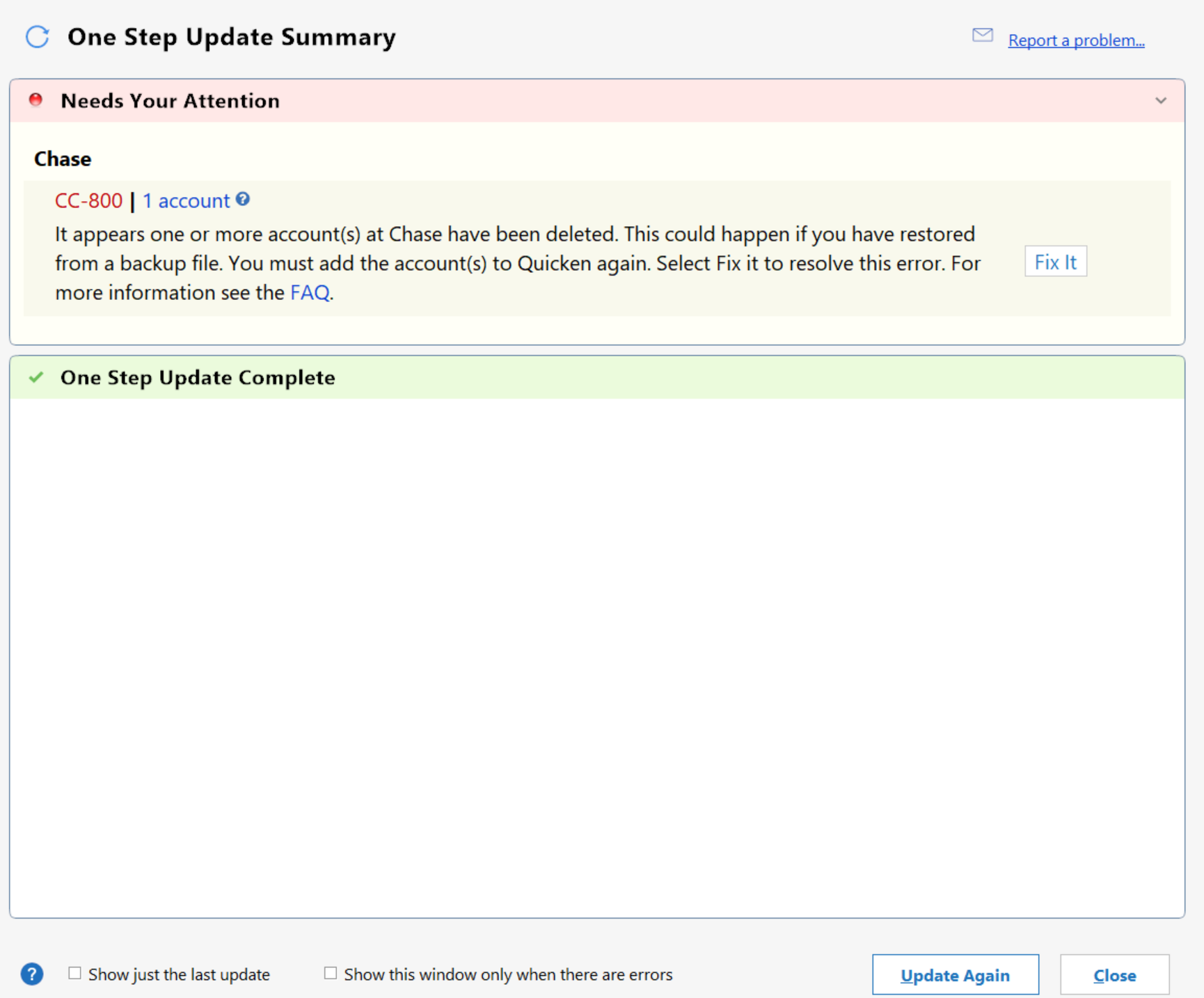
Hello, I am getting cc-800 errors on all accounts. Using Windows 10, Quicken is updated. I went through all the usual suggested solutions by Quicken. I deactivated and reauthorized every single account. Quicken downloads transactions at that time. Come back later that day and try to update transactions, cc-800 errors again. I finally did an uninstall and reinstall of Quicken. I deleted every file, folder, and anything that had Quicken from my computer. I reinstalled data from a flash drive. I disabled Norton. Nothing works, still getting cc-800 errors.

HELP,

Jim

[Edited-Readability]

Answers

  • Jim
    Jim Member ✭✭✭

    Post addition: This started first of year, and I was NOT using a backup file. Jim

  • Quicken Alyssa
    Quicken Alyssa Quicken Windows Subscription Moderator mod

    Hello @Jim,

    Thank you for sharing this detailed account of your experience, though I am sorry that your troubleshooting steps did not resolve the issue.

    I have some follow-up questions for you before we proceed with further troubleshooting:

    • How are you opening Quicken?
      • Are you using the red square application icon?
      • Or are you using an icon that is either red or white, rectangular, and looks like a sheet of paper with the corner folded down?
    • Where is your data file located?
      • We recommend keeping your file stored locally in the default location (C:>Users>username>Documents>Quicken) to avoid possible damage occurring to your file.
    • Is your file being backed up/synced by any third-party services like OneDrive, Dropbox, or Carbonite?
      • I know you mentioned disabling Norton, but I don't know if that was a backup service or a VPN/Firewall/Antivirus that you disabled.

    Looking forward to your response!

    Quicken Alyssa

    Make sure to sign up for the email digest to see a round up of your top posts.

  • Jim
    Jim Member ✭✭✭

    Alyssa,

    I use the red square icon with Q in it. I disabled antivirus/firewall/vpn in Norton. I store files in a documents folder I do not use any third party service

  • Quicken Alyssa
    Quicken Alyssa Quicken Windows Subscription Moderator mod

    @Jim,

    Thank you for following up with those additional details.

    Given that you have already done the steps outlined in our CC-800 Support Article, the next step will be contacting Quicken Support directly.

    Support is available from 5:00 am PT to 5:00 pm PT, Monday through Friday. Chat support is available 7 days a week.

    I apologize that I could not be of more assistance!

    Quicken Alyssa

    Make sure to sign up for the email digest to see a round up of your top posts.