Bill Pay Screen Corrpution

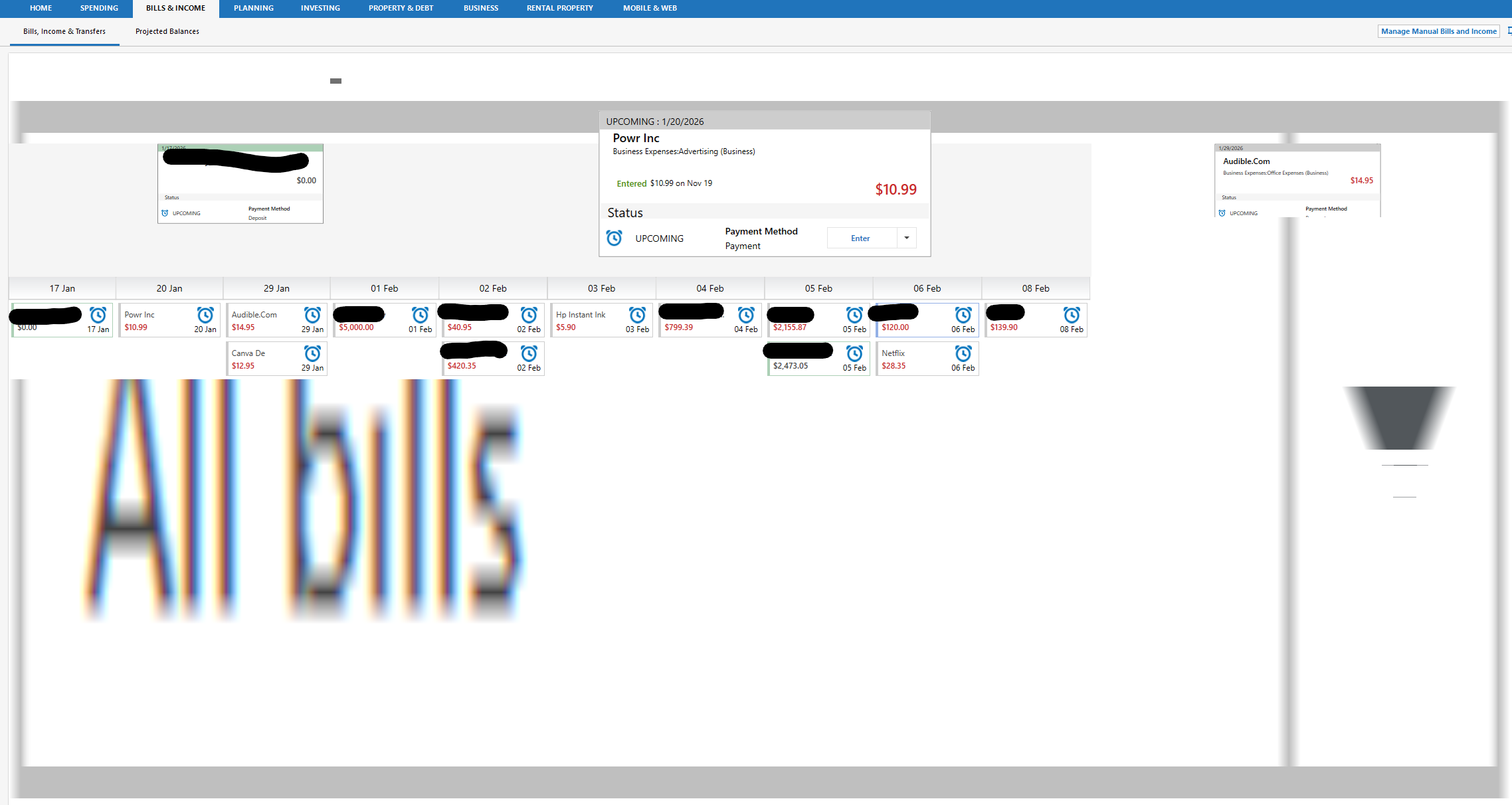
I don't know when this started, but it's made this area very hard to use over time. I don't use the online billing system any longer due to all the issues, but I do use the screen occasionally to look at upcoming and paid bills. And eventually, no matter what I do, the screen will become corrupted and look like some version of this:
And it gets worse if I toggle. Here I clicked projected balances and then back and it got even worse:
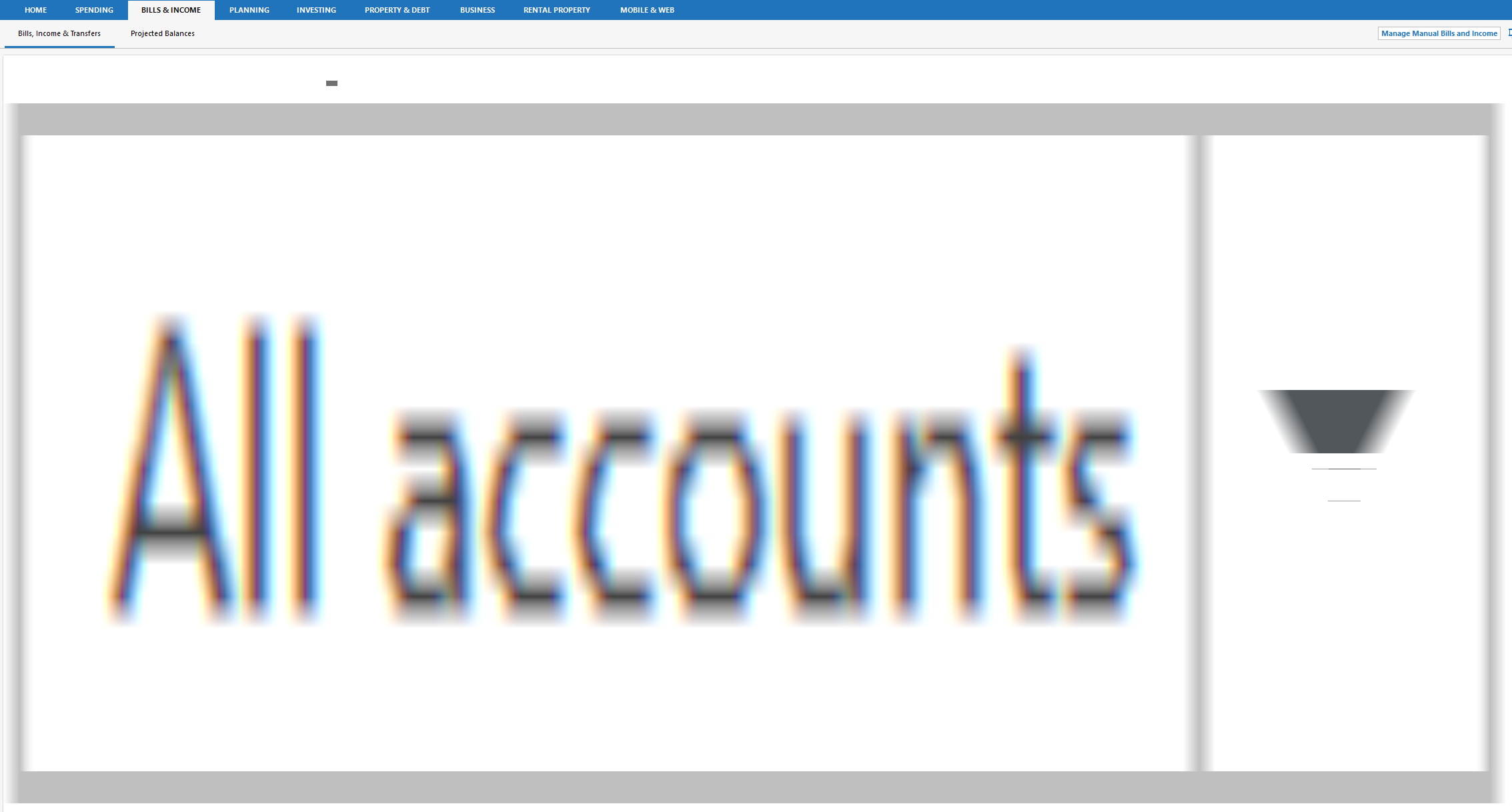
Clicking to SPENDING and then back restores the screen to the right view. But then clicking Projected Balances and then back to Bill, Income & Transfers results in a slighty different distorted version of the second picture.
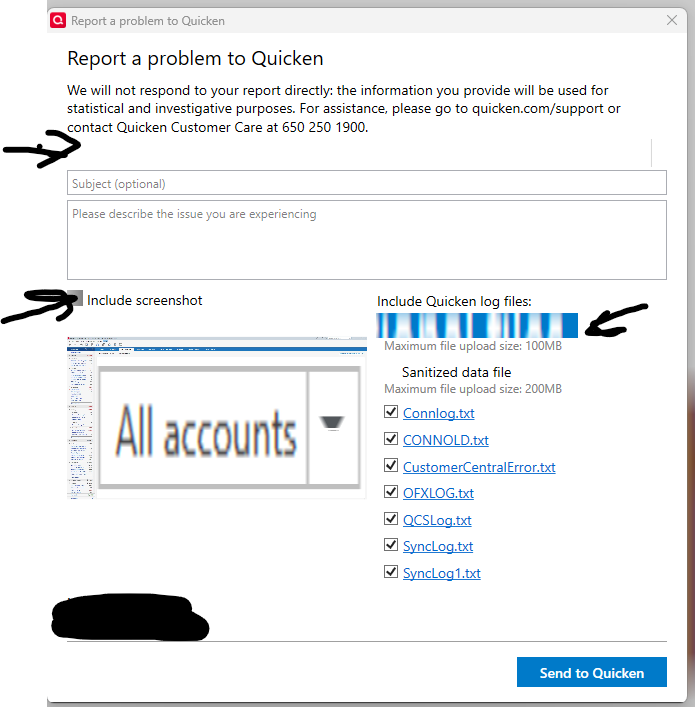
I see similar in certain cases on the main dashboard screen, and now I'm starting to see UI corruption as well in the 'Report a problem to Quicken' dialogues as well.
Categories
- All Categories
- 42 Product Ideas
- 36 Announcements
- 225 Alerts, Online Banking & Known Product Issues
- 21 Product Alerts
- 497 Welcome to the Community!
- 677 Before you Buy
- 1.3K Product Ideas
- 54.4K Quicken Classic for Windows
- 16.5K Quicken Classic for Mac
- 1K Quicken Mobile
- 814 Quicken on the Web
- 115 Quicken LifeHub