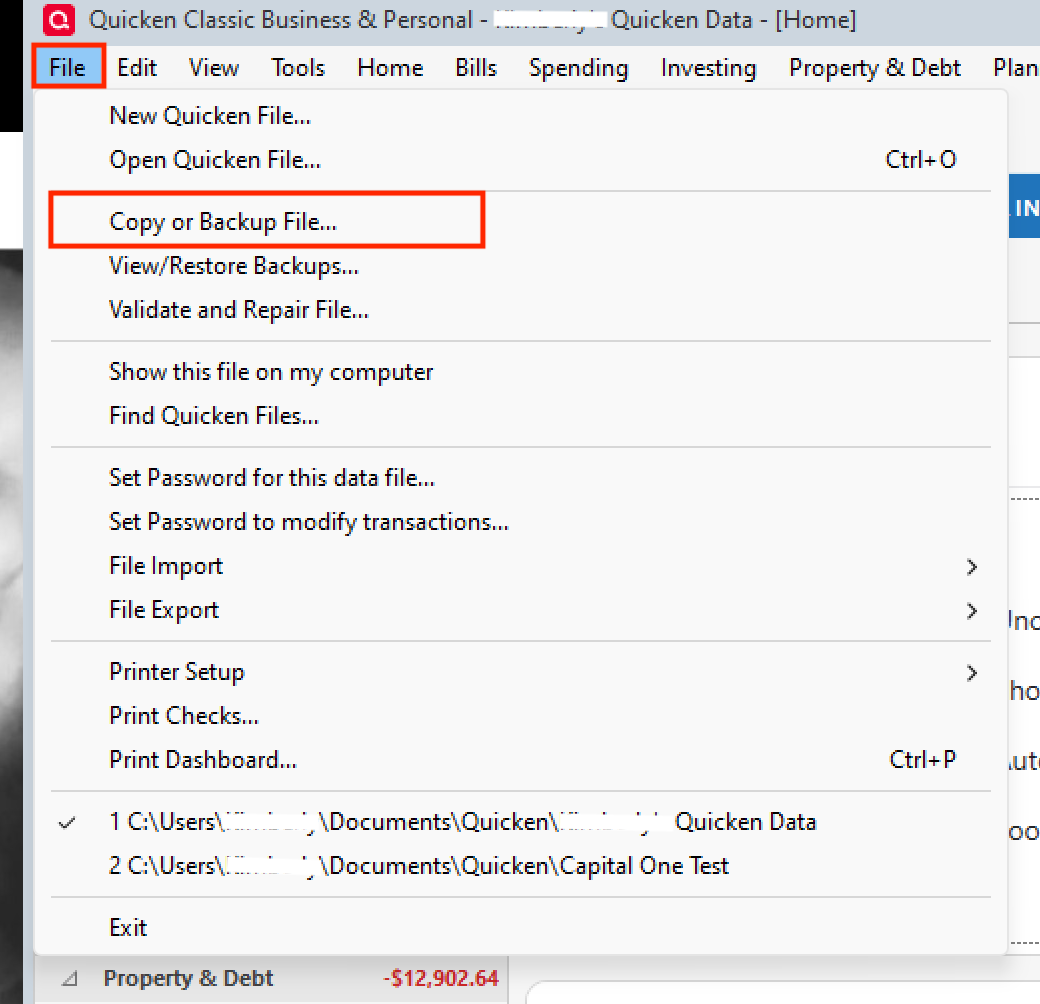
I am running Quicken Classic Premier, version R65.29 on Windows. When I select One-step update from the menu bar, none of my accounts are listed. What I have to do now is select each account, edit it, deactivate online services for the account, then go through the hassle of reactivating it. I have 15 accounts, so this is time-consuming. The one-step update function has not worked for at least 6 months for any of my accounts. Quicken support recommends going through the deactivation/activation steps above each time I want to update.
Here is what I have tried, to no avail:
quit and restart Quicken
validate and repair the data file (there are no errors), then quit and restart Quicken
rebooted laptop, then go through steps above again
uninstall then reinstall Quicken
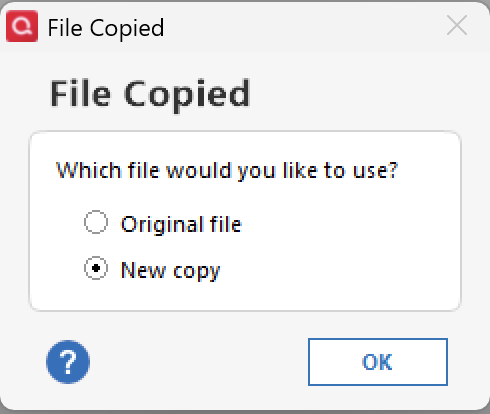
move the data file to another drive
There are no errors or messages of any kind. Quicken support thinks the answer is to deactivate/reactivate each account each time I need to update my transactions which I think is ridiculous.
Does anyone have any other ideas? TIA
[Edited-Readability]