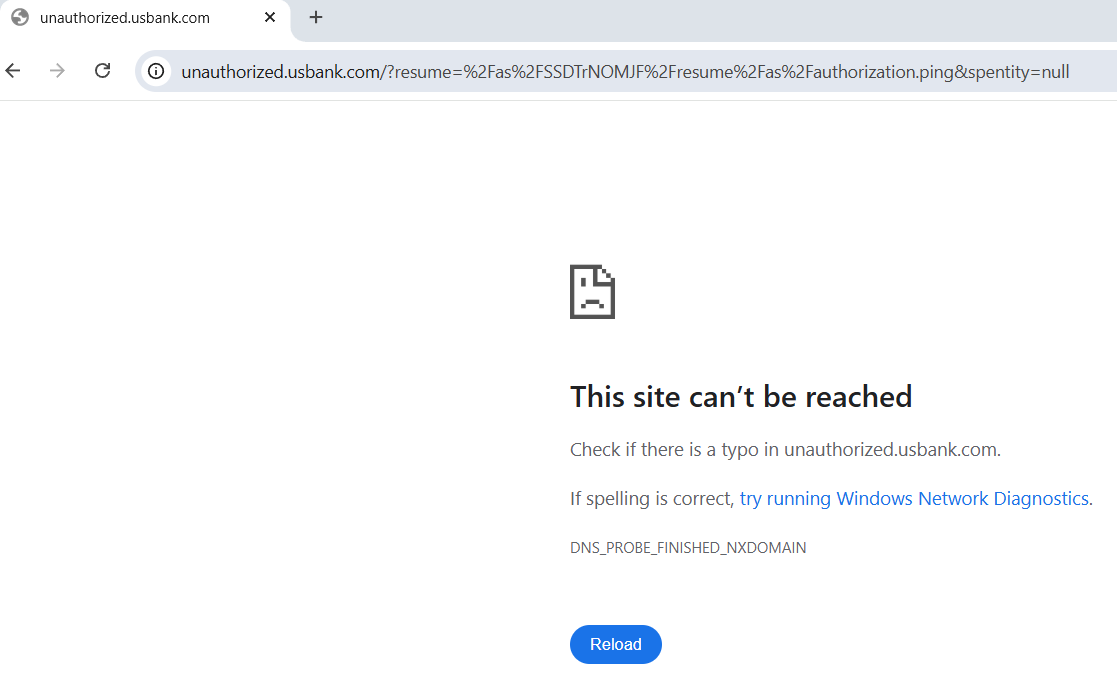
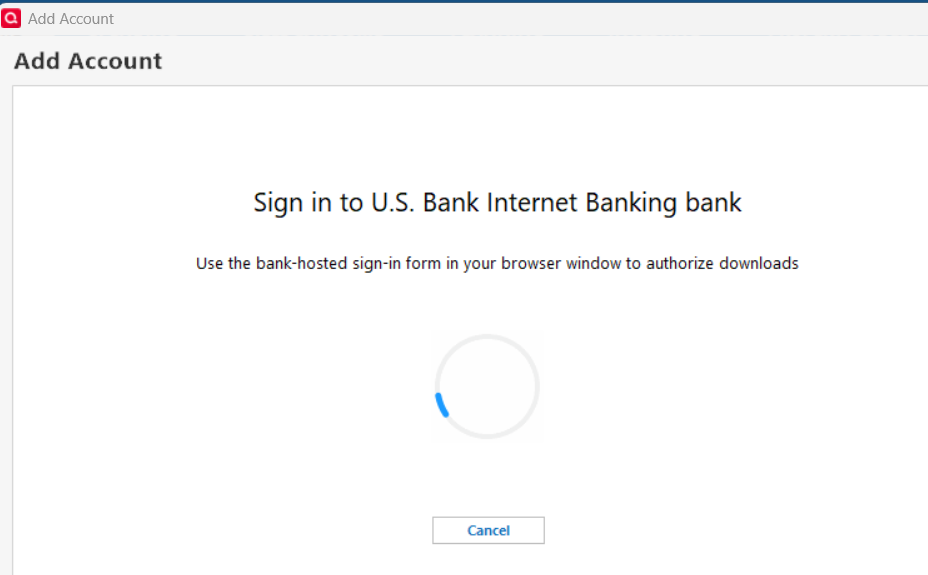
Short version: I get to the steps where I see my accounts and balances, and then get the message:
This site can’t be reached
Check if there is a typo in unauthorized.usbank.com.
DNS_PROBE_FINISHED_NXDOMAIN
Long story: I spent hours on phone with Quicken/Intuit tech support. Uninstalled or turned off anti-virus, anti-track, firewall, flushed and reset DNS, erased history, updated browser, tried 3 browsers. I have used my current computer (Windows 11) and programs for a while now with no issues. I have had 2 credit card accounts with US Bank for a few years and just got a replacement card in January. They suggested I disconnect the working account and then try to add new account. Now I have 2 non-connecting accounts.