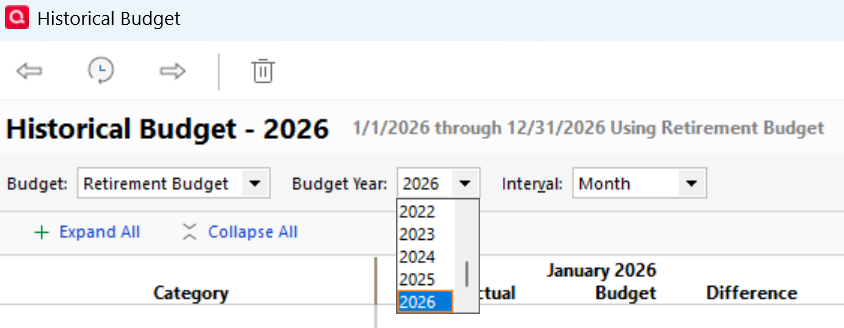
Can somebody please explain what the intent is behind these two reports. They seem to be virtually the same on my system. I should explain that I have only one named budget, with annual changes in which categories are budgeted going back to 2014.
Secondary question: both of these reports have a Budget Year selection box at the top. If I click the down arrow on this I do not get a list of years as I would expect. But a dark black line does appear at the bottom of the selection box (see screenshot).
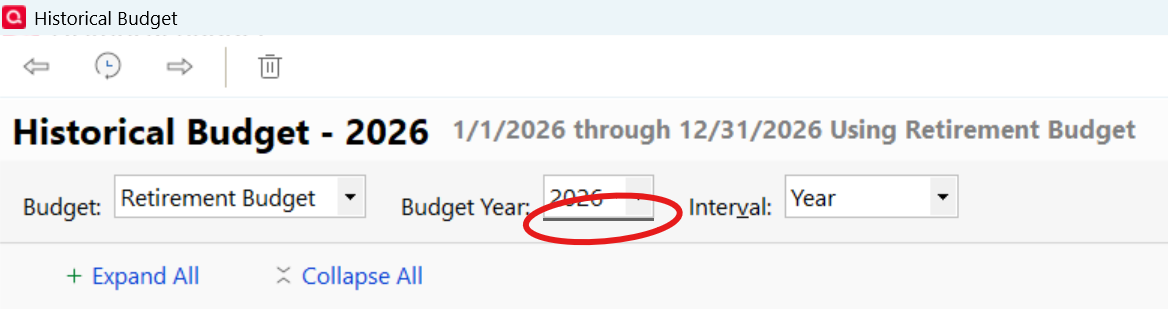
I cannot type a type a year into the box. BUT if I click in the box and press the '2' key, it switches the year displayed as if there was an invisible selection list.
Quicken Classic Premier for Windows, version 65.29