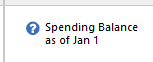
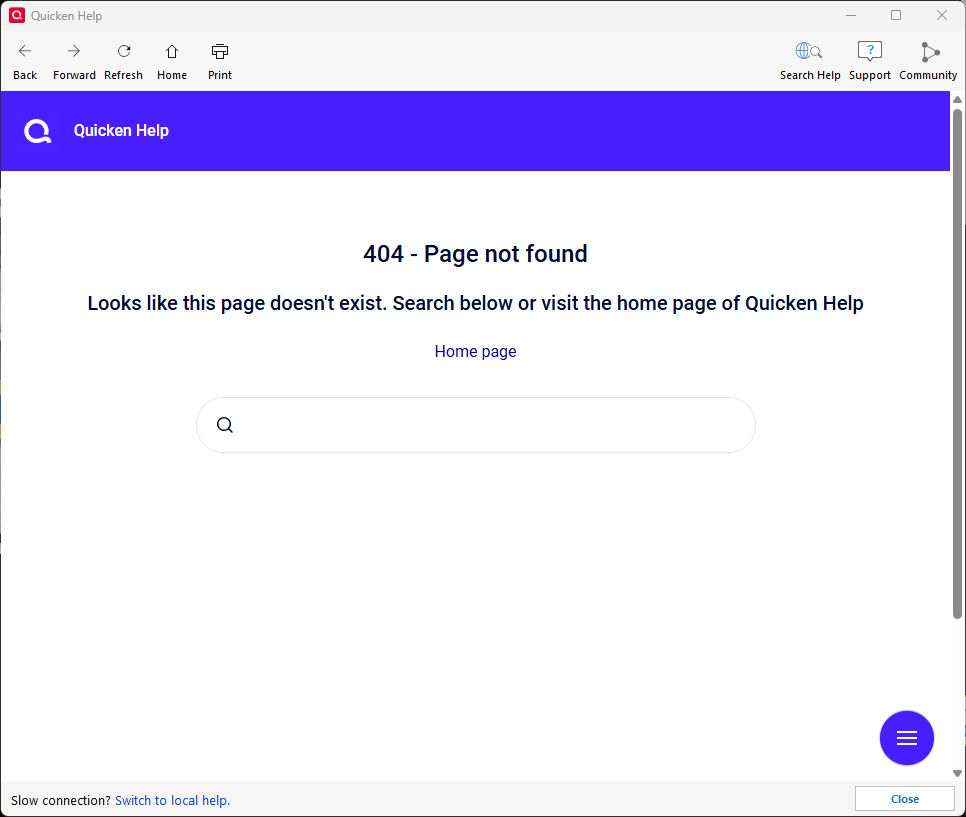
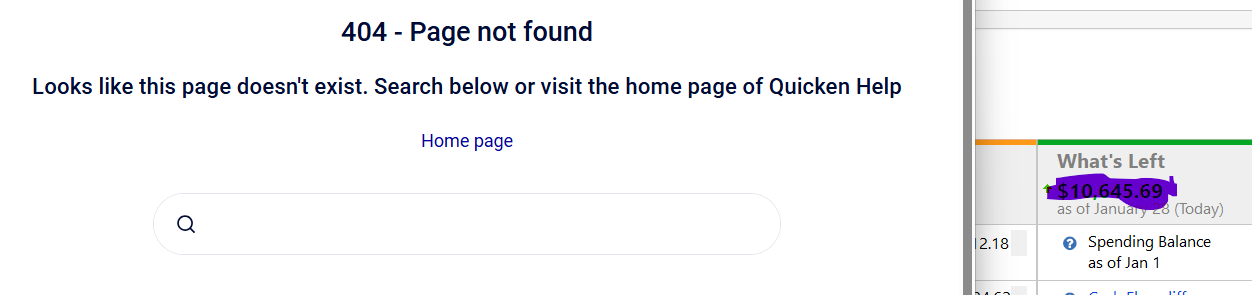
Clicking on the help link for Spending Balance in In/Out/What's Left leads to a 404 page not found error.
Hello @Michael Rosen,
Thank you for sharing your experience and reporting this issue you are running into.
I am unable to recreate this in my own Quicken. I have some follow-up questions for you that will hopefully help us narrow down what could be causing this.
Let me know how it goes!
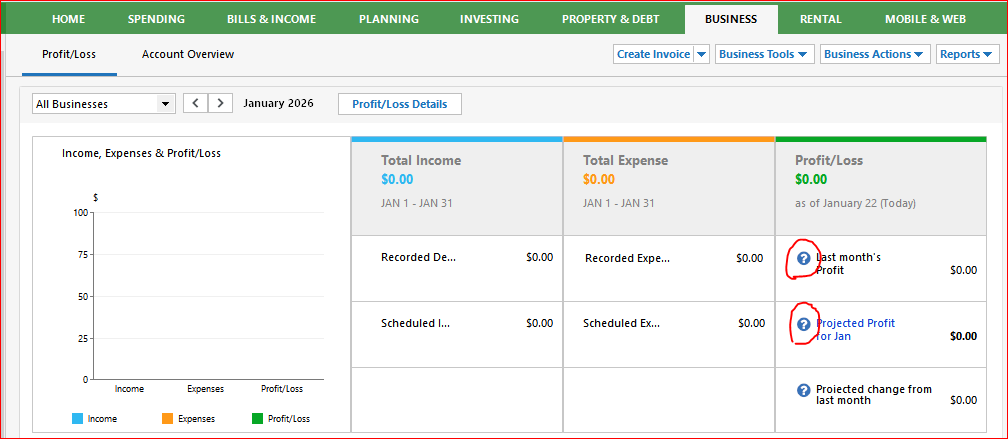
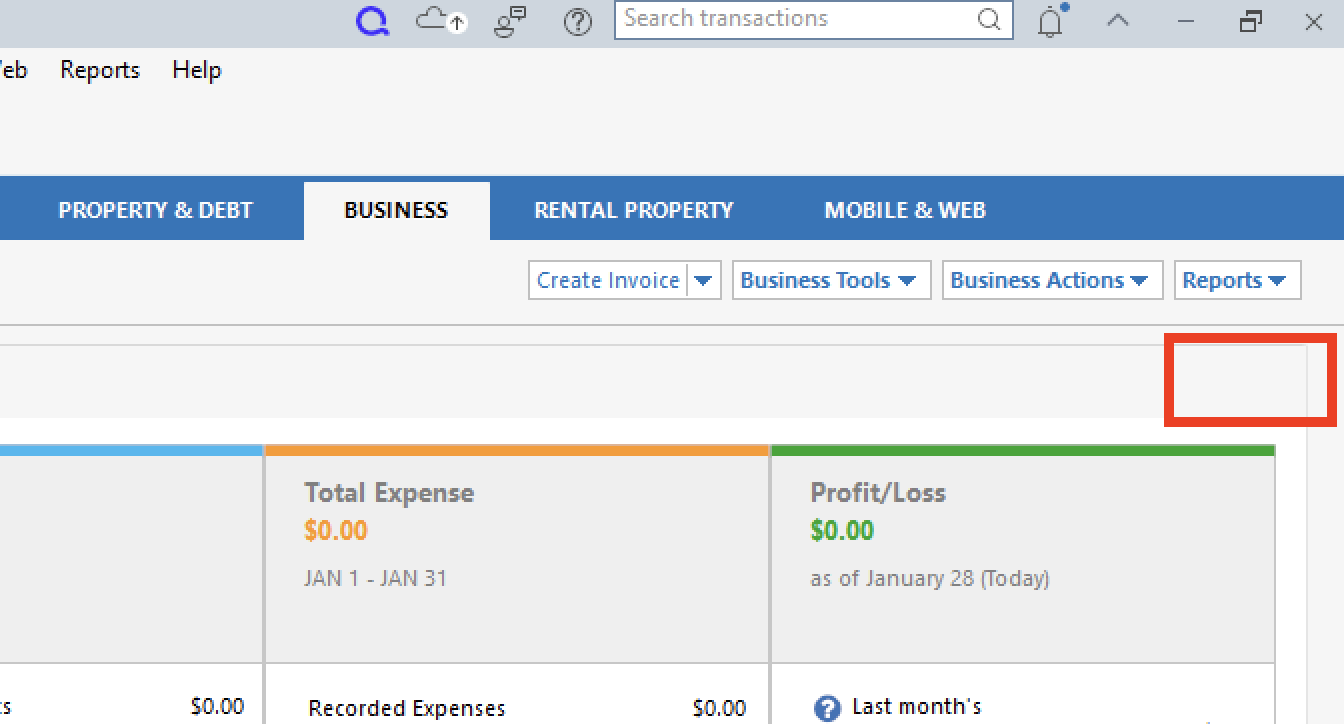
I'm not quite sure if I'm looking at the same view that @Michael Rosen is looking at, but the two (?) icons circled in red in the image below result in the same 404 error. The third icon works OK.
Would be nice, if the webpage displaying the 404 error could be changed to display the failing URL … that would go a long way towards finding the problem.
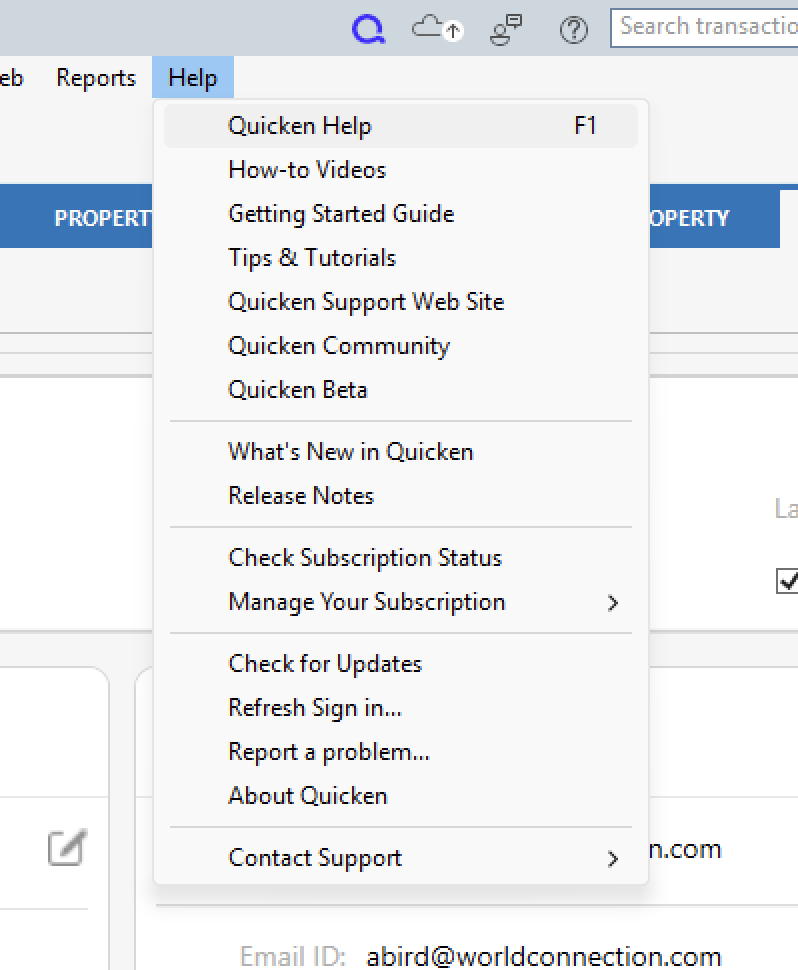
Help>Quicken Help works fine.
I am not using a VPN.
My default browser is Brave.
I had forgot to list my version. I am on Classic Premier vR65.29, Build 27.1.65.29.
Yes, exactly, except you have selected Spending vs. Account Balances.
I get the same result as you for those first two help links in that view.
@Michael Rosen & @UKR,
Thank you both for adding to this discussion!
I am able to replicate what @UKR is seeing. Can you provide a full-screen screenshot so I can see exactly where you are in the program?
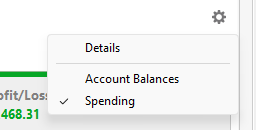
It looks like you are using a gear above profit and loss, but I am not seeing that in mine.
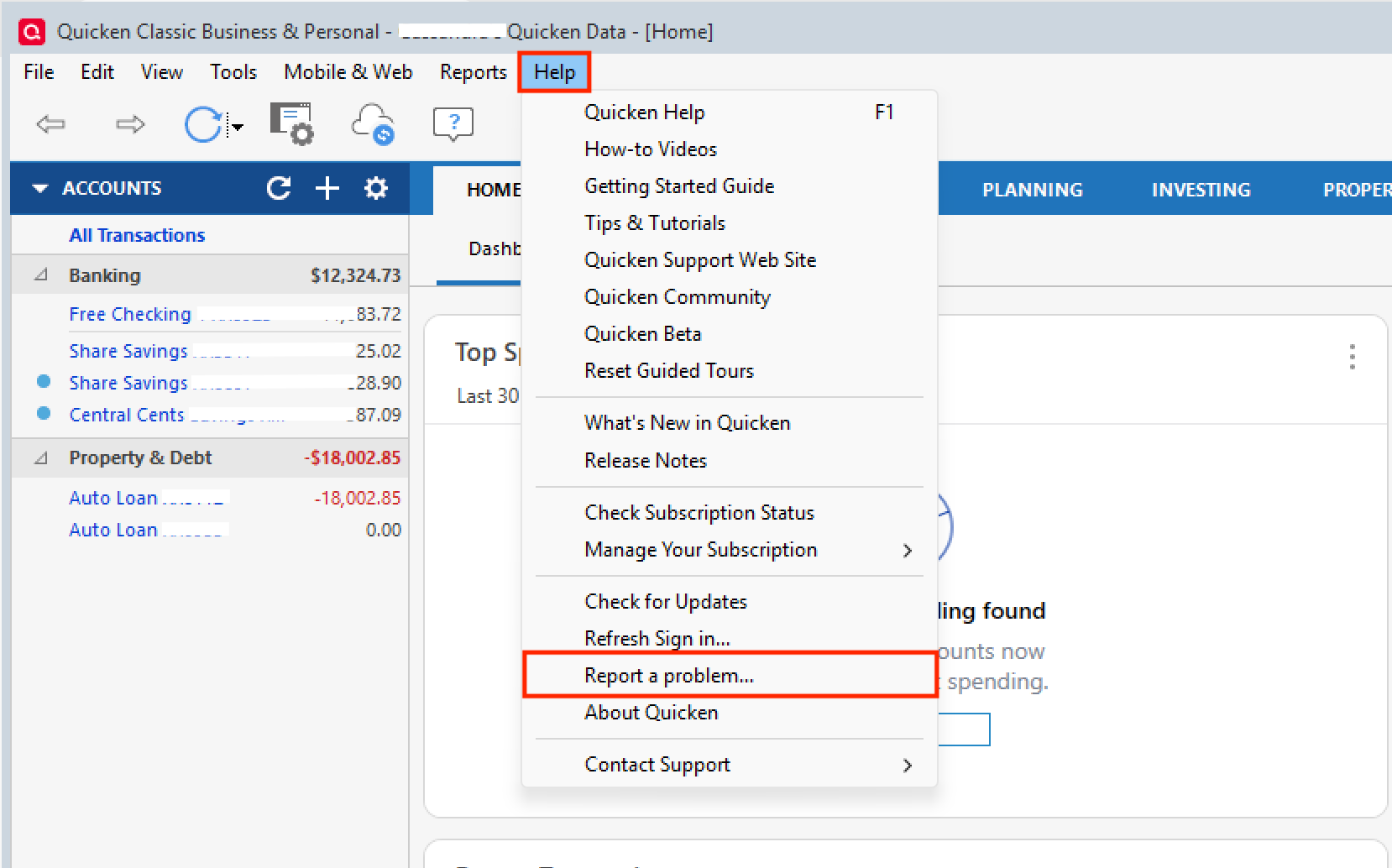
After that, can I have both of you submit log files? To do this, go to Help>Report a problem>Send to Quicken.
If you are willing, in some cases, a sanitized data file is helpful as well, but it's also not necessary. Let me know once they have been sent so I can add them to the ticket.
Thank you!
[CTP-16133]
I'm getting the same results as the OP when I click on the ? in the blue circle
@NotACPA,
Thank you for contributing to this discussion.
I added your screenshot to the ticket as well.
Log files sent.
I see you are on a Business tab. I am on the Home tab. I have never customized this tab so I believe this is the default. Yes, there is a cogwheel in the upper righthand corner of the In/Out/What's Left card.
That piece of information would have been very helpful to us when starting this discussion. It would have directed us all to the same view.
OTOH, having used Quicken since the 1990s, I just learned something new. There is this interesting In/Out/What's left view, optionally available when you customize a Classic Home tab view. I only knew of this view in the Business tab.
As far as getting the 404 error on this Home tab view: Only the first (?) button gives me a 404 error. Buttons 2 and 3 work as expected.
I don't have a business tab, so it didn't occur to me this might be located somewhere else.
Yes, in the Account Balances view, the first (?) gives the 404 error. And internal browser window that is utilized does not have a way to see the URL being used.
@UKR & @Michael Rosen,
Thank you both for providing the additional context and sending your log files.
I have gathered it all and added it to the escalation ticket.
Thanks again!