I used to be able to just double-click on my Quicken data (QDF) file to open Quicken. After a Quicken update a couple months ago it stopped working. I can still open my file by starting the Quicken application. Then then opens my file.
Does anyone know a remedy? I'm on Windows 10.
Here is what happens if I double-click the QDF:
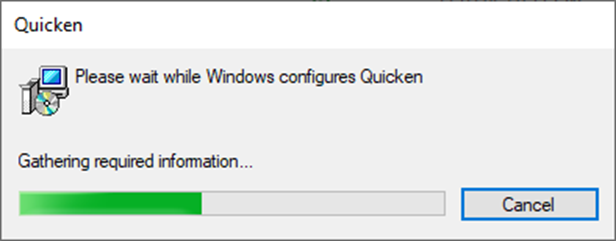
1) This displays:
2) Then this:
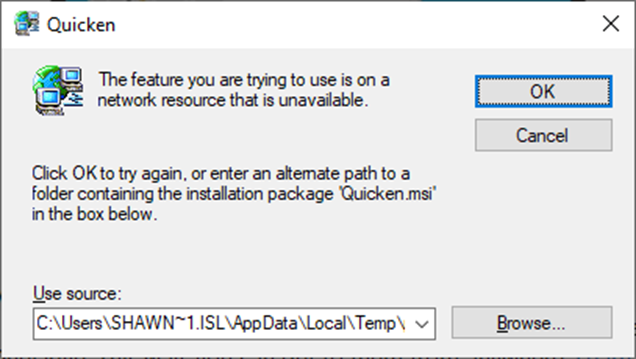
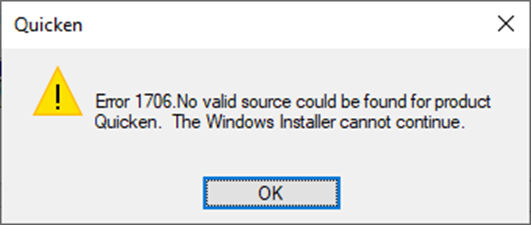
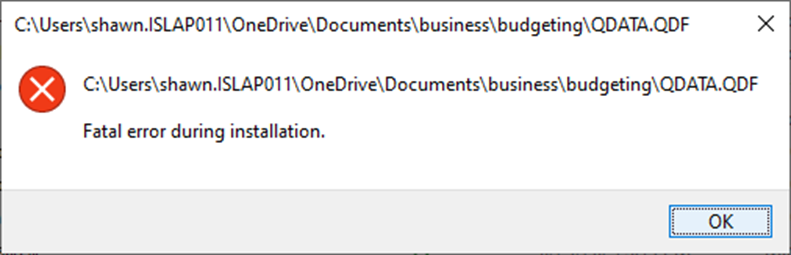
I have tried to find a Quicken.msi file on my system but no luck, so I Cancel. Then the following two messages appear and I just press OK and exit.
3)
4)
[Edited - Readability]


