Commerce Bank MO, KS, IL Web downloads

Darrell L Childress
Darrell L Childress Quicken Windows Subscription Member ✭✭

Quicken Classic for Windows

Version R65.29

Build 27.1.65.29

FI - Commerce Bank
Screenshot 2026-01-25 at 4.57.55 PM.png

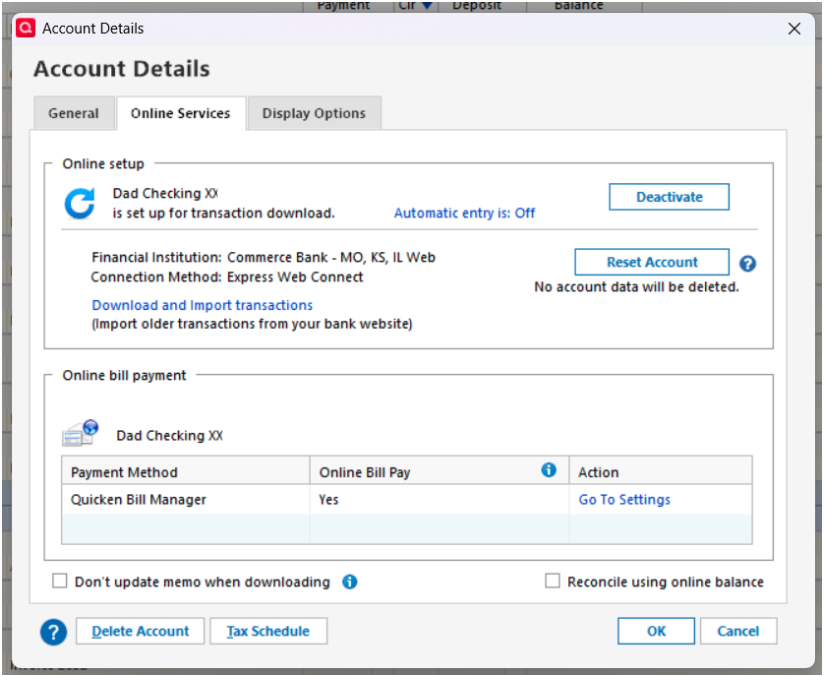
FI - Commerce Bank MO, KS, IL Web

Screenshot 2026-01-25 at 4.58.05 PM.png

I have multiple accounts with Commerce Bank. One FI name is Commerce Bank and it requires MFA. The other FI name is Commerce Bank MO, KS, IL Web and it does not require MFA. Both FI update through Express Web Connect connections.

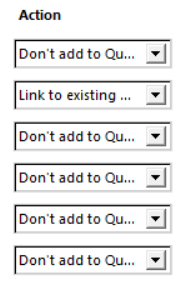
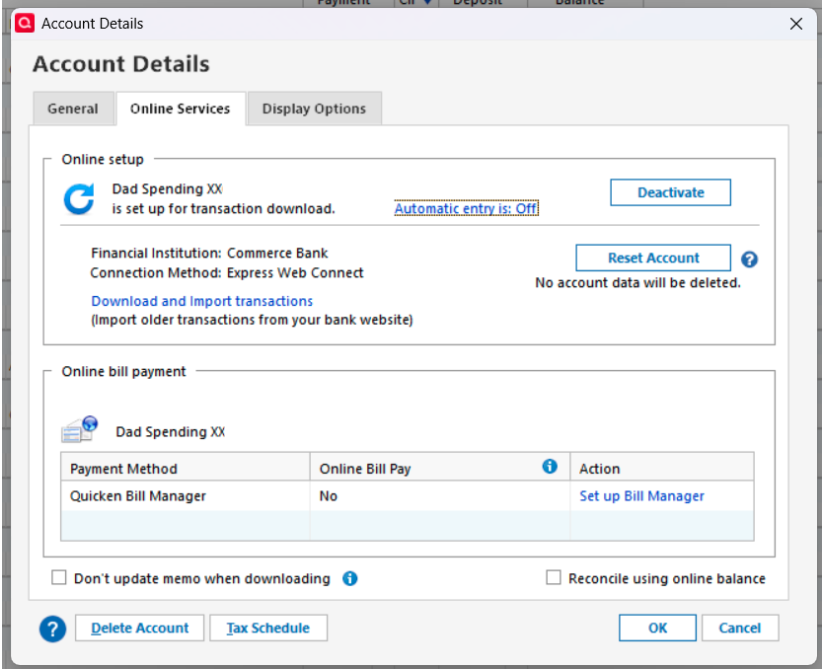
When I update the FI Commerce Bank MO, KS, IL Web downloads all transactions, but the Commerce Bank FI does not. To download the Commerce Bank FI transactions I have to Edit the Account Online Services and press the Reset Account pushbutton. This will find all the accounts with Commerce Bank. I have to Link to Existing for the Commerce Bank FI while I do not add the other accounts. The Commerce Bank FI transactions will then download.

Is there a technique to separate the two Commerce Bank FI transaction downloads so that the one that requires the MFA is not lumped in one download?

Darrell

[Edited - Removed partial account numbers/Readability]

Comments

  • Quicken Kristina
    Quicken Kristina Quicken Windows Subscription Moderator mod

    Hello @Darrell L Childress,

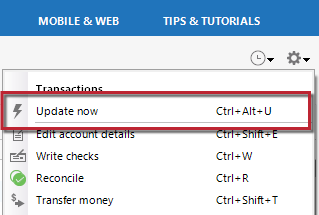
    Thank you for reaching out! When you're asking if there's a way to separate the two Commerce Bank downloads, are you referring to separating Commerce Bank from Commerce Bank MO, KS, IL Web? If you are, then you can go to one of the accounts you want to update, click the gear icon near the upper right in the register, then select Update Now.

    image.png

    That should run a One Step Update for that one financial institution.

    If that's not what you mean, then please provide more information what you are trying to do.

    You also mentioned that Commerce Bank (the one which requires multi-factor authentication) is not downloading transactions unless you reset your accounts. When did you first notice this behavior? Do you see any error messages/codes when this issue happens? How many accounts is this happening with?

    I look forward to your reply!

    Quicken Kristina

    Make sure to sign up for the email digest to see a round up of your top posts.

  • Darrell L Childress
    Darrell L Childress Quicken Windows Subscription Member ✭✭
    edited January 26

    No error codes.

    This happened when all accounts went to Express Web Connect,

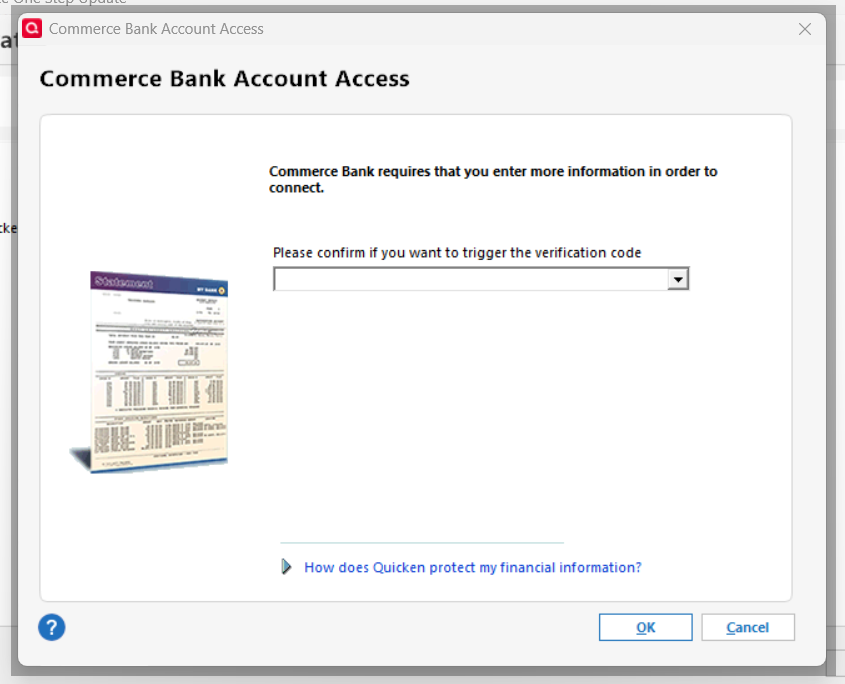
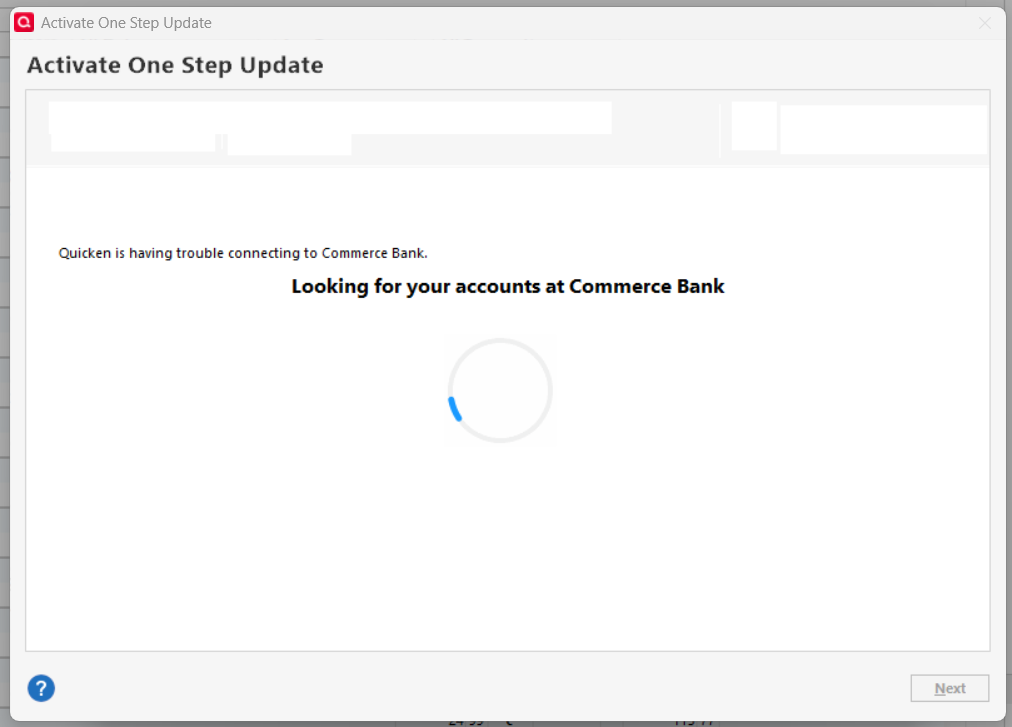
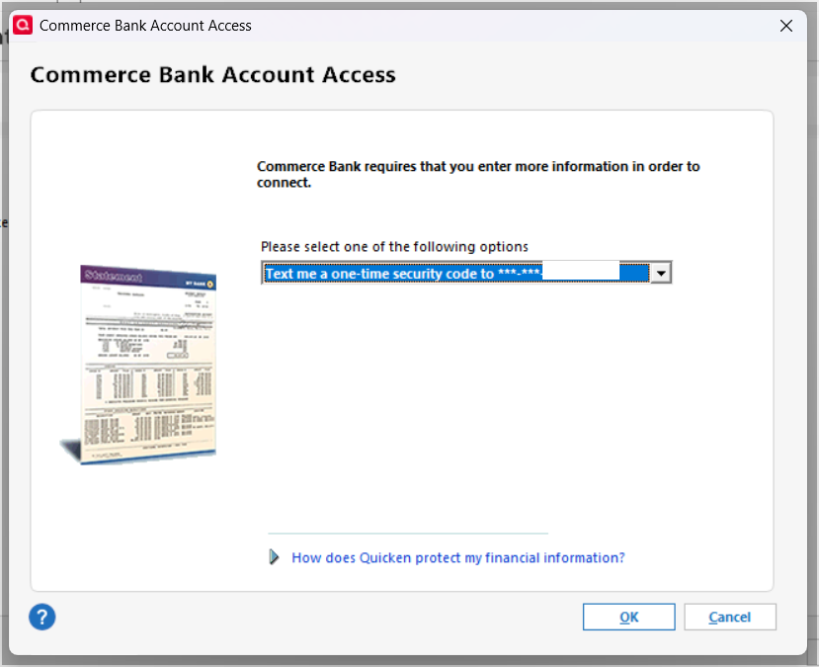
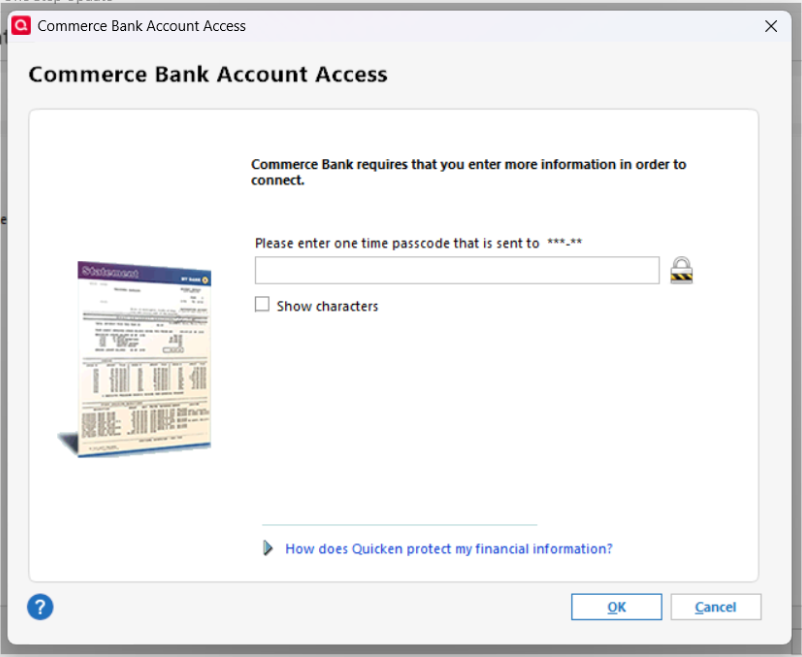
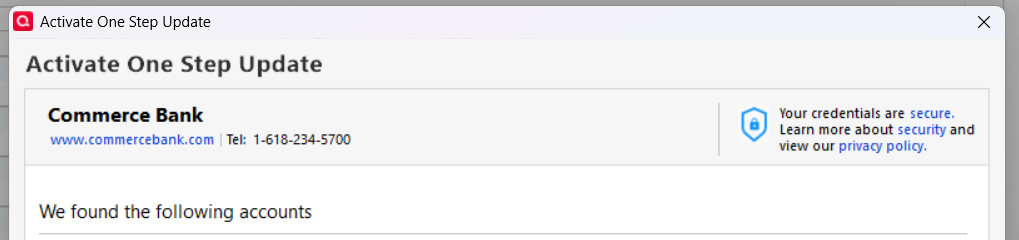
    One Step Update on (mySpending) does not give me these PopUp windows for FI Commerce Bank without going through Reset Accounts:

    image.png image.png Screenshot 2026-01-26 at 4.49.21 PM.png Screenshot 2026-01-26 at 4.49.31 PM.png

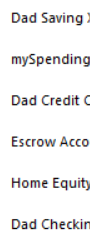
    Once my accounts are found I have to select the account to link to the existing account (mySpending) to update which is the only one tied to FI Commerce Bank. All other accounts are tied to FI Commerce Bank MO, KS, IL Web..

    image.png image.png image.png

    [Edited - Removed Personal Information]

  • Quicken Kristina
    Quicken Kristina Quicken Windows Subscription Moderator mod

    Thank you for your reply,

    Based on your description and screenshots, it sounds like there's a multi-factor authentication requirement, but the prompts show up only when adding or resetting the accounts. For assistance with that issue, please contact Quicken Support directly as they have access to tools we can't access on the Community and they're able to escalate the issue as needed. The Quicken Support phone number can be found through this link here. Phone support is available from 5:00 am PT to 5:00 pm PT, Monday through Friday.

    I apologize that I could not be of more assistance! 

    Quicken Kristina

    Make sure to sign up for the email digest to see a round up of your top posts.