Please advise.
Hello @jbbrown987,
Thank you for sharing the screenshot.
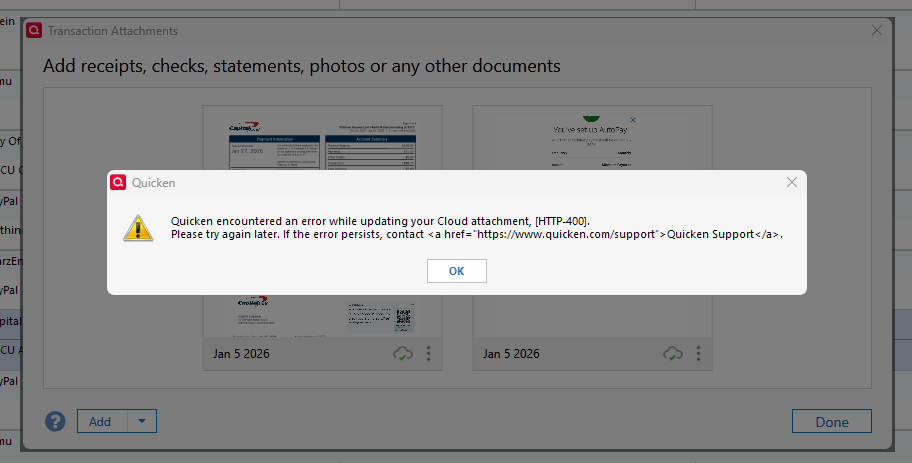
Based on what’s shown, the error you’re encountering is an HTTP-400 error. This indicates that Quicken is running into a server-side issue while attempting to sync cloud data, which can sometimes occur when deleting documents stored in the cloud.
To address this, please review and follow the steps outlined in our HTTP-400 support article, which primarily recommends signing out of Quicken and then signing back in to refresh the cloud connection:
If the issue persists after completing these steps, I recommend contacting Quicken Support directly so they can further investigate and escalate if needed.
Hope this helps!
Hello again,
We haven't heard back from you in a while. Do you still need assistance?
Thank you!
Checking in once more before this thread is closed. Let us know if you still need assistance.
Due to the lack of response, I went ahead and closed this post.
If you still require assistance, please feel free to start a new post.