I use Quicken Classic Deluxe R65.29 and have 22 years worth of history. I do not sync my accounts to the Cloud. I prefer to use the registers manually EXCEPT for my US Bank Visa card. For this account I retrieve transactions from my bank directly by creating a ,qbx file for a certain period. These transactions are then downloaded directly into Quicken for my review.
I recently had to change my US Bank (USB) credit card due to fraudulent activity. I now have a new USB Visa card. I tried to deactivate the old Visa so that I could change the credit card number in Quicken. However, when I do this Quicken is trying to sync and alot of old, incorrect transactions are being populated. Very frustrating as I would like to keep my correct history.
This has affected both my USB credit card account and my USB checking account. The account registers end up with incorrect entries as soon as I try to deactivate.
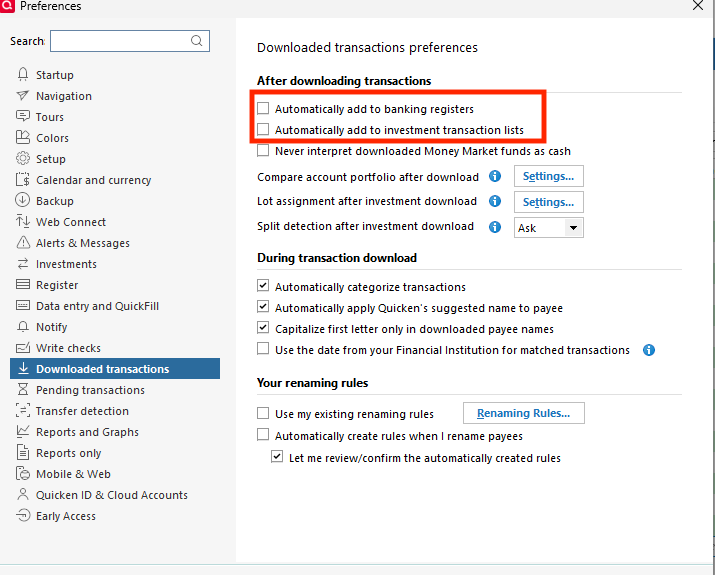
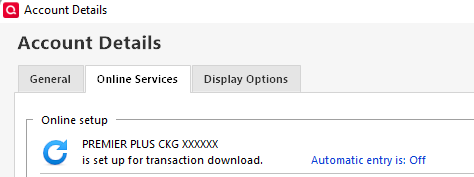
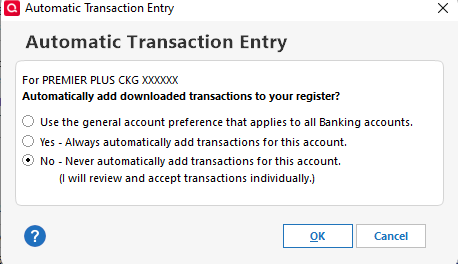
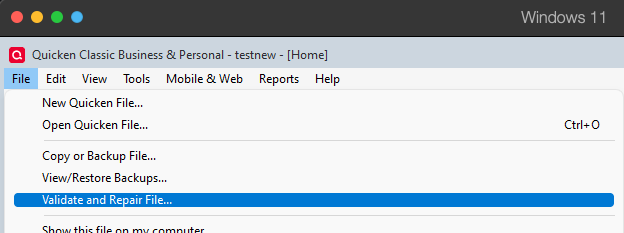
I have restored my backup file so that the data is now correct. I've tried to turn off cloud sync everywhere possible, however every time I try to 'deactivate' I'm back to having incorrect data in both my USB checking and USB Visa accounts.
I'm stuck at this point. Can someone point me in the right direction?