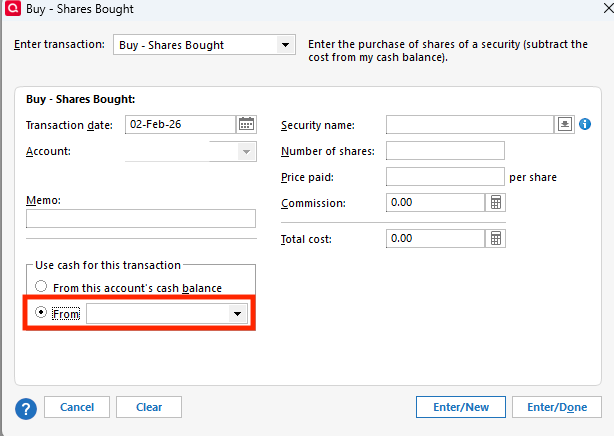
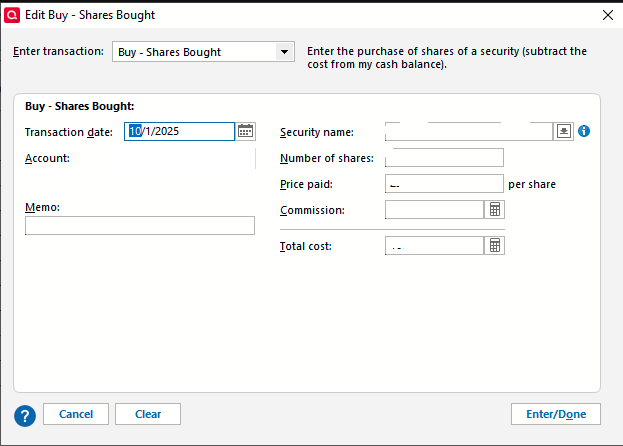
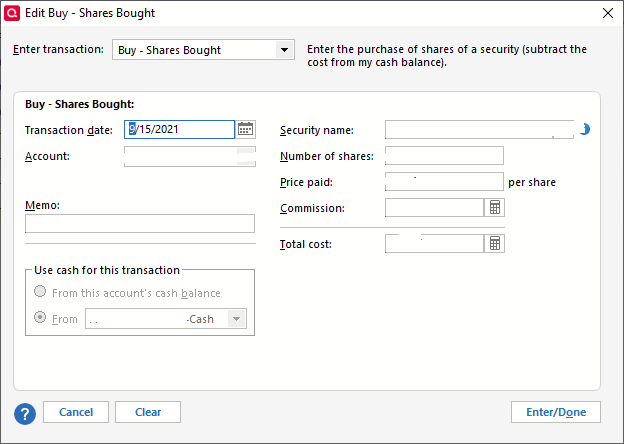
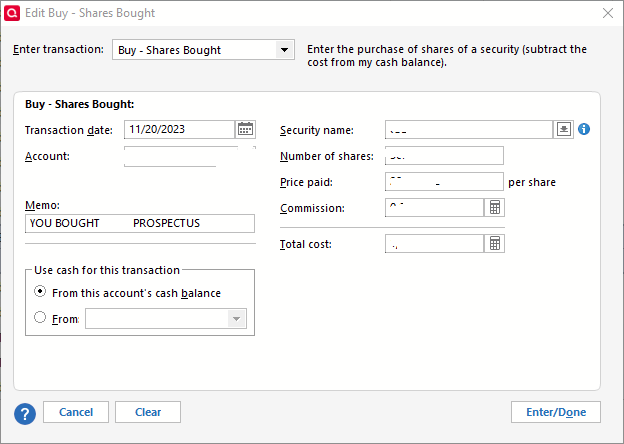
I'm trying to manually enter transactions that did not download for my Fidelity HSA during the months that such transactions could not download to Quicken ("Ticket 1999090" described here). After manually adding a "Bought" transaction on the investment account's register, I tried editing the "Action" field in the register to change it to a "BoughtX" transaction that creates a linked transaction on the separated "checking" account that tracks the cash balance ("Show cash in a checking account" option within the investment account's settings). However, I am unable to select or edit the "Action" field in the register for non-downloaded transactions. When entering "Edit" mode for either a downloaded or manual transaction, both "Bought" and "BoughtX" show as "Buy - Shares Bought" on the Enter transaction drop-down field, so the difference cannot be specified there.
How can I manually enter investment transactions with the "X" designation to properly track their effect on the linked "checking" account with the cash balance for this HSA?
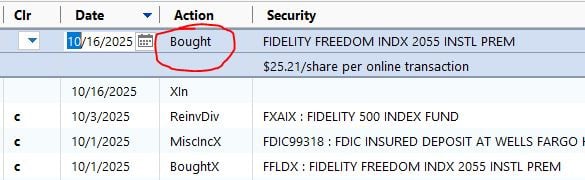
Fig. 1 - Manually-entered transaction does not allow selection or editing of the "Action" field in the register view.
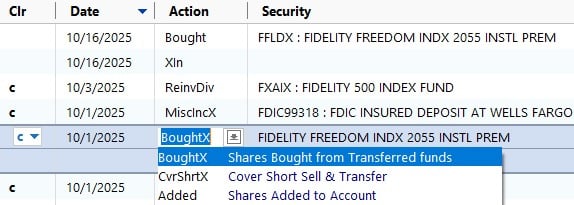
Fig. 2 - Downloaded transactions allow selection and editing of the "Action" field, permitting entry of the "BoughtX" action that draws from the account's linked cash transactions.
Running:
Quicken Classic Deluxe for Windows
Version R65.29
Build 27.1.65.29
Windows 10 Pro, 22H2, 64-bit