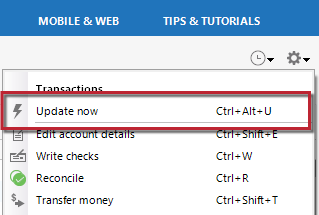
How can I activate or allow a popup window when trying to update an account that requires 2 step verification? I have been able to get the popup window and enter the code that is sent to my cell phone until just recently. Now, after updating, the error says that my institution is requiring a popup, and the update doesn't proceed even though the popup window has always automatically come up in the past.
I contacted Quicken Support, and they said it was my institution fault, and my institution says its Quickens fault. I use Quicken Classic Premier on a PC.
[Edited - Readability]