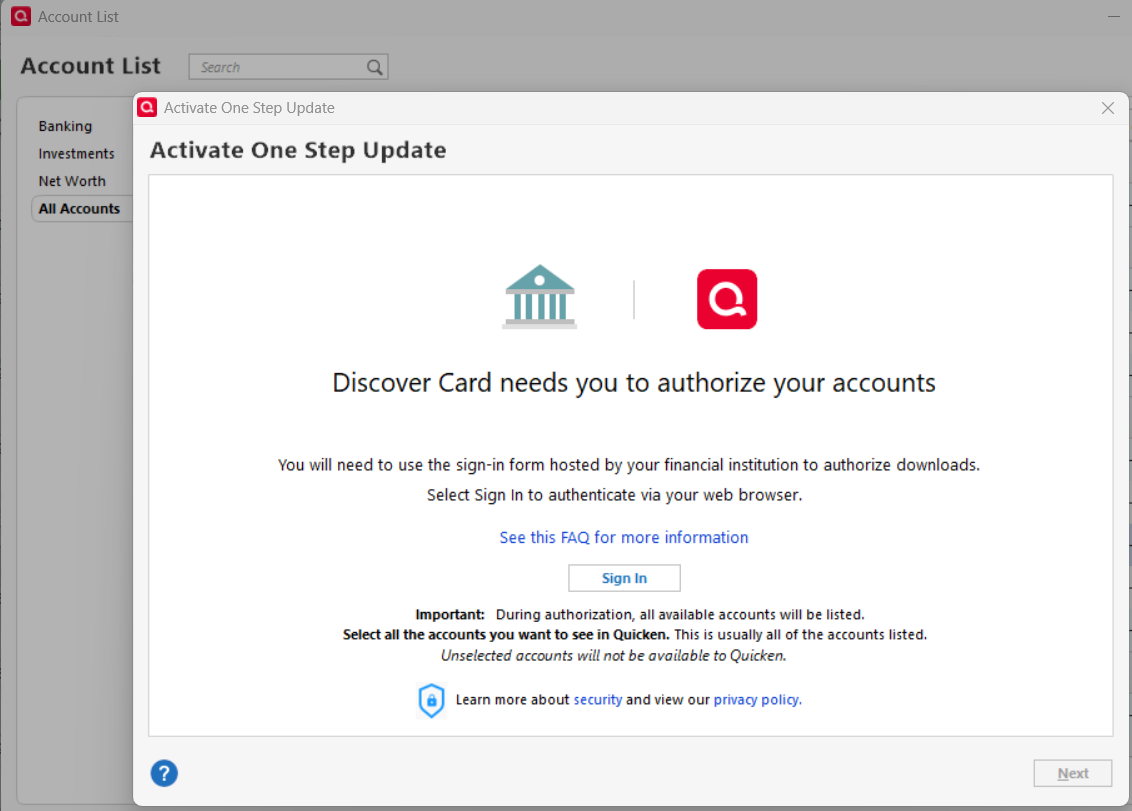
Online connection to Discover

phakanson
phakanson Quicken Windows Subscription Member ✭✭

I did not read all instructions fully on the new online connection for Discover; instead, I tried to reset the account and it appeared to be locked up (screen was grey/disabled). Then I deactivated the account and set it up again. This also resulted in the screen being grey/disabled. HELP. What do I need to do to get connected to Discover?


Comments

  • Quicken Kristina
    Quicken Kristina Quicken Windows Subscription Moderator mod

    Hello @phakanson,

    Thank you for letting us know you're encountering this issue. To help troubleshoot, I checked our internal tools, and it looks like you haven't updated your Quicken program in a while. Since Discover did recently update how they connect with Quicken, it's quite possible that the outdated version of the program is the cause of this problem.

    To correct the issue, please backup your Quicken file, then install the current version of Quicken. You can use the article linked below for instructions on how to manually update the program and to download the current update patch: https://www.quicken.com/support/update-and-patch-20182019-release-quicken-windows-subscription-product/#section-windows-2 .

    I hope this helps!

    Quicken Kristina

    Make sure to sign up for the email digest to see a round up of your top posts.

  • phakanson
    phakanson Quicken Windows Subscription Member ✭✭

    @Quicken Kristina

    That helped a little. I can log into my Discover account, but after I select to link it, I get error

    HTTP Status 400 – Bad Request
  • Quicken Kristina
    Quicken Kristina Quicken Windows Subscription Moderator mod

    Thank you for your reply,

    To help troubleshoot, please provide more information:

    1. Are you logging into your Discover account on their web page or directly in Quicken?
    2. Are you seeing that HTTP Status 400 error in your web browser, or in Quicken?
    3. Which web browser are you using?

    I look forward to your response!

    Quicken Kristina

    Make sure to sign up for the email digest to see a round up of your top posts.

  • sh10056
    sh10056 Member ✭✭✭
    edited February 13
    image.png

    Discover shows my account as linked; but Quicken does not. I receive the above Bad Request status in the final step of linking.

  • Quicken Kristina
    Quicken Kristina Quicken Windows Subscription Moderator mod

    Hello @sh10056,

    Thank you for letting us know you're also seeing this issue! To help troubleshoot, please answer the questions in my earlier post:

    I look forward to your reply!

    Quicken Kristina

    Make sure to sign up for the email digest to see a round up of your top posts.

  • phakanson
    phakanson Quicken Windows Subscription Member ✭✭

    @Quicken Kristina

    To answer your questions:

    1. Are you logging into your Discover account on their web page or directly in Quicken? Logging into Discover via Quicken from within the Online Services tab and selecting Set up now.
    image.png

    Quicken launches a web browser (Chrome) and requires me to log into my Discover account. I successfully log in, after providing my credentials and MFA security code. Then I get an Authorization Agreement page which I agree to. I'm asked which Discover account to link. Since I only have 1, it automatically selects it. I click on Connect Now and that's when the error code comes up.

    image.png

    2. Are you seeing that HTTP Status 400 error in your web browser, or in Quicken? On the web browser (see screenshot above in #1)

    3. Which web browser are you using? Chrome

  • tompfr
    tompfr Quicken Windows Subscription Member ✭✭✭

    Hello, I am seeing the same symptoms as phakanson. FWIW, I also use the Chrome browser. I do have three Discover accounts (1 credit card, 1 online savings, 1 CD) instead of 1.

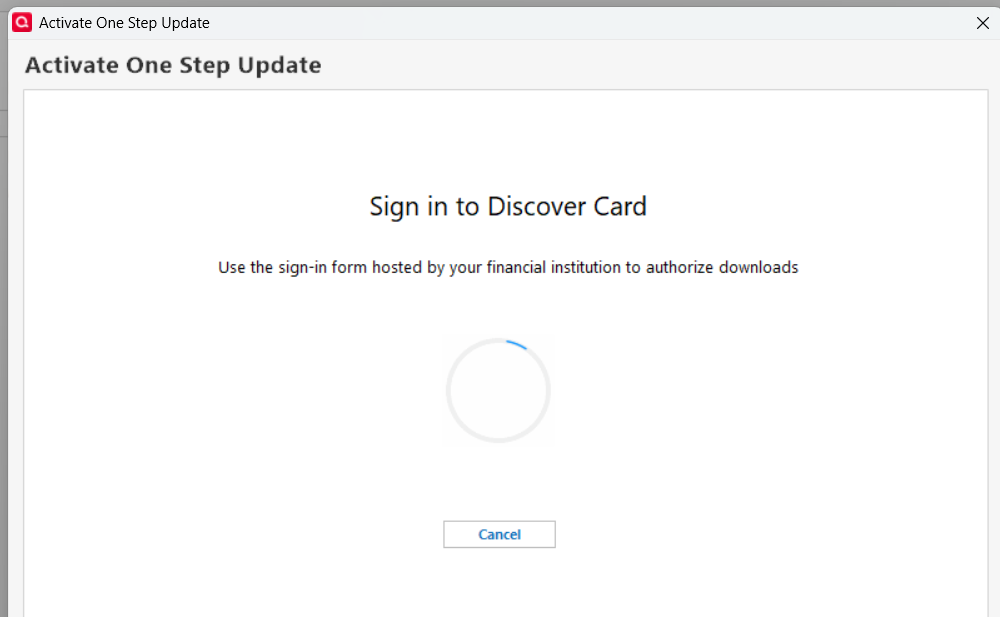
    When I get "HTTP Status 400 - Bad Request" message in the browser, the Quicken "Add Account - Sign Into Discover Card" screen is still sitting there waiting for the accounts to be authorized. Meanwhile, the Discover web site shows that all 3 accounts have been authorized on the Third Party Access page. If I wait about 5 minutes or so, the Quicken Add Account screen gives up and says "Sign into Discover Card failed. Try again" That screen also says "The sign in failed due to a timeout or connection error"

    One thing I did notice is that on the Discover account selection screen, the account selection choices are all selected to be authorized, AND are all greyed out. I can't do anything there but accept that all 3 accounts will be authorized (which is what I want), and then click on "Connect Now" - and then the "Bad Request" screen shows up.

    I have tried this procedure starting with all 3 accounts already authorized at the Discover web site, and also have tried it starting with all 3 Discover accounts not authorized. The same thing happens either way.

  • tompfr
    tompfr Quicken Windows Subscription Member ✭✭✭

    I should have tried this before, but the procedure does work when I use Microsoft Edge as the browser instead of Chrome (I set Edge as the default browser). All 3 accounts are now enabled for Quicken downloads using the EWC+ connection method, and "Discover Card" as the FI. So, for now at least, SUCCESS!

  • Quicken Kristina
    Quicken Kristina Quicken Windows Subscription Moderator mod

    Thank you for your replies,

    I'm glad to hear trying a different web browse corrected the issue!

    @phakanson

    If you haven't already done so, please try temporarily setting a different browser as your default, and test to see if that resolves the issue.

    Thank you!

    Quicken Kristina

    Make sure to sign up for the email digest to see a round up of your top posts.

  • phakanson
    phakanson Quicken Windows Subscription Member ✭✭

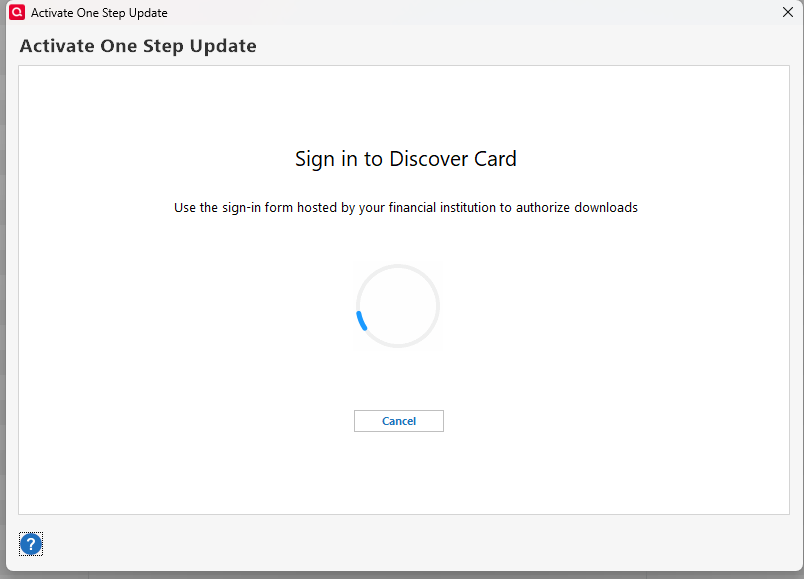
    @Quicken Kristina I switched my default browser to Edge. It did allow me to complete the sign in on the web and received the message "Your accounts have been authorized successfully!". However, when I went back to Quicken, it is still trying to sign in. After a few minutes, I get the message "Sign into Discover card failed". I tried a couple of times and still get the failure message.

    image.png
  • Quicken Kristina
    Quicken Kristina Quicken Windows Subscription Moderator mod

    Thank you for your reply,

    That error typically means something is interfering with the communication between the financial institution and Quicken. Do you use a VPN? If so, please try turning it off. Do you use an anti-virus and/or a firewall? If so, please check to make sure they're not blocking communication.

    Thank you!

    Quicken Kristina

    Make sure to sign up for the email digest to see a round up of your top posts.

  • phakanson
    phakanson Quicken Windows Subscription Member ✭✭

    @Quicken Kristina I decided to add Discover instead of doing an update and it worked! I still had Edge set as default browser.

  • Quicken Kristina
    Quicken Kristina Quicken Windows Subscription Moderator mod

    Thank you for the follow-up,

    I'm glad to hear that adding instead of updating worked!

    If you need further assistance, please feel free to reach out!

    Quicken Kristina

    Make sure to sign up for the email digest to see a round up of your top posts.

  • manddsokol
    manddsokol Quicken Windows Subscription Member ✭✭

    I switched browser to Microsoft Edge and it still gives me same error - any other suggestions?

  • Quicken Kristina
    Quicken Kristina Quicken Windows Subscription Moderator mod

    Hello @manddsokol,

    Thank you for letting us know you're also encountering an issue. To clarify, are you seeing the HTTP 400 or a different error? If it's a different error, what is the exact error message you are seeing?

    Do you use a VPN? If you do, try turning it off.

    Do you use an antivirus? Some antivirus programs include a safe banking feature that automatically redirects banking sessions to a custom browser. If you use an antivirus with that feature, please pause it.

    I hope this helps!

    Quicken Kristina

    Make sure to sign up for the email digest to see a round up of your top posts.

  • manddsokol
    manddsokol Quicken Windows Subscription Member ✭✭

    it is the HTTP Status 400 error and I do not use antivirus software nor VPN

  • Quicken Kristina
    Quicken Kristina Quicken Windows Subscription Moderator mod

    Thank you for your reply,

    I checked our internal tools and can see you're trying to connect to zzz-Discover Card Account Center. That connection option is no longer active. That may be why you're getting the HTTP 400 error.

    If that is the cause, then you can resolve it by following these steps:

    1. Backup your Quicken file.
    2. Deactivate the problem account.
    3. Navigate to Tools>Add Account.
    4. Search for Discover Card.
    5. Follow the prompts.
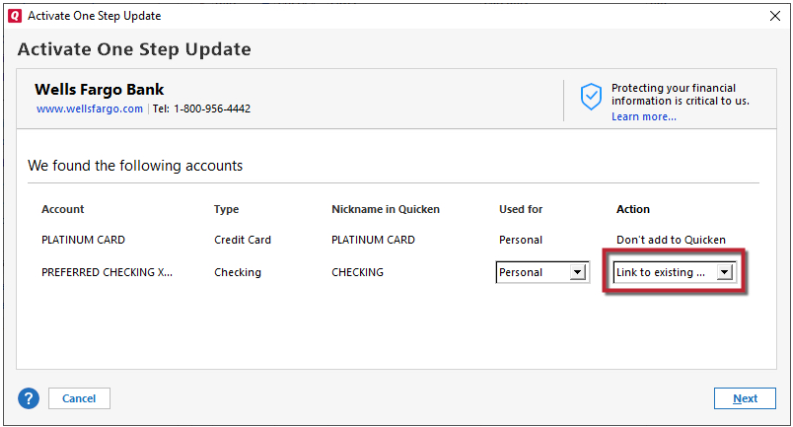
    6. When you get to the Add/Link screen, carefully link your account to the correct nickname in Quicken. Link to Existing.png

    Let me know how it goes!

    Quicken Kristina

    Make sure to sign up for the email digest to see a round up of your top posts.

  • manddsokol
    manddsokol Quicken Windows Subscription Member ✭✭

    I did the steps as you laid out, I still get the error

    HTTP Status 400 – Bad Request

    just after authorizing the account on the discover site

  • manddsokol
    manddsokol Quicken Windows Subscription Member ✭✭

    this is the first part of what is on the http line:

    https://services.quicken.com/oauth-redirect/526857481426966784?response_token=

  • Quicken Kristina
    Quicken Kristina Quicken Windows Subscription Moderator mod

    Thank you for your reply,

    I recommend contacting Quicken Support directly for further assistance, as they have tools we can't access on the Community, and they can escalate the issue as needed. The Quicken Support phone number can be found through this link here. Phone support is available from 5:00 am PT to 5:00 pm PT, Monday through Friday.

    I apologize that I could not be of more assistance! 

    Quicken Kristina

    Make sure to sign up for the email digest to see a round up of your top posts.