This discussion was created from comments split from:
Linking Discover Bank Account after Capital One Merger
.
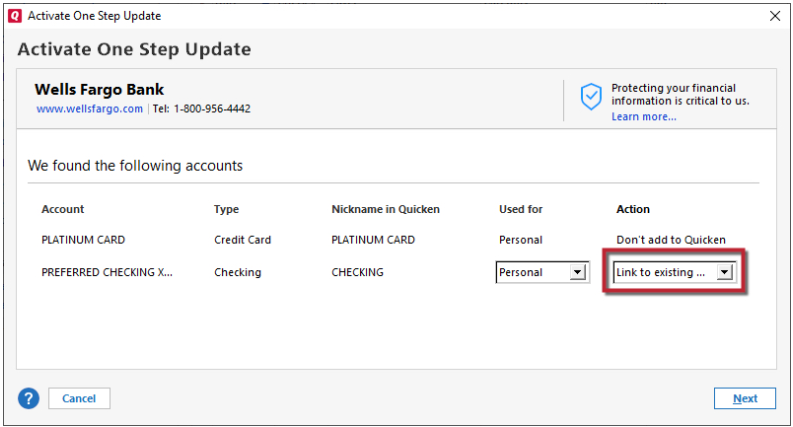
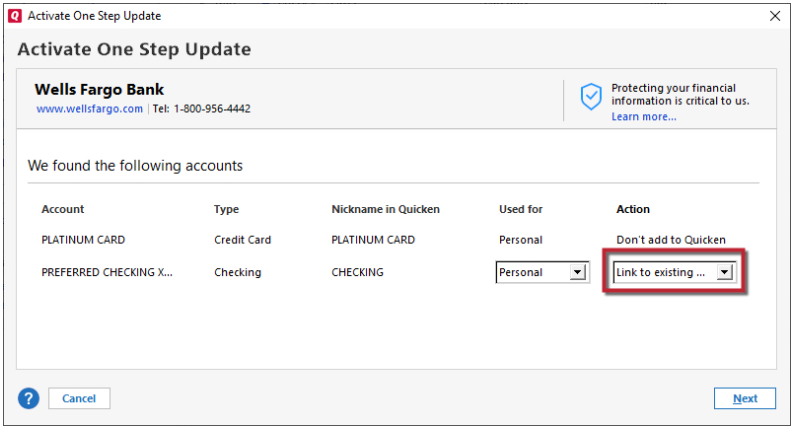
Similar message after re-authorization fails. See attached screen shots.
Hello @jgomes0,
Thank you for letting us know you're encountering this issue. When I review the screenshots, it appears that it's trying to connect using a connection option that is no longer available, resulting in the error message.
To resolve the issue, backup your Quicken file and deactivate the problem accounts. Then, navigate to Tools>Add Account, search for Discover Card, and follow the prompts, making sure to carefully link to the correct nickname in Quicken.
Please let me know how it goes!
I am also having trouble re-authorizing my Discover credit card for the past week. Deactivate is not available in the account details, only choice is SET UP NOW for online setup. I choose that & get a new window that says Discover card needs to authorize your accounts & I click the SIGN ON button. I get the Discover login page, enter my login/password & confirm my id via text message on my phone. The Discover Authorization Agreement screen comes up & I click AUTHORIZE. The Select Accounts screen appears & the correct credit card account is checked and grayed out. I click the button CONNECT NOW and get "HTTP status 400 - Bad request".
[Edit - Readability]
Hello @Nancy R Cservak,
Thank you for letting us know you're encountering this issue. To resolve the issue, first, backup your Quicken file, then navigate to Tools>Add Account, search for Discover Card, and follow the prompts. Once you get to the Add/Link screen, carefully link your account with the correct nickname in Quicken.
If the HTTP 400 issue persists, it may be due to a browser setting. Try setting a different browser as your default. Please avoid using Brave and DuckDuckGo, since those browsers are known to cause issues when authorizing accounts.
I hope this helps!
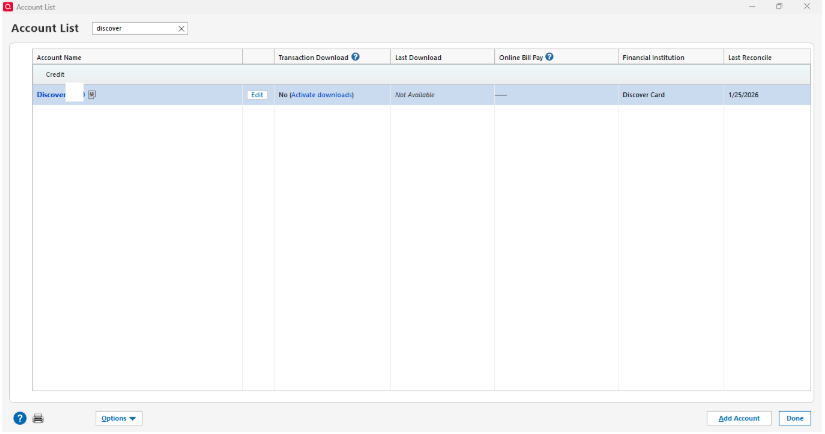
Kristina, the only choice for Discover in my account list is to ACTIVATE DOWNLOAD. I click that & go thru the process detailed above & get the 400 error.
[Edit - Removed Partial Account Number]
Thank you for your reply,
The process you are using, as demonstrated by your screenshot, refreshes the existing connection. Since you are getting an error when going through that process, please follow the instructions in my previous post:
Thank you!
Tried adding, got thru all the prompts, got
If the problem continues, contact the site owner.
HTTP ERROR 431
@Quicken Kristina Nevermind. I switched to Edge browser as someone else suggested & that worked, so appears to be a problem between Chrome, Quicken, & Discover.
Thank you for the follow-up,
I'm glad to hear the issue is resolved.
If you need further assistance, please feel free to reach out!
I was also using Chrome and getting the 400 error in the reauthorize process for Discover. I tried using Quicken support chat today, with no answer. But then I tried clearing my browser history and cookies, and after doing that, the whole reauthorize process. That made the difference, and it worked. So, instead of asking people to use a different browser, maybe suggest they try clearing cookies or history from the browser.