I am still using Quicken Mac 2007 on an iMac running OS 10.13.6 (High Sierra). Please don't lecture me about updating - I have my reasons. I'm hoping someone in this community still knows enough about QM 2007 to help with a recent problem.
I've always been able to print reports in portrait format but recently, for no apparent reason, they have started to come out in landscape. This wastes paper for long reports and is, frankly, annoying.
Quicken Preferences-Reports says nothing about printing.
Quicken Preferences-Print checks has 4 options but they all come out in landscape.
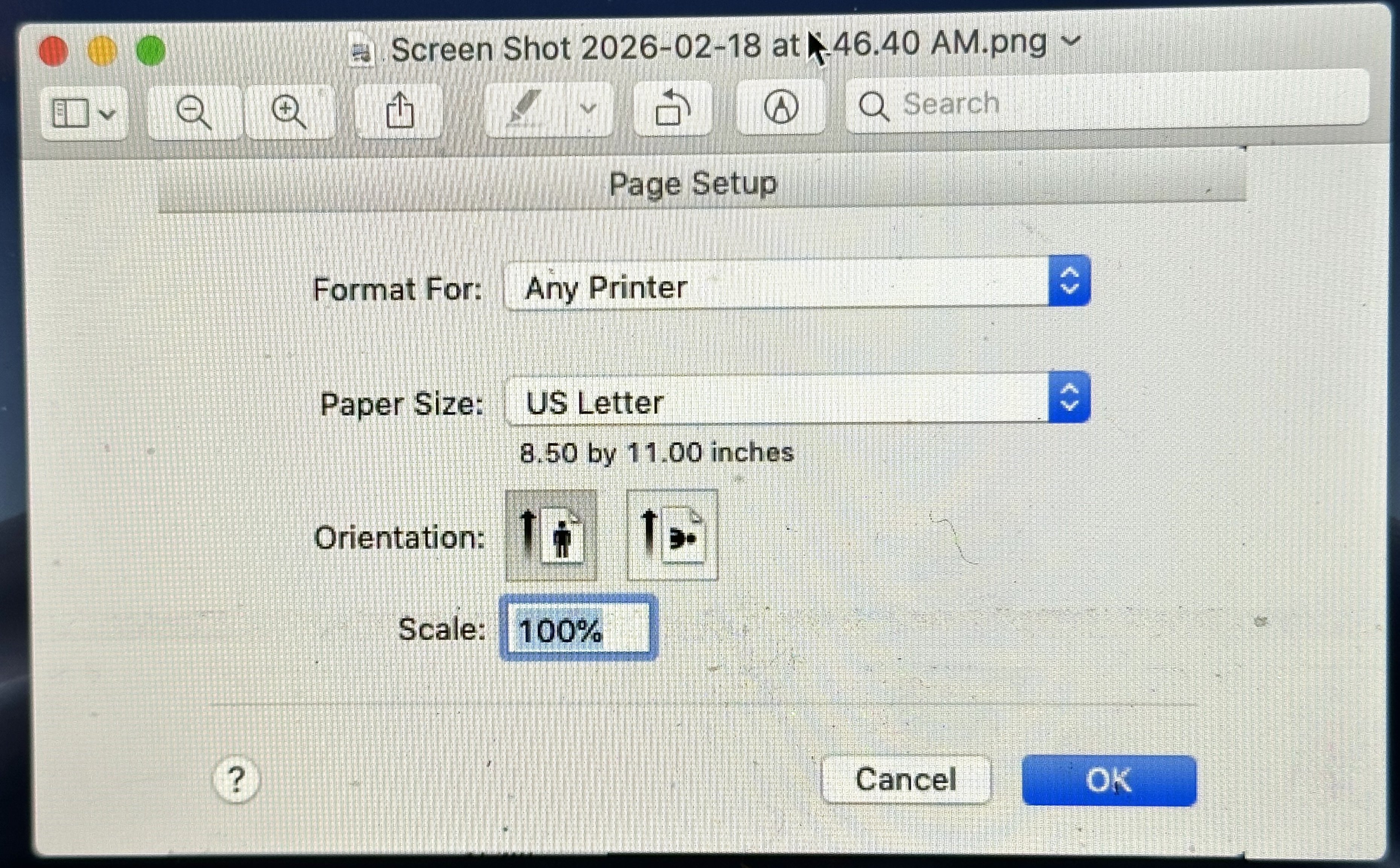
My default printing format for everything I print is portrait and that is working for other print jobs. But when I actually try to print a Quicken report, my Print - Layout settings show only landscape format, with no way to change to portrait.
I need to print several reports for tax purposes but am dreading using all that paper. If someone can shed some light on this mysterious gremlin, I'll be very grateful.