Quicken says Fidelity wants me to reauthorize my account access. Why?
Hello @EvDob,
After checking your account internally, it looks like Fidelity is currently returning an FDP-350 internal error, which can present in Quicken as a CC-901 error.
For context, CC-901 generally appears when Quicken detects that your account authorization needs to be refreshed. This can happen if:
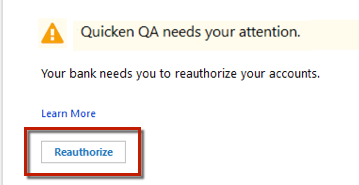
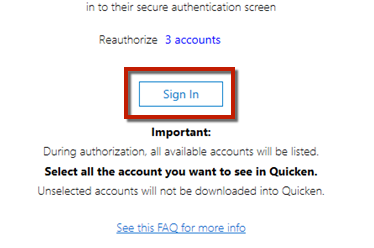
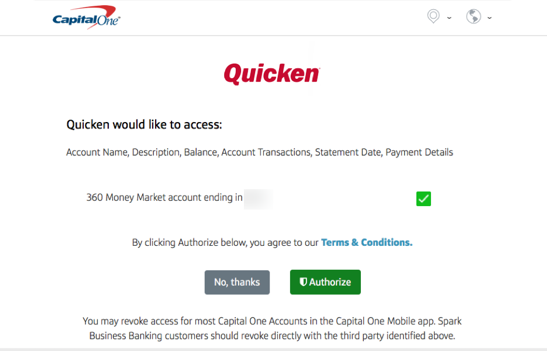
You can resolve this by reauthorizing your Fidelity account:
Important: If you have multiple Fidelity accounts or instances in Quicken, you may need to authorize each one individually. Make sure you don’t uncheck accounts unless you don’t want them in Quicken, as that would revoke their authorization.
If reauthorizing doesn’t resolve the issue, you may need to follow the steps in this support article to deactivate and reactivate the affected accounts.
Let us know if you continue to see the error after completing these steps.
Thank you!
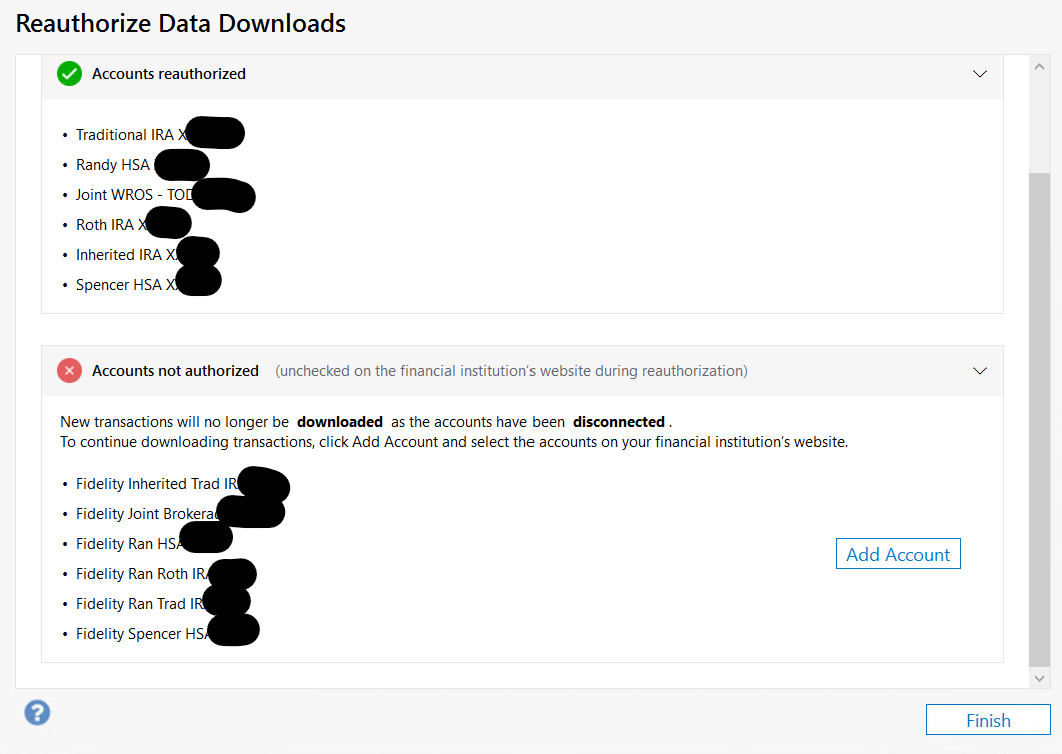
@Quicken Anja When I reauthorized, I got this mess:
The green list contains the Fidelity names, and the red list has the Quicken names for the same accounts. And the Quicken accounts indeed have all been disconnected! Bad bug!
I set up the downloads again, and some of the funds didn't default to link to existing accounts. Even those that did link by default, I was asked again to set the type to Brokerage or IRA. This should default to the existing linked account. Why is Quicken making this so hard?
Also Quicken asked me about whether to convert the money market funds into cash balance for each account. This information should not be lost!
It says it will remove buy & sell "transations" (spelling error).
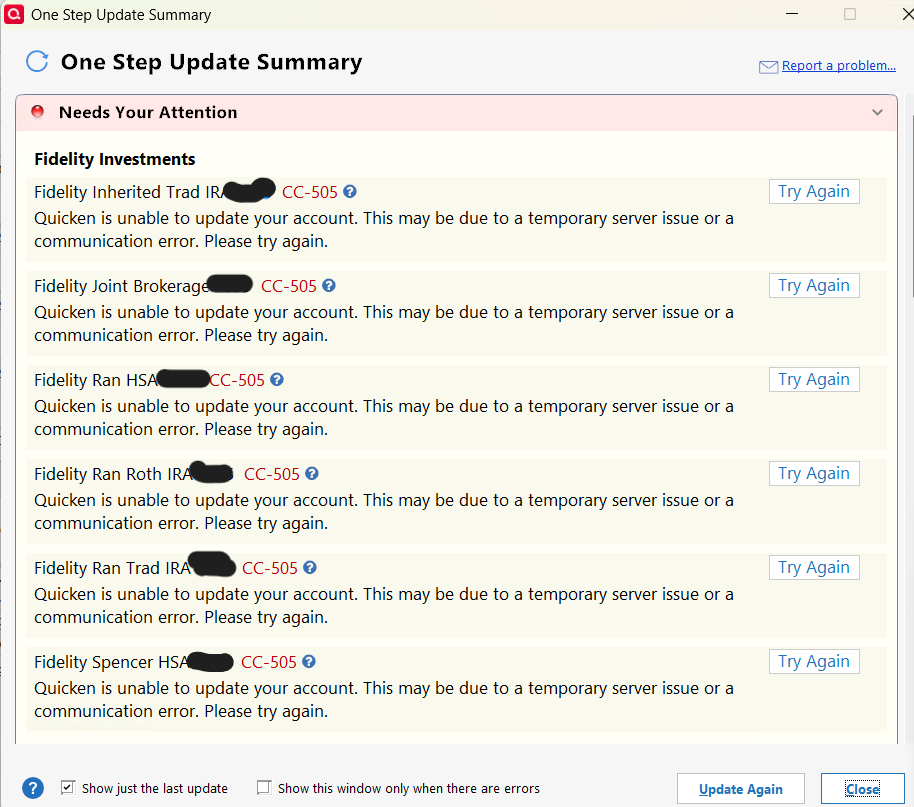
I got successful transaction downloads last night after the above, but this morning I did a One Step Update and encountered this:
Bug reported.
Thanks for the update, @EvDob. The CC-505 error you’re seeing this morning has been forwarded along—thank you for submitting a problem report. We’ve created a ticket for this issue (CBT-1044), and I’ll be adding your files and details to it.
For reference, please see the main thread on this topic where other users have reported the same issue today, and feel free to chime in there, as this thread has been included in our ticket:
@Quicken Anja Thanks for the info on the latest Fidelity issue. However, the problems linking accounts when reauthorizing is worrisome. Please get this investigated so it doesn't happen every time I have to reauthorize. (Not sure how often it's necessary to reauthorize.)