Running Quicken Classic Business & Personal v.R65.20 on Windows 11, Quicken software is up to date.
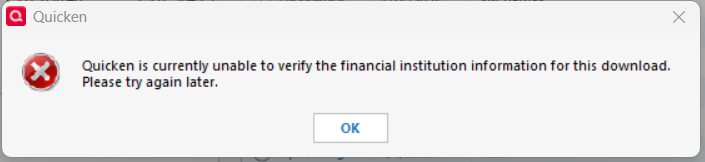
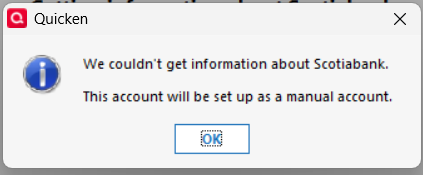
I do not use One Step update as it has never worked properly with Scotiabank. I download the QFX file from the banking website and load it into Quicken, this has worked just fine for years until Monday. Now I get a message stating "Quicken is currently unable to verify the financial institution information of this download". I have deactivated my Scotiabank accounts and when I try to reactivate them I get the following message "We couldn't get information about Scotiabank. This account will be setup as a manual account".
Is there a resolution to this? Or do I have to go back to entering everything manually (nuisance)?