I am using Quicken Subscription for Windows, and I am updated to the latest version (today).
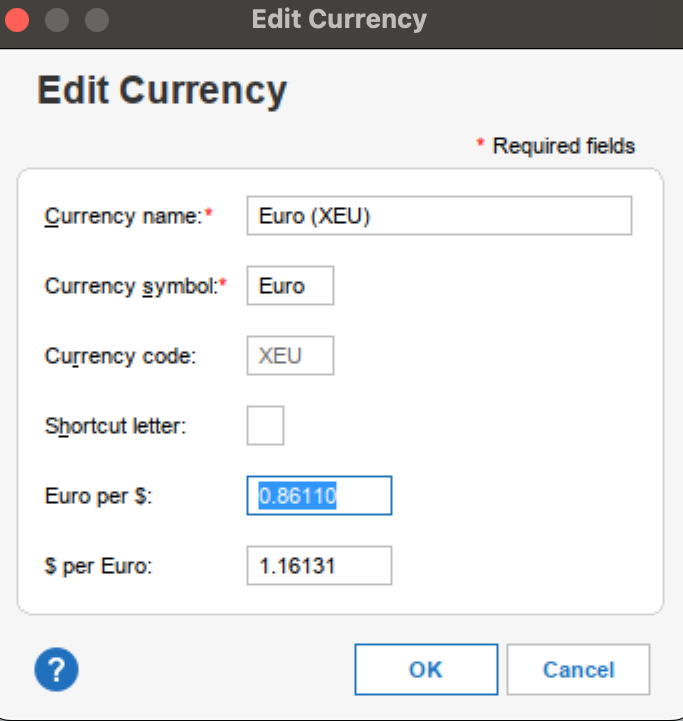
A while back (a few years, actually), I added a couple of accounts in a foreign currency (UAE Dirhams) to my file. It seems that by mistake, while adding the new currency, the "Currency Code" was somehow assigned as USD.
Now this currency is completely wrong - it is not truly UAE dirhams nor is it truly US dollars.
Quicken won't allow me to delete this currency because it is being used in multiple accounts (and they contain hundreds of transactions, literally).
I thought about creating new accounts with the correct currency and manually moving the transactions. But that will be impossibly hard to complete because they contain transfers to different currencies at different points in time with different exchange rates.
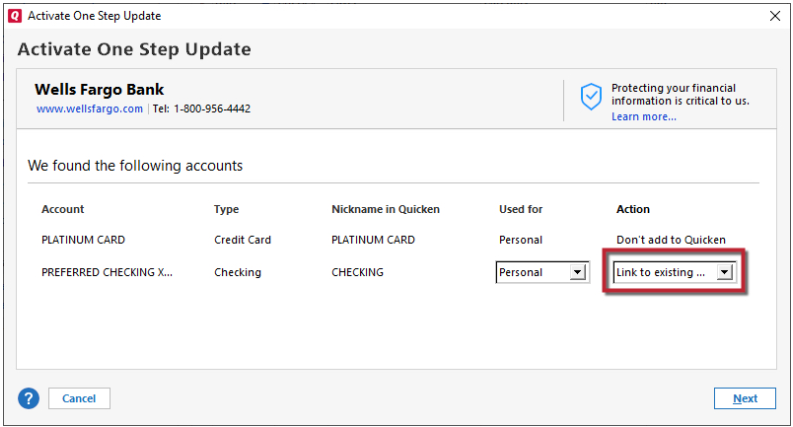
The peculiar thing is that now every time I want to create a USD-based account with online access (or enable online updates for a USD-based account), Quicken automatically changes the account's currency to this foreign currency. And, of course, Quicken does not allow manually changing the currency of these accounts to fix this back.
Is there any way I can fix this?
The ultimate and most straightforward fix is to be able to change the currency code for this currency.
Another fix would be to be able to change an account's currency.
Has anybody faced a similar problem?
Thank you